Local multiplayer is usually sold as a social feature: put a few people on one couch, pass out controllers and prepare to argue about the screen. For collectors, though, it is also a preservation feature. A game that can still create a match without reaching a publisher's server retains a larger part of its original purpose.
That does not mean every local mode will work forever. Consoles can require accounts, downloads, patches, compatible controllers or platform services before play begins. The useful distinction is narrower: once the required software and hardware are in place, split-screen, same-screen co-op, local wireless and system link can reduce dependence on matchmaking infrastructure that somebody else controls.
Local multiplayer is several different things
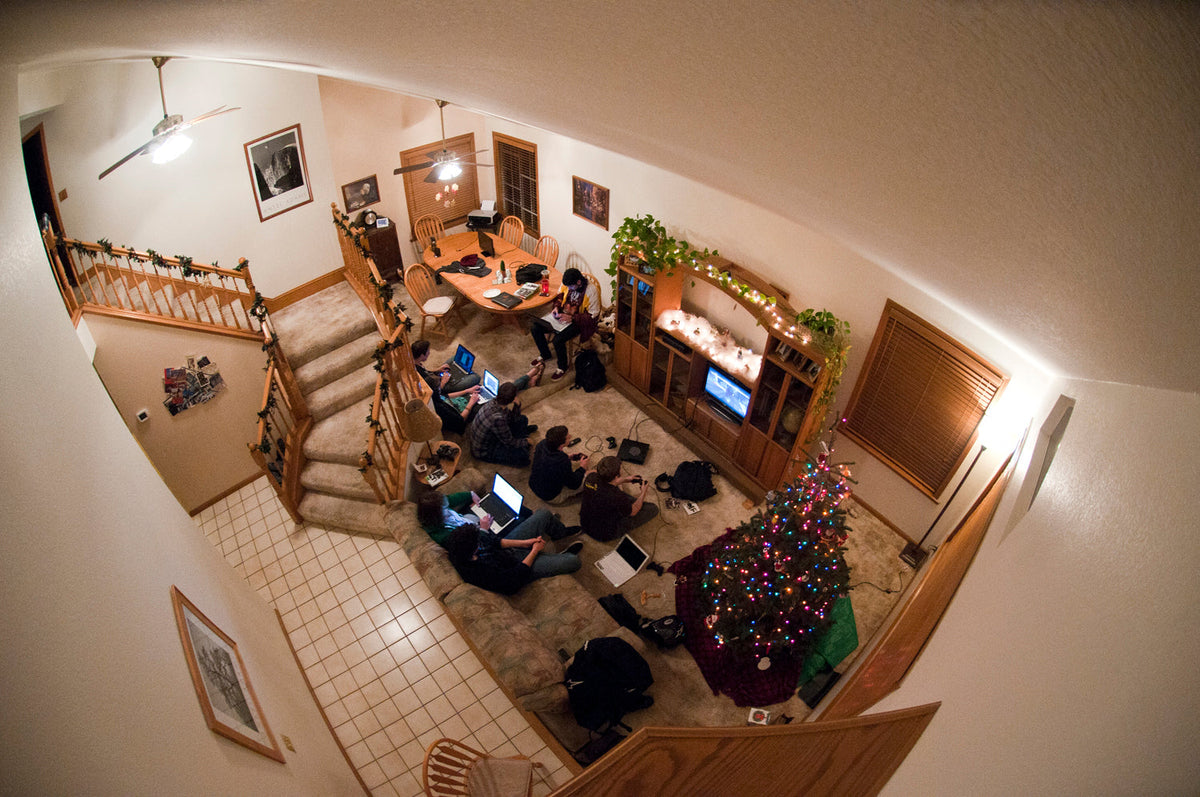
Same-screen games put everyone in one shared playfield. Split-screen divides one display into separate views. Local wireless connects nearby handhelds or consoles. LAN and system link connect machines over a local network. They all count as local play, but they preserve different experiences and demand different hardware.
That difference matters when buying an older game. Four players on one console may need only extra controllers. A system-link night may require multiple consoles, displays, copies of the game and networking gear. A handheld local-wireless mode can need one copy per player, or it may support a limited download-play client. 'Multiplayer' on the back of the box is not specific enough.

What survives when a service does not
An online shutdown can remove matchmaking, account services, leaderboards or hosted progression. A local mode may continue because the match is organized by the console or by devices on the same network. This is not a theoretical distinction. Xbox's current backward-compatibility page says original Xbox online services are unavailable for those backward-compatible games, while offline co-op, party play and system link remain supported when the original game supported them.
The important phrase is 'when the game supported them.' Backward compatibility cannot invent a local mode that never existed. It can only carry one forward. That makes the original feature list part of a game's preservation profile, right alongside disc condition, controller support and whether essential data still downloads.
Split-screen preserves more than access
Split-screen is not merely online multiplayer with fewer pixels. Players share the same room, can read each other's reactions and, in competitive games, can often see each other's view. Designers have to account for reduced screen area, camera layout, interface scale and the performance cost of rendering several viewpoints.
Those compromises are part of the original design. Preserving the game only as a solo campaign or an online mode preserves the software incompletely. A local match can reveal how a racing game handled shared information, how a shooter balanced visibility, or how a co-op game communicated without voice chat.

Modern platforms blur the line
Current systems often offer all three layers at once. Nintendo lists Mario Kart 8 Deluxe with same-system, local-wireless and online player modes, and separately documents LAN play on Switch and Switch 2. PlayStation Share Play can route a local multiplayer game through the internet. Valve's Remote Play Together similarly streams the host's local game while remote players use their own controllers.
Those bridges are convenient, but they do not turn a streamed session into independent local ownership. They still rely on an online platform, a host machine and current service support. The underlying local mode remains valuable because it is the part the bridge is extending.
What collectors should verify
- Mode: same-screen, split-screen, local wireless, LAN or system link.
- Player count: check the specific platform and edition, not only the franchise.
- Copies required: one per console is common for LAN and local wireless, but not universal.
- Accounts and subscriptions: local play may avoid an online subscription, while remote-play features usually do not avoid the internet.
- Downloads: backward-compatible and modern physical releases can still require downloaded game data or updates.
- Controllers and adapters: supported pads, ports and accessories can be the real limiting hardware.
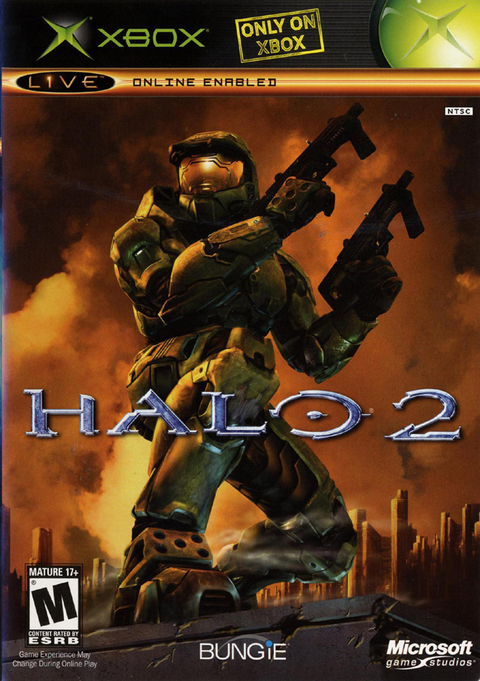
For physical buyers, a useful shelf is not just a list of famous multiplayer games. It is a list of copies whose exact platform, mode and required setup you understand. Zypher currently lists Halo 2 for original Xbox and Mario Kart 8 for Wii U in multiple physical-condition options. Check the listing and the game's official mode requirements before planning a multiplayer setup.

A feature worth preserving on purpose
Online play can connect more people, support larger communities and keep a game lively for years. Local multiplayer is not automatically better. It is simply more independent in the specific cases where the match can be created without a remote service.
That independence deserves to be treated as part of the game, not a bonus bullet point. When developers include split-screen or LAN play, compatibility programs preserve it and collectors keep the necessary hardware together, a multiplayer game has a better chance of remaining multiplayer after the official lobby goes dark.
Sources and image credits
- Xbox backward compatibility and local multiplayer
- Nintendo player-mode listing for Mario Kart 8 Deluxe
- Nintendo LAN play support
- PlayStation Share Play support
- Steam Remote Play Together
- LAN Party by Stuballew, CC BY-SA 3.0
- Rock of Ages local multiplayer by ACE Team, CC BY-SA 3.0
- Speed Dreams split-screen by Ocirne94, CC BY-SA 3.0
- Game Controllers by Ted Mielczarek, CC0