A red Nintendo Switch 2 card can now mean two very different things. One may carry the game data. Another may be a game-key card that unlocks a full download. Both arrive in a box, both slide into the same slot, and both must remain inserted while you play. For collectors, that makes the label on the case more important than the plastic itself.
Nintendo published a fresh explanation on September 23, 2026, and its support pages spell out the practical details. Here is the plain-English version of what you are buying, what still works offline, and what to check before a physical copy lands on your shelf.
The short answer
A regular Switch 2 game card stores game data on the card. A game-key card does not contain the full game. It authorizes a download to the console's internal storage or a compatible microSD Express card. After the initial setup, the downloaded game can launch offline, but only while the game-key card is inserted.
| Format | Where the game data lives | Internet needed | What proves access |
|---|---|---|---|
| Regular physical card | On the game card, with updates or DLC stored separately when applicable | Not for Nintendo's basic insert-and-play description | The inserted card |
| Game-key card | Internal storage or microSD Express after download | For the initial download and first launch | The inserted game-key card |
| Digital game | Internal storage or microSD Express | For purchase, download and some console-management actions | The Nintendo Account and loaded virtual game card |

A game-key card is physical access, not a self-contained copy
The easiest mistake is to treat every boxed release as the same kind of physical product. Nintendo says a game-key card does not hold the full game data. Insert it for the first time and the system downloads the software. The packaging shows the storage space required, so that number should be part of the buying decision, not an unpleasant surprise after checkout.
No Nintendo Account is required to download the game data. The card is also not tied to one account, which means you can lend it or sell it like other physical software. The next player inserts the card and downloads the game on their own system.
That gives a game-key card a real physical advantage over an account-bound digital purchase: the access token can change hands. It does not give you the same self-contained object as a regular card that stores game data. Those are different ownership qualities, even if both boxes look handsome on a shelf.

Offline play has one big setup condition
After the game is downloaded and launched the first time, Nintendo says a game-key card title can start without an internet connection. The card still has to be inserted. That makes the format fine for ordinary offline play after setup, but awkward as a last-minute road-trip purchase if the console has never downloaded it.
The practical move is boring but effective: install the game, launch it once, and verify that it starts before leaving reliable internet behind. If the game is a gift, remember that the recipient needs enough storage and an initial connection even though the package contains a card.
Storage becomes part of the physical purchase
Switch 2 has 256 GB of internal storage, with a portion reserved by the system. Nintendo says downloaded software, updates and DLC can also live on a microSD Express card. A game-key card therefore competes for the same storage used by digital games.
Save data is handled separately. Nintendo's data-management guidance says saves remain in system memory whether a game is physical or digital, and they cannot be copied to microSD Express. Deleting downloaded software does not delete its save data, so you can reinstall the game later and continue with the same user profile.

The five-second physical-copy check
- Read the front of the case. Nintendo says game-key card packaging carries an identifying label on the lower portion.
- Check the required download size. The package should state how much free space the game needs.
- Plan the first connection. Download and launch the game before travel, gifting or storing the console offline.
- Know what you value. If a self-contained card is the priority, confirm that the copy is a regular game card. If lending and resale matter more than having data on the card, a game-key card still keeps a transferable physical key.
- Protect the card. Once the software is installed, losing the game-key card still means losing access to that copy.
Zypher's take: physical is now a spectrum
The useful conversation is not whether game-key cards are "real physical games." That argument produces plenty of heat and very little shopping help. The better question is what the object lets you do.
A regular card can carry software data. A game-key card can be loaned and resold but depends on a download. A digital purchase lives with an account and uses Nintendo's virtual game-card system. None of those details should be hidden behind the single word physical.
For collectors, the case label belongs on the same mental checklist as region, condition and included codes. The tiny logo tells you whether the box contains a playable data carrier or a transferable key to data stored somewhere else.
Zypher shop recommendations
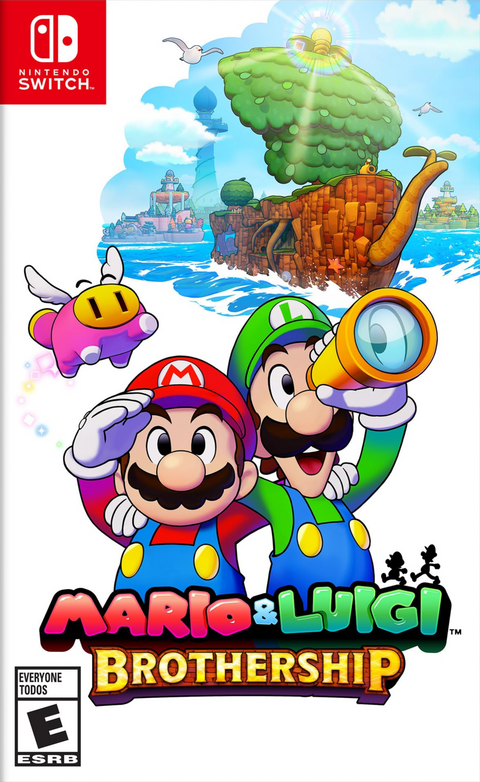
- Mario & Luigi: Brothership for Nintendo Switch is a recognizable Nintendo RPG for players building a physical Switch library.
- Super Mario 3D All-Stars for Nintendo Switch is especially relevant to collectors comparing complete copies, game-and-case sets and cartridge-only options.
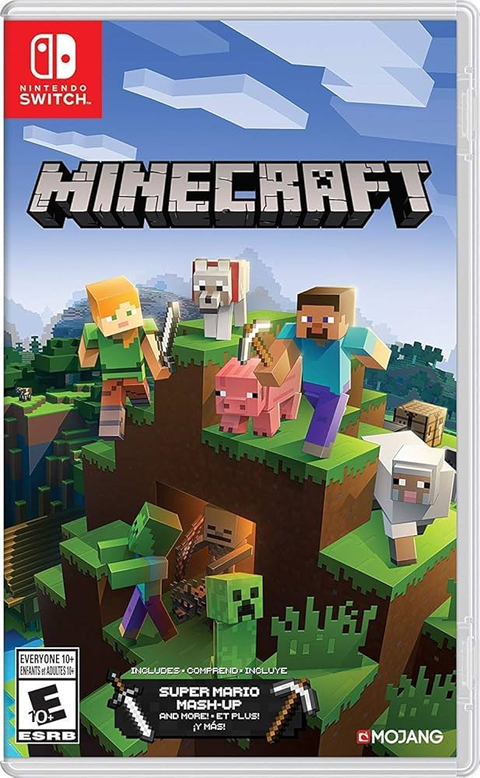
- Minecraft for Nintendo Switch is a useful example of why the exact condition and included physical pieces matter when shopping pre-owned.
Product availability and condition options can change. The linked product pages show the current listing details.
Official sources
- Nintendo's September 23, 2026 guide to regular cards, digital games and game-key cards
- Nintendo Switch 2 Game-Key Card Overview
- Nintendo Switch 2 Data Management FAQ
Image credits
Featured comparison and close-up photos by AOMAF2024 via Wikimedia Commons, CC0. Game card slot and microSD Express slot photos by Kyu3a via Wikimedia Commons, CC BY-SA 4.0. Images are presented without editorial alteration beyond responsive display sizing.