
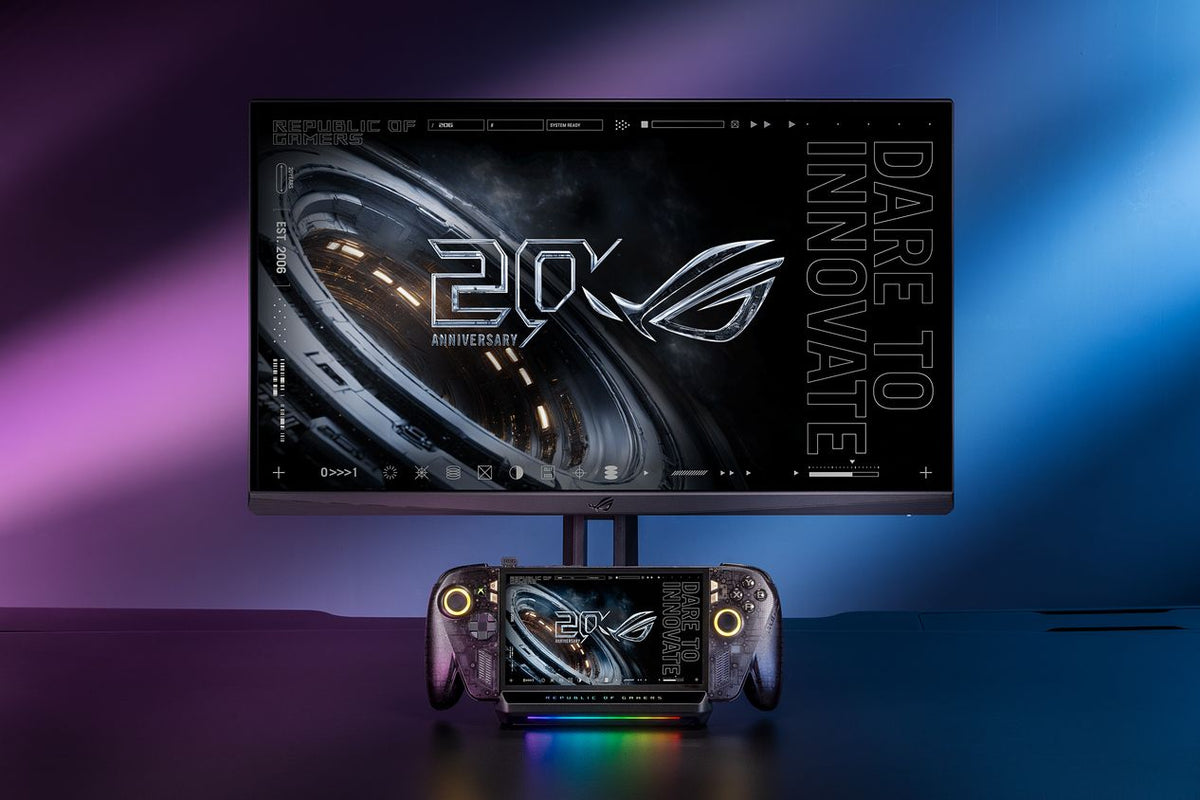
ASUS has announced the ROG Bulwark Dock DG310, a USB-C dock aimed at making its ROG Xbox Ally handhelds easier to use at a television or desk. The useful details are in the connections and power budget: HDMI 2.1, wired Ethernet, three USB-A ports, and up to 80W delivered to the handheld.
The announcement appears in ASUS's pressroom on October 16. Pricing and a firm on-sale date are not given in that announcement, so this is a look at the published capabilities rather than a buying verdict.
Start With the Charger
A power adapter is not included. ASUS's specification page recommends a USB-C power supply rated at 100W or higher, and lists a maximum 100W power input with up to 80W available through the upstream connection.
That distinction belongs near the top of a shopping checklist. A dock can organize a setup while still leaving a separate power purchase to make. Check the charger you already own before comparing the cost of this dock with a bundle that includes one.

What the Ports Actually Offer
The DG310 provides one HDMI 2.1 output, one Gigabit Ethernet connection, and three USB 3.2 Gen 1 Type-A ports. The USB-A connections are rated at 5Gbps. A fixed 60cm USB-C cable connects to the host device.
For a desk, those ports create a straightforward place to leave a mouse, keyboard, and wired network attached. For a television setup, the same arrangement can reduce the number of cables handled each time the handheld moves between rooms.
There is one external-display output. Buyers planning a two-monitor workstation should account for that limit before treating the DG310 as a replacement for a different kind of desktop dock.
4K at 144Hz Describes the Display Link
ASUS lists output support up to 3840 × 2160 at 144Hz or 7680 × 4320 at 30Hz. Its support FAQ also lists HDR, variable refresh rate, and auto low-latency mode.
Those are connection capabilities. They do not establish the frame rate a particular game will achieve. ASUS says the actual resolution and refresh rate depend on the host device, HDMI cable, and display. Treat all three as part of the setup.
Our practical takeaway is to start with the games and television you intend to use. A high-refresh output option can be useful, but a specification printed on the dock cannot replace checking the handheld's performance at your chosen settings.

The USB-C Connector Is Only the Starting Point
The official FAQ requires a device with USB-C DisplayPort Alt Mode and USB Power Delivery. It identifies Windows 11 or later, macOS 12.3 or later, and Android 14 or later, while describing the ROG Xbox Ally family as the optimized use case.
The built-in stand is designed around the Xbox Ally, Xbox Ally X, and Xbox Ally X20. ASUS also promotes a button for pairing wireless accessories with a supported Ally. Do not assume those device-specific conveniences apply identically to every machine that can use the ports.
For now, the DG310 is worth watching as a way to make a handheld's place in a living room more convenient. The remaining buying questions are concrete: local price, availability, charger cost, physical fit, and support for the display mode you actually want.
Sources
- ASUS announcement, dated October 16, 2026.
- Official DG310 specifications.
- ASUS DG310 support FAQ.
- ASUS product image gallery.
Based on ASUS's published announcement and documentation. No hands-on performance test is claimed. Featured promotional image supplied through ASUS Pressroom; inline product images are from ASUS's official gallery.


