You found a DS or 3DS game you want. Great. Before you buy it, check the detail that can ruin the whole purchase: does this exact cartridge work on your exact handheld? A bargain stops being a bargain pretty quickly when your console will not launch it.
Nintendo did not exactly make this easy. A 2DS can play 3DS games. A DSi cannot. And a brand-new original 3DS still is not a New Nintendo 3DS. Yes, those names actually change which games you can play. Here is what to check before handing over your money.
The compatibility table to check first
| Game card | DS / DS Lite | DSi / DSi XL | 3DS / 2DS family |
|---|---|---|---|
| Standard Nintendo DS game | Yes | Generally yes; check special accessories | Generally yes; no GBA-slot features |
| DSi-only game | No | Matching region required | Check the game's region and compatibility |
| Nintendo 3DS game | No | No | Matching region required; check New-model exclusives |
| New Nintendo 3DS-exclusive game | No | No | New Nintendo 3DS, New 3DS XL, or New 2DS XL only |
This is the starting point for unmodified retail hardware. Special accessories and individual software restrictions still matter. Nintendo confirms that 3DS cards cannot be played on DS, DS Lite, DSi, or DSi XL. Backward compatibility runs in one direction. An older handheld does not learn a new trick because the cartridge looks close enough.
1. Identify the system, not just its color
Ask for the complete model name. “Blue Nintendo” is a description of a color, not a compatibility answer. Check the system's printed identification and compare it with its manual. If you are buying a gift, get a photo of the recipient's handheld before you start shopping.
For 3DS software, remember that the original 2DS belongs to the 3DS family. The lack of a 3D screen does not turn it into a DS. The word New is the tricky part: it is an actual model designation, not a condition grade.
Xenoblade Chronicles 3D is a useful warning example. Its hardware requirement is specific to the newer models. Nintendo lists New Nintendo 3DS, New Nintendo 3DS XL, and New Nintendo 2DS XL as compatible systems. A seller calling an original 3DS “like new” changes precisely zero of those requirements.
2. Read the cartridge's family and region

Nintendo describes older DS and DS Lite software as region-free, while warning that most, rather than absolutely every, older title is compatible across regions on DSi hardware. DSi-only cards are region locked. Treat DSi-enhanced and unusual imported releases as individual checks instead of waving them through under “all DS games work everywhere.”
For 3DS games, the rule is firmer: the entire 3DS and 2DS hardware family is region locked. Match the software region to the system region. Changing the language or carrying the system into another country is not a compatibility plan.

Nintendo's Americas-region identification guide tells buyers to check both packaging compatibility statements and the code on a 3DS card. Its example ends in USA. Ask for a readable photograph of the actual cartridge, especially when the box and card might have been paired later. A regional code is useful identification; it is not a complete counterfeit inspection.
3. Check what the game needs besides the card
A game booting and every feature working are different promises. Nintendo's DS-on-3DS guidance excludes games requiring the GBA cartridge slot and explains that Slot 2 accessories and features cannot be used on 3DS hardware. Check the original manual if a game depends on a special peripheral.
For ordinary supported DS software on a 3DS-family system, do not expect a 3D makeover. Nintendo also offers a handy display option: hold START or SELECT while launching DS software to use its original resolution. That is a display choice, not an upgrade patch.
If the card does not fit correctly, stop and recheck its orientation and platform. Nintendo's New Nintendo 2DS XL manual warns against forcing a game card into place. The cartridge slot does not need a motivational speech and extra pressure.
4. Separate offline play from old online promises
Packaging is a snapshot of launch day. Nintendo ended general online play and related internet features for 3DS software on April 8, 2024. Its current service notice says offline features remain usable. Read the modes you actually want to play, rather than buying an old box's online multiplayer promise.
Before paying, ask the seller to launch the actual card and show the title screen. Confirm the item description, included case or manual, condition, and return policy. If a specific accessory or mode is the whole reason you want the game, make that your first question.
The 30-second buying checklist
- Write down your exact system model.
- Read the platform name on the actual game card.
- Match the region for 3DS and DSi-only software.
- Check DSi-enhanced imports and New-model requirements individually.
- Confirm any required accessory and the modes you want.
- Read the listing's condition and included items before checkout.
Build your handheld shelf with Zypher
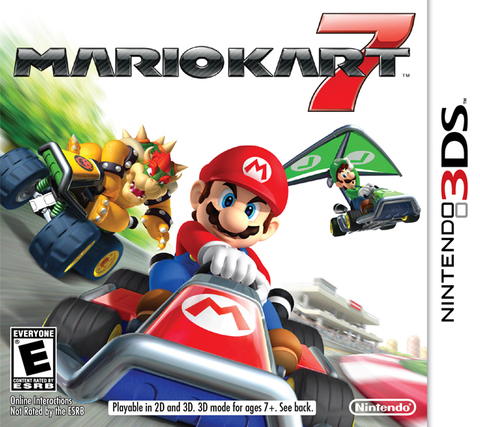
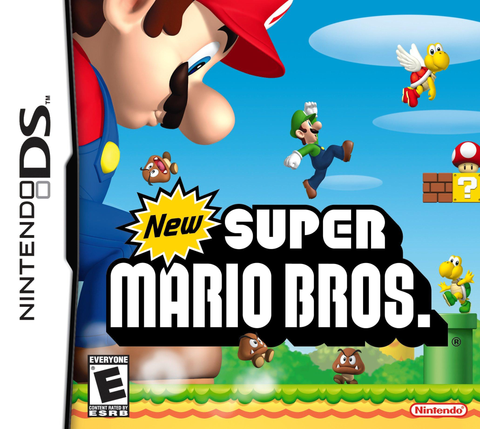
Ready for another cartridge? Buy from us at Zypher Trading Video Games. Start with New Super Mario Bros. for Nintendo DS or Mario Kart 7 for Nintendo 3DS. Those are different software families, so use the checks above and read the available variants before ordering.
Shop Zypher's current game selection. Check your model before checkout so your next pickup actually gets played. Availability and condition options can change.