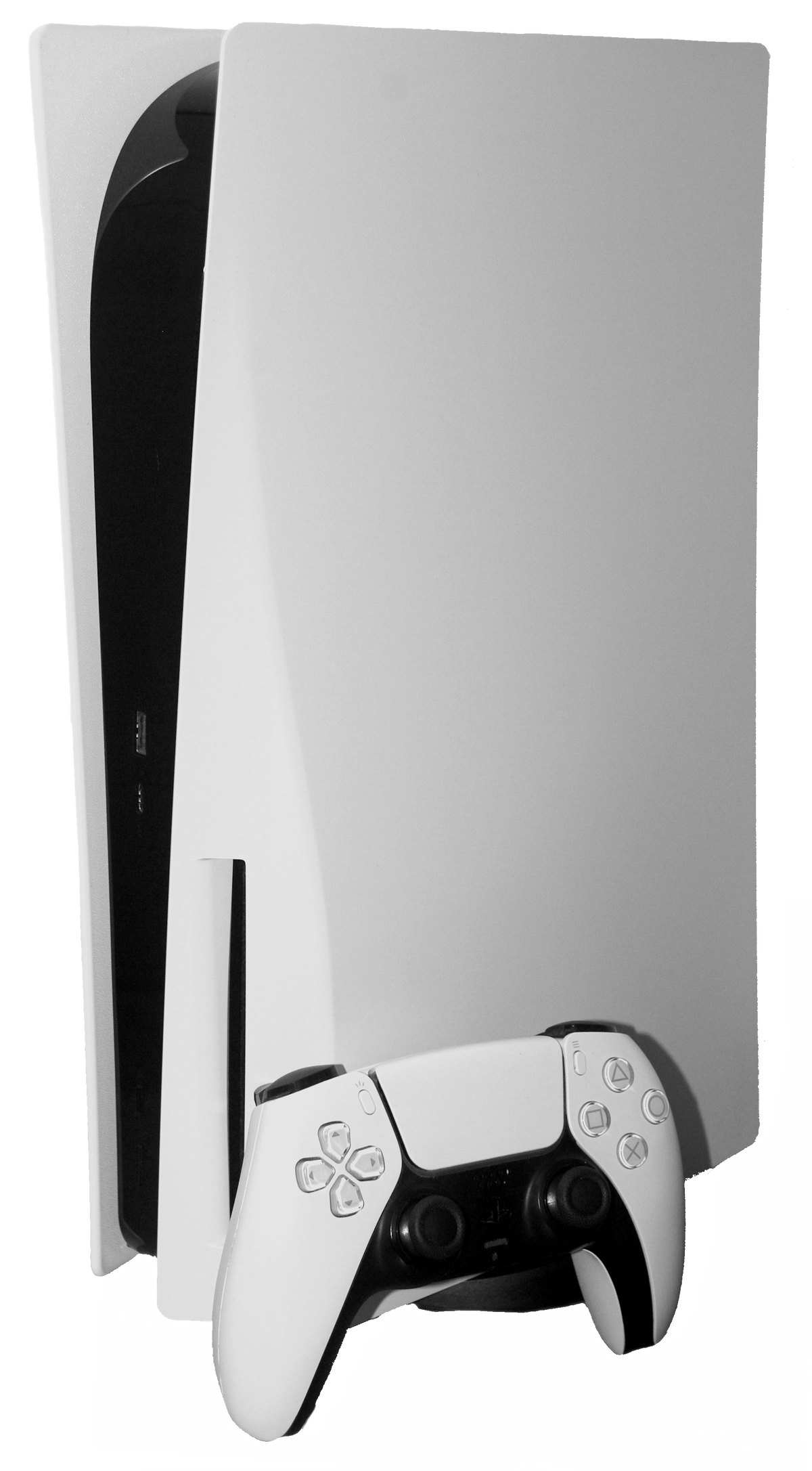
No, a PS5 does not play original PlayStation 3 game discs. The drive can physically accept a Blu-ray-sized disc, but Sony lists PS3 discs outside PS5 backward compatibility. If a seller says the disc “should work because both systems use Blu-ray,” that is a packaging fact doing a terrible impression of a compatibility test.
You can still play selected PS3 games on a PS5 through PlayStation Plus Premium cloud streaming, and some PS3-era games have newer ports, remasters, or remakes made for PS4 or PS5. Those are separate products or services. Your original PS3 disc does not unlock them.

The short answer depends on what you own
- An original PS3 disc: use a compatible PlayStation 3. A PS5 will not read it as playable PS3 software.
- A digital PS3 purchase: do not assume it becomes a PS5 download. Check the current PlayStation Store listing for the exact title and platform.
- A PlayStation Plus Premium membership: selected PS3 games in the Classics Catalog can be streamed on PS5 where cloud streaming is supported.
- A remaster, remake, or port: the newer PS4 or PS5 release is its own compatible version. Owning the older disc does not automatically provide it.
That distinction prevents the most common buying mistake: seeing the same game name on two generations and treating the versions as interchangeable. They may share a title, story, and enough box art to confuse a shelf at twenty paces, but the console still cares which release you bought.
Why a PS3 disc does not work in PS5
Sony’s current PS5 support page says the console is backward compatible with the majority of PS4 games, then specifically states that PS5 consoles do not support PlayStation 3 discs. The limit applies even to a PS5 model with a disc drive. Adding a drive gives the console a way to read supported physical media; it does not add PS3 software compatibility.
The same support note covers one especially odd edge case. Sony previously offered a PS3-disc-to-PS4 digital upgrade program for certain games. If that PS4 version still requires the PS3 disc as its ownership check, Sony says it cannot be played on PS5. The disc is asking a newer console to validate an older upgrade path, and the answer is no.

How PS3 games can appear on PS5
PlayStation’s current Plus catalog page says classic PS3 games in the Classics Catalog are available through streaming only. On PS5, Premium members can open PlayStation Plus, choose the Benefits tab, enter the Classics Catalog, and select Stream on an eligible title. Sony lists a minimum broadband speed of 5 Mbps, or 15 Mbps for 1080p streaming, while warning that available resolution can fall when the connection slows.
Streaming is access, not disc compatibility. It depends on the membership, region, internet connection, and current catalog. Games can leave the service, so check the live listing instead of treating an old lineup as permanent. Sony also maps a PS3 game’s SELECT and START commands to the left and right sides of the DualSense touchpad. You must click the touchpad, not merely tap it.
A newer release takes a different route. A PS4 remaster running through PS5 backward compatibility or a native PS5 remake is installed as that newer version. Saves, trophies, features, and online services can differ, so confirm the exact edition before assuming progress or extras carry over.
What should physical collectors keep?
Keep the PS3 hardware if the goal is to play a physical PS3 library. A working console, controller, video cable, power connection, and known-good disc make a complete playback path that does not depend on a rotating subscription catalog. Before buying a used system, follow our used PS3 testing checklist and verify the exact CECH model on its label.
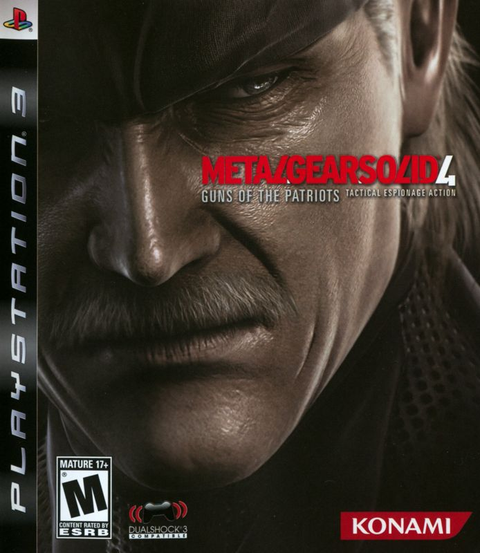
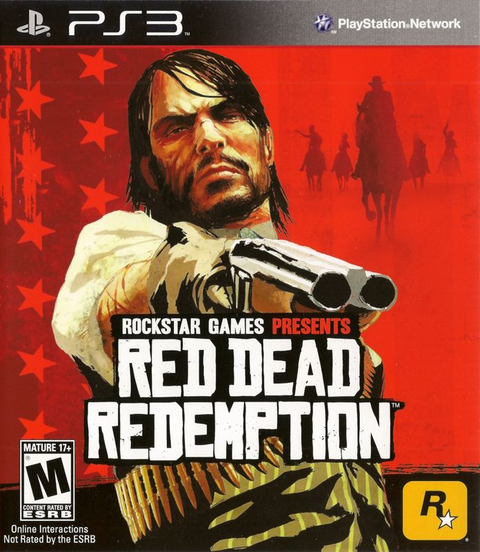
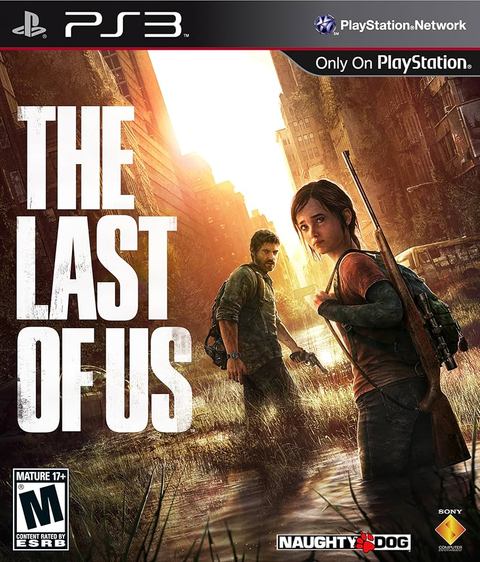
Keep original discs for ownership, collecting, and direct PS3 use, but do not buy them solely for a PS5. Current Zypher listings for The Last of Us on PS3, Metal Gear Solid 4, and Red Dead Redemption on PS3 are physical PS3 products. They need PS3-compatible hardware, regardless of whether another edition with the same name exists elsewhere.

A five-check buying plan
- Identify the exact game version and platform printed on the case and disc.
- If it is a PS3 disc, plan to use a PlayStation 3 rather than a PS5.
- If you want to stream, confirm the title is in the current Classics Catalog and that Premium cloud streaming is available in your region.
- If a remake or remaster exists, compare that newer edition’s platform, contents, saves, and required purchase separately.
- For a physical collection, test the PS3 console and disc before any seller return window closes.
For another generation boundary, our PS2-on-PS5 compatibility guide explains why original PS2 discs face the same basic wall. Our physical-versus-digital guide covers the ownership tradeoffs behind discs, downloads, and subscriptions.
Build the right PlayStation shelf at Zypher
Shop Zypher’s PlayStation 3 games for original physical releases and PlayStation 5 games for software made for the current console. Check the platform on every listing before ordering. If you are clearing out duplicates or changing generations, use the Zypher Buy List to see what we are currently buying.
Sources and image credits
- PlayStation Games Support: PS5 backward-compatibility limits, checked October 22, 2026.
- PlayStation Plus Classics Catalog support: PS5 catalog access, streaming steps, connection guidance, and PS3 controller mapping, checked October 22, 2026.
- PlayStation Plus games catalog: PS3 catalog titles are streaming-only and availability can change, checked October 22, 2026.
Hardware photographs: PS5 with disc drive by Howardcorn33, CC0; original PS3, PS3 Slim, and PS3 model comparison by Evan-Amos, public domain. Source files were used without content edits beyond Shopify hosting and responsive display. Permissions checked October 22, 2026.
This guide is based on current official PlayStation documentation. It does not claim that Zypher XP tested every console, disc, stream, or regional catalog.