
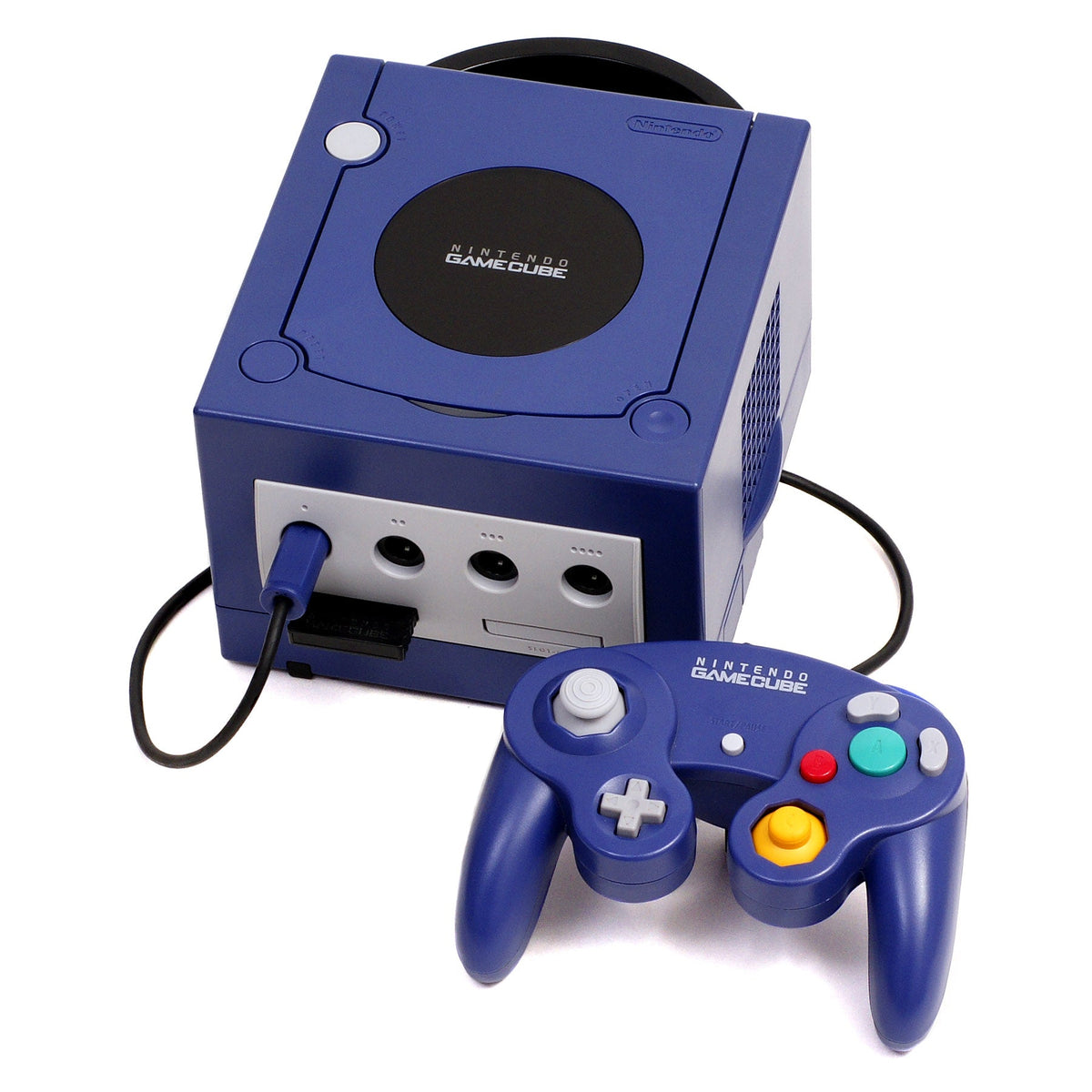
A console that forgets the date every time it loses power can look much sicker than it is. The calendar jumps backward, settings reappear, and games may stamp new saves with nonsense dates. That does not automatically mean the console erased the saves themselves.
The useful distinction is between the small battery that keeps a system clock alive and the separate storage that holds game progress. Those two jobs can live on the same motherboard, but they are not the same data.
The clock battery is a tiny backup system
Game consoles need to remember the time even when their main power is off. Older systems commonly did that with a rechargeable cell, a coin battery, or another small backup component. When that part wears out, the clock and a few system settings may reset after the console is unplugged.
That symptom is narrower than a failed hard drive or corrupted memory card. The console may still boot, read games and load saved progress. What it loses is the information the backup battery was assigned to preserve.

GameCube makes the separation unusually clear
Nintendo's GameCube manual describes a specific failure message: system settings were lost and the calendar reset. If that message appears every time the console powers on, Nintendo says the built-in batteries may be worn out.
The same manual treats game saves as a different system. Game information is stored on removable GameCube Memory Cards, and the console can move or copy eligible files between cards. In other words, a GameCube that forgets its calendar has not proved that its Memory Card data is gone.
That is good news, but not a reason to ignore the warning. Games that use the real-time clock can behave oddly when the date is wrong, and incorrect timestamps make it harder to understand when files were created. The sensible response is to protect the saves first, then diagnose the hardware.
Wii clock trouble does not equal Wii save loss
Nintendo's current Wii support page is direct: if the Wii cannot keep time while unplugged, its internal battery needs replacement. The page also notes that the Wii does not automatically adjust for daylight saving time, so a one-hour error is not necessarily a battery failure.

Wii game saves live in the console's system memory, not in the replaceable clock battery. Nintendo also documents a way to copy many Wii save files to an SD Card, although individual games can block copying or allow only partial data. Virtual Console suspend points are another exception and do not copy with the normal save file.
That makes the clock-reset symptom a useful reminder to back up whatever the system permits. It is not evidence that every save has already vanished.
PlayStation 2 saves are separate too
Sony's PlayStation 2 manual separates the system clock from game storage. Date and time live in the System Configuration menu, while PS2 and original PlayStation game data are saved to removable Memory Cards. The browser can copy or delete those files independently of the clock setting.

Battery hardware varies by PS2 revision and region. A community iFixit guide for the European SCPH-90004 documents a CR2032 clock battery under the drive, while warning that other SCPH-900xx regional models may not use the same arrangement. A repair video for one slim model is not a universal map for every PS2.
What can actually break when the date resets?
- System settings can be forgotten. The console may ask for the date again or return to a default calendar.
- Save timestamps can become misleading. New files may appear older than existing ones even though the progress data itself is intact.
- Clock-aware games can behave strangely. Events tied to days or time can trigger at the wrong moment until the clock is corrected.
- Online synchronization may mask the symptom. A connected system can correct its time, so test behavior only with the method documented for that console.
What a dead clock battery does not prove is equally important. It does not by itself prove the optical drive is failing, the game disc is bad, the Memory Card is corrupt, or every save is unrecoverable.
Back up before opening the console
If the console still reads its saves, protect them before any repair. On GameCube, copy eligible files to another Memory Card. On Wii, use Nintendo's SD Card copy process for games that allow it. On PS2, copy important data between compatible Memory Cards and verify the destination before touching the hardware.
Then identify the exact model and region. Battery type, location and whether the cell is socketed, wired or soldered can change across revisions. If the job requires soldering or deep disassembly and you are not equipped for it, use a qualified repair technician. Guessing with a screwdriver is how a cheap battery becomes an expensive motherboard.
The collector takeaway
A working clock is part of a console's condition, but it is not the whole preservation story. Test cold-start behavior after the machine has been unplugged, confirm that saves load from their actual storage, and document any battery replacement with the model and date.
The best order is simple: preserve the data, identify the revision, verify the symptom, and only then repair the clock hardware. That keeps a maintenance job from turning into an accidental save-data experiment.
For the longer history behind these separate storage systems, read how game saves moved from passwords and cartridge batteries to memory cards and cloud storage. If you are working specifically with Sony's older removable storage, see how to copy PS2 saves between Memory Cards.
Sources and image rights
- Nintendo GameCube instruction manual, including the worn-battery system-settings warning and Memory Card instructions.
- Nintendo Support: Wii time settings are incorrect.
- Nintendo Support: copying Wii save data to an SD Card.
- Sony PlayStation 2 user guide, including System Configuration and Memory Card functions.
- iFixit community guide: European SCPH-90004 clock battery replacement, last updated February 5, 2024.
Zypher XP checked the source pages and image permissions on October 11, 2026. The article distinguishes documented manufacturer behavior from model-specific community repair guidance. Images are used unmodified under the permission terms linked in their captions.


