A save file is easy to ignore until it disappears. Across four decades, game progress has moved from notebook margins to cartridge memory, removable cards, internal storage and online accounts. Each step made saving more convenient, but each also changed what players and collectors need to protect.
The clearest way to understand that history is not as a straight march toward “better.” Passwords could survive without hardware. Battery-backed cartridges made progress feel personal to one copy. Memory cards separated a save from the game disc. Cloud syncing made a save portable again, while tying recovery to accounts, memberships and per-game support.
Passwords turned progress into portable information
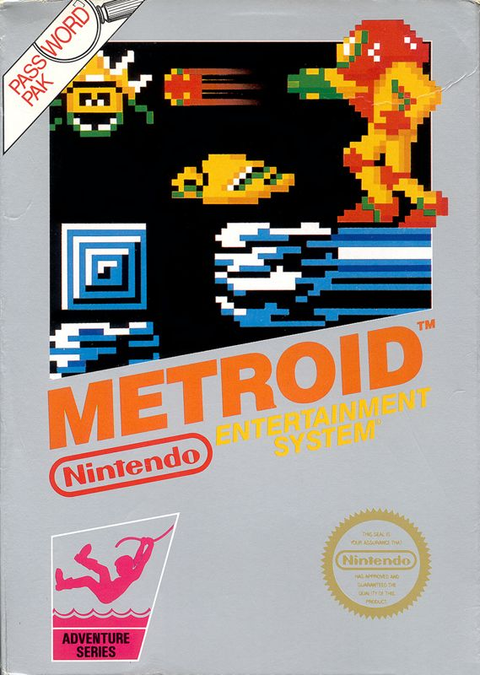
Early console games often had no persistent save storage. Instead, some games converted progress into a password that players could write down and enter later. The NES version of Metroid is a classic example: its official Nintendo manual explains the password screen used to continue a game.
A password was more than a key. It represented parts of the game state in text, so it could travel between cartridges and consoles. That portability came with friction. One copied character could invalidate a long code, and the player had to preserve the paper rather than a chip.
Battery-backed cartridges made the copy remember
Cartridge games eventually began carrying their own persistent save hardware. Nintendo’s official manual for The Legend of Zelda: A Link to the Past explicitly identifies the Game Pak’s battery backup function and explains how to record progress.

This was a major change in ownership. The save belonged to that physical copy, which made lending a cartridge feel like lending a tiny personal archive. It also created a preservation issue: a game can still run even when its old save hardware no longer retains progress.
For collectors, the important rule is simple. Do not treat a cartridge that boots as proof that its save function is healthy. Test saving and loading when practical, document any irreplaceable file, and use a qualified repair service if battery replacement or data transfer is needed. Opening a cartridge or soldering without the right tools can damage the board.
Memory cards separated the save from the game
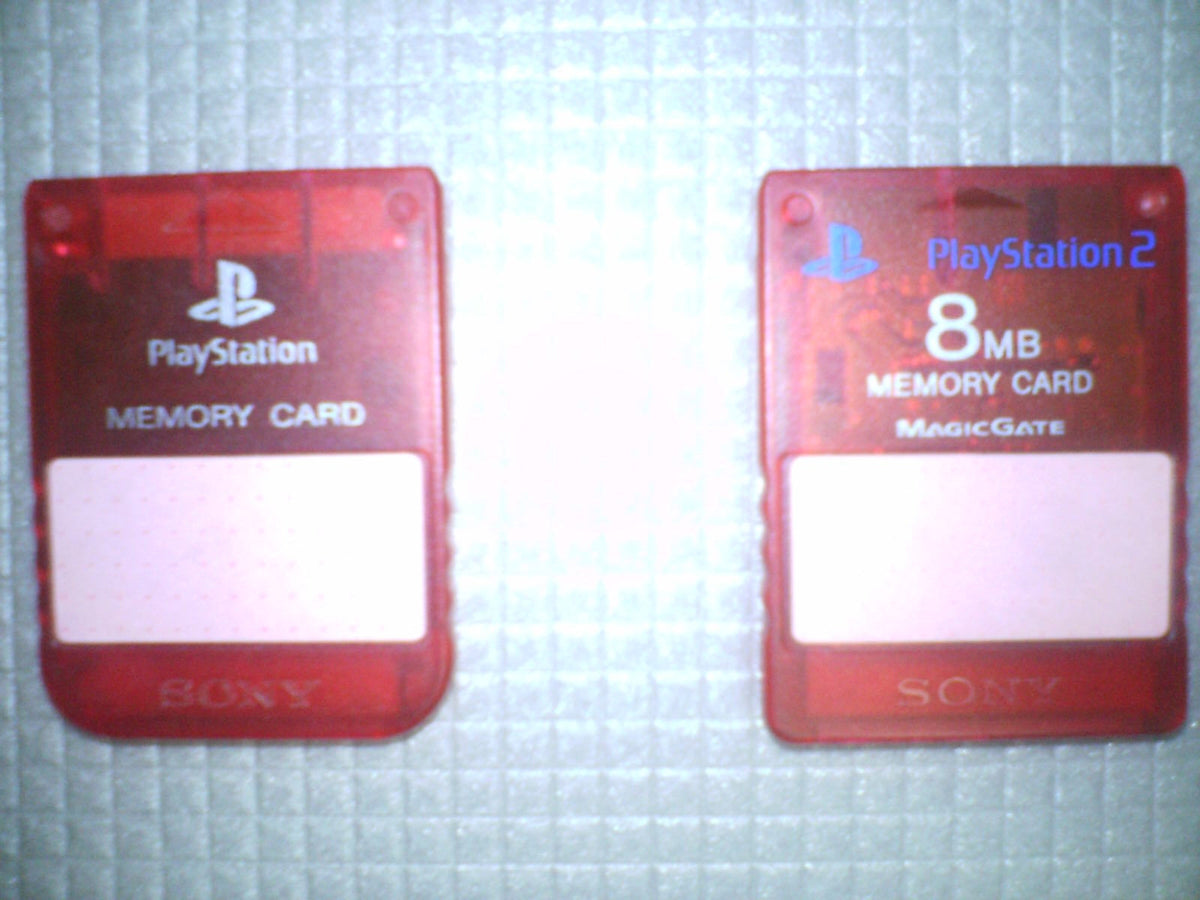
Disc-based consoles needed another answer because the retail disc itself was not a writable home for progress. The original PlayStation made the memory card a familiar part of console ownership. Sony’s official PlayStation history describes memory cards as the external save devices that preceded console hard drives and cloud storage.
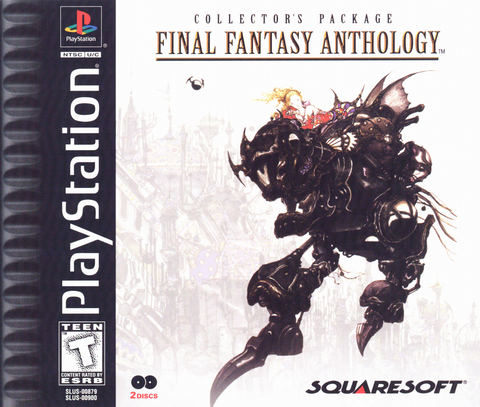
That separation gave players useful freedom. A game such as Final Fantasy Anthology for PlayStation could be replaced without automatically replacing the save card. The tradeoff was capacity management. Players had to know which card held which file and leave enough free space before starting something new.
The concept survived even after removable cards stopped being standard. Sony’s PlayStation 3 documentation describes creating internal memory cards for older PlayStation save data. The physical accessory became a software object, but the familiar slot-and-card model remained.
Dreamcast made the save device part of the experience
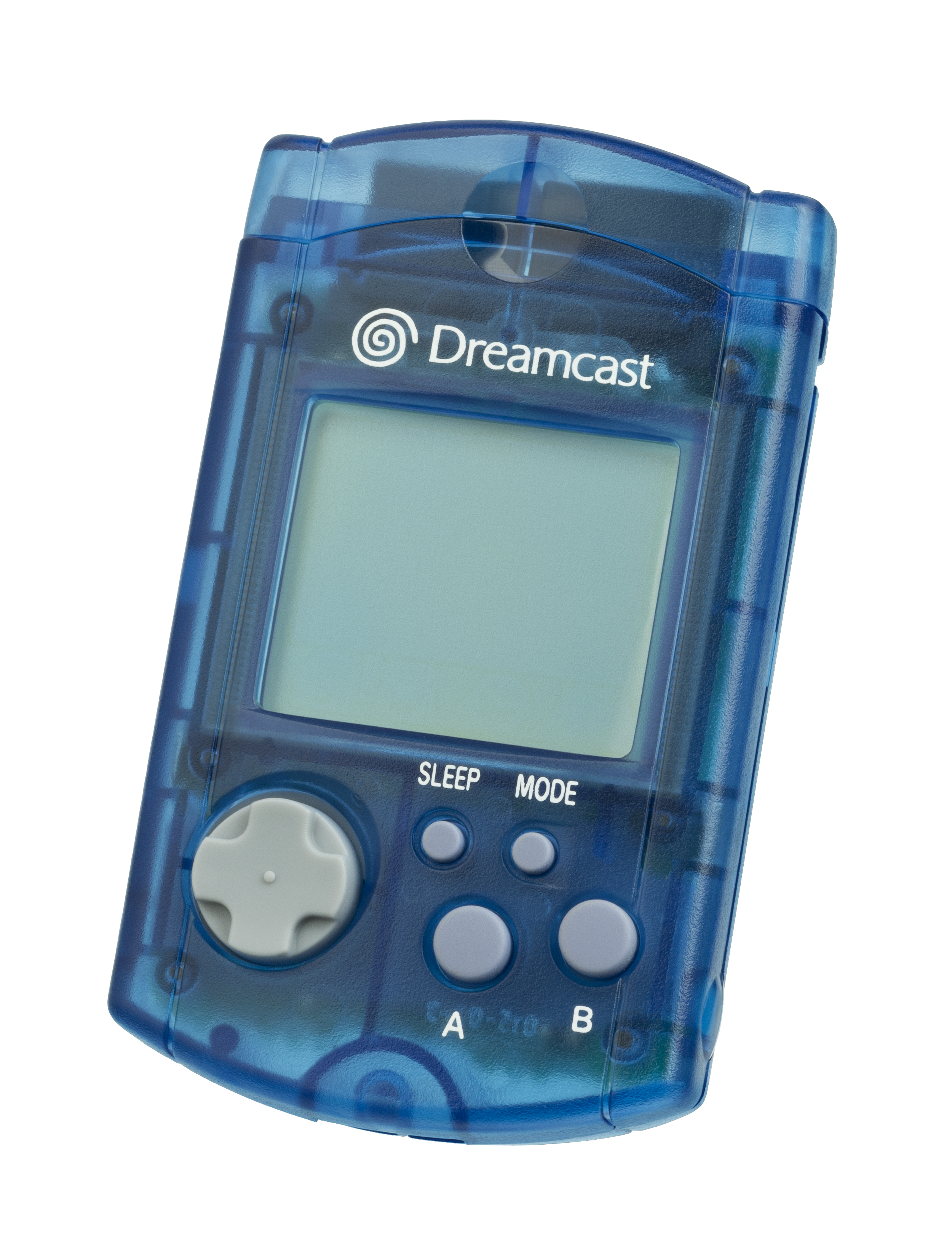
Sega’s Dreamcast Visual Memory Unit was not only a storage card. Its screen and controls allowed compatible software to use it as a small companion device. That made save hardware visible in a way that later internal storage usually was not.

The VMU is also a reminder that the save medium can be part of a platform’s identity. A current Dreamcast listing such as Sydney 2000 belongs to an era when checking the memory device was a visible step in getting ready to play.
Internal storage made saving quieter
As consoles adopted built-in storage, the save process moved behind the interface. Files could be managed, copied or deleted from system menus instead of being tied to one removable accessory. Backward-compatible systems also began representing old memory cards virtually.
Retro reissues added a second layer. Nintendo’s NES Classic Edition manual documents up to four suspend points per game. These snapshots sit beside, rather than replace, a title’s original save or password design. They preserve a moment in play even when the original game never supported that convenience.
Cloud saves made progress portable again
Modern cloud systems return to the portability of passwords, but with much more data and less manual work. They can help players continue on another console or recover after a hardware change. They are not universal, automatic guarantees.

Nintendo’s current Switch Data Management FAQ says save data is stored in system memory whether the game is physical or digital, and it cannot be copied to a microSD card. Nintendo’s cloud-backup instructions also note that a Nintendo Switch Online membership is required and that unsupported software cannot use the feature.
PlayStation likewise provides PlayStation Plus cloud storage for supported save transfers and backups. The practical lesson is the same across current platforms: check the game’s support, confirm the most recent sync, and verify the destination copy before erasing or replacing a console.
What collectors should preserve
- Password games: photograph or transcribe important codes in more than one place. Keep manuals because they explain the exact entry rules.
- Battery-backed cartridges: test both save and load behavior. If a file matters, investigate a compatible backup method before repair.
- Memory cards: label cards by platform and keep them dry, clean and away from connector damage. Use supported copy tools where available.
- Internal and cloud saves: confirm which account owns the data, whether the title supports cloud backup, and when it last synced.
- Every era: preserve context as well as data. A filename, profile name, date or short note can make an old save meaningful years later.
No save system is permanent by default. The strongest preservation plan uses the tools each platform actually supports and checks the result before the original is changed.
Zypher shop recommendations: explore the save eras
- Metroid | NES: a direct way to revisit the password era.
- Final Fantasy Anthology | PlayStation: a disc-era RPG collection built around removable memory-card saves.
- Sydney 2000 | Dreamcast: a window into Sega’s VMU generation.
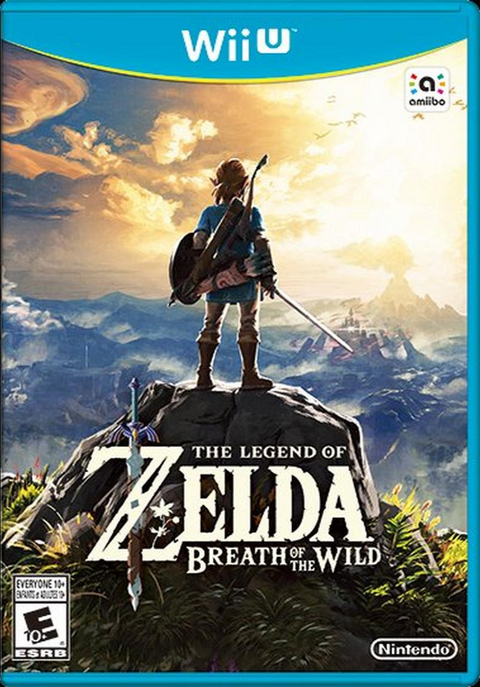
- The Legend of Zelda: Breath of the Wild | Wii U: a modern console example where progress lives in system storage rather than on the disc.
More from Zypher XP
- How to Store Retro Video Games Without Ruining Them
- How to Clean Video Game Cartridges Safely Without Damaging Them
Media credits and permission record
- Featured image, PlayStation and PlayStation 2 memory cards: original asset by PiaCarrot, via Wikimedia Commons, CC BY-SA 3.0. Unmodified. Commercial reuse permitted with attribution and share-alike terms. Checked October 6, 2026.
- Super Nintendo cartridge boards: original asset by Evan-Amos, via Wikimedia Commons. Creator released the work into the public domain. Unmodified. Commercial use permitted; credit retained. Checked October 6, 2026.
- Sega Dreamcast VMU: original asset by Evan-Amos, via Wikimedia Commons. Creator released the work into the public domain. Unmodified. Commercial use permitted; credit retained. Checked October 6, 2026.
- Nintendo Switch console: original asset by KK IN HK, via Wikimedia Commons, CC BY-SA 4.0. Unmodified. Commercial reuse permitted with attribution and share-alike terms. Checked October 6, 2026.