A team icon in Fallout 76 is useful information, but it is not the whole plan. The group may be looking for the kind of activity you want, or it may be heading toward something completely different.
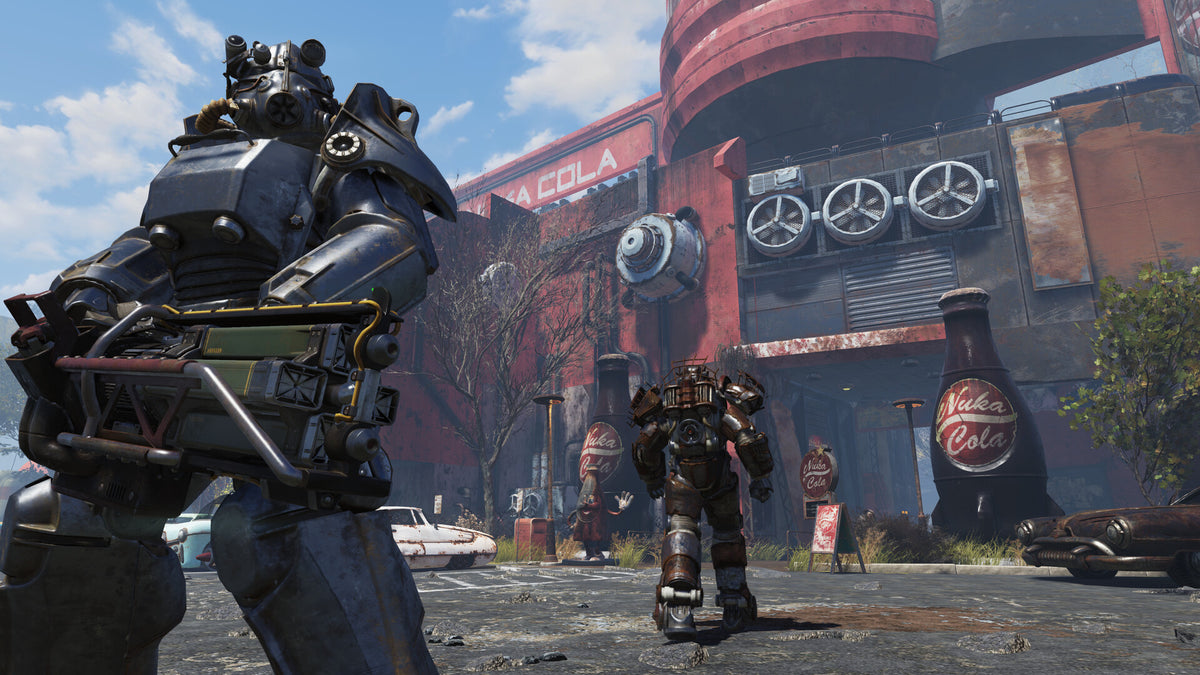
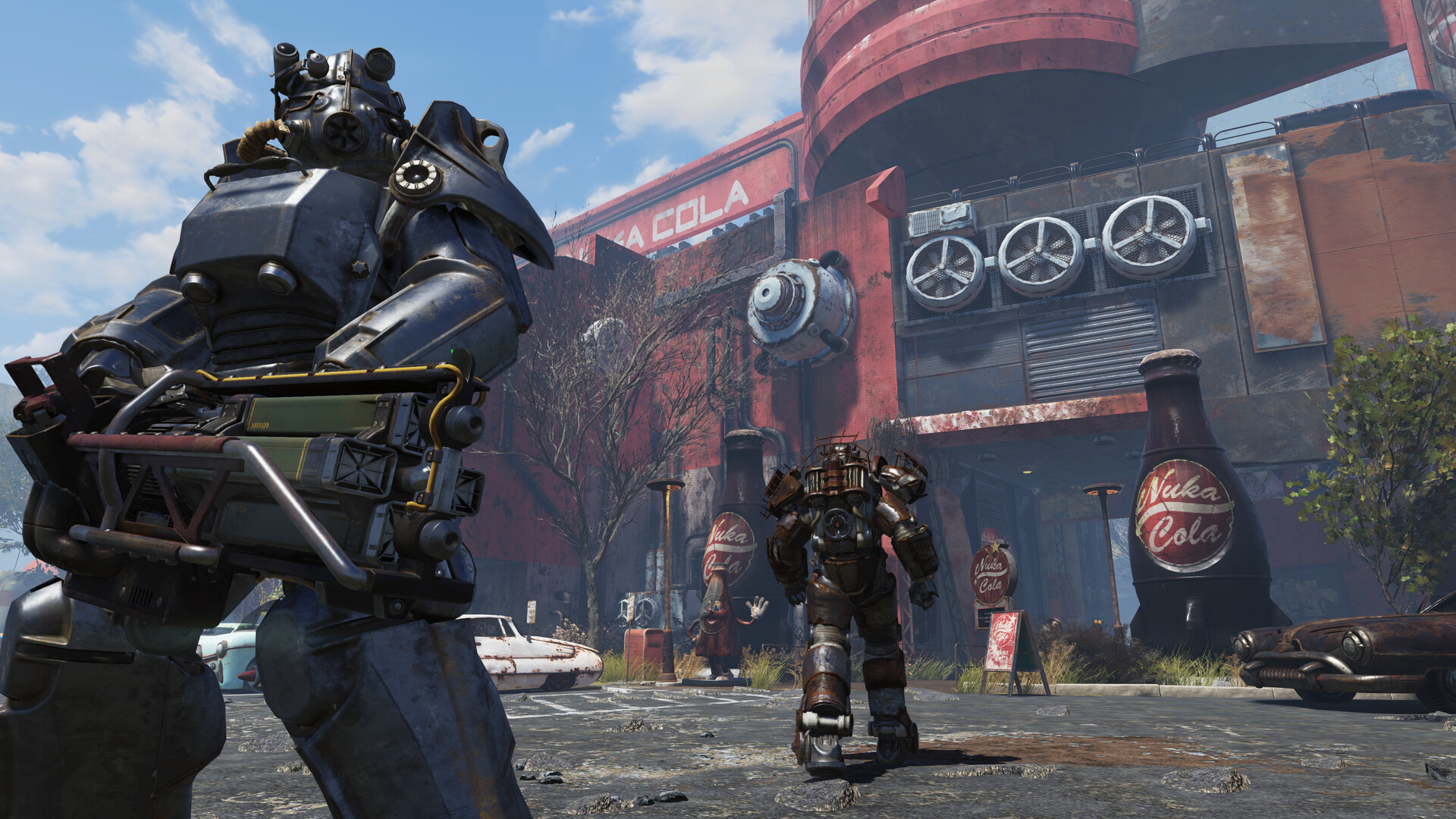
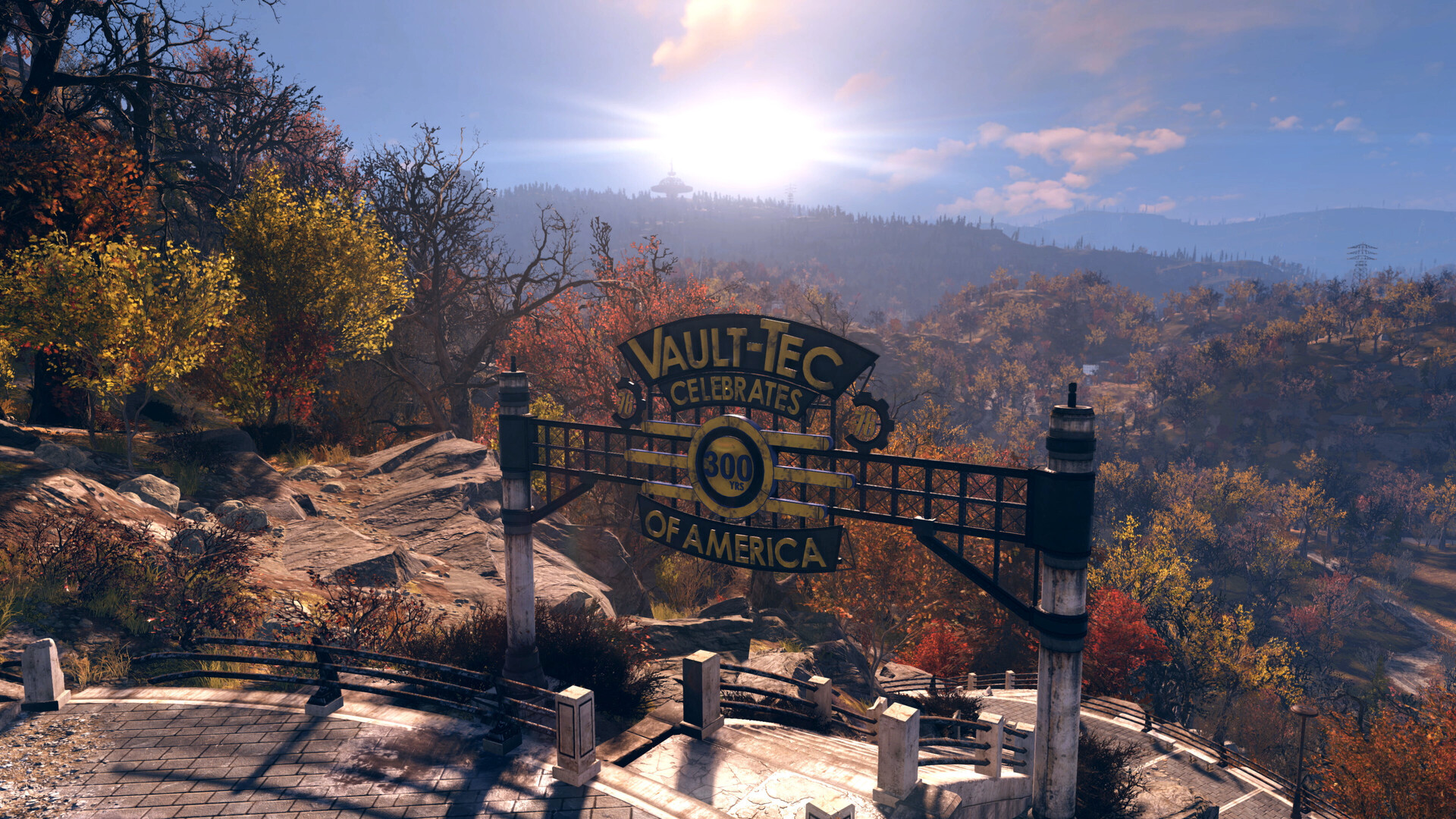
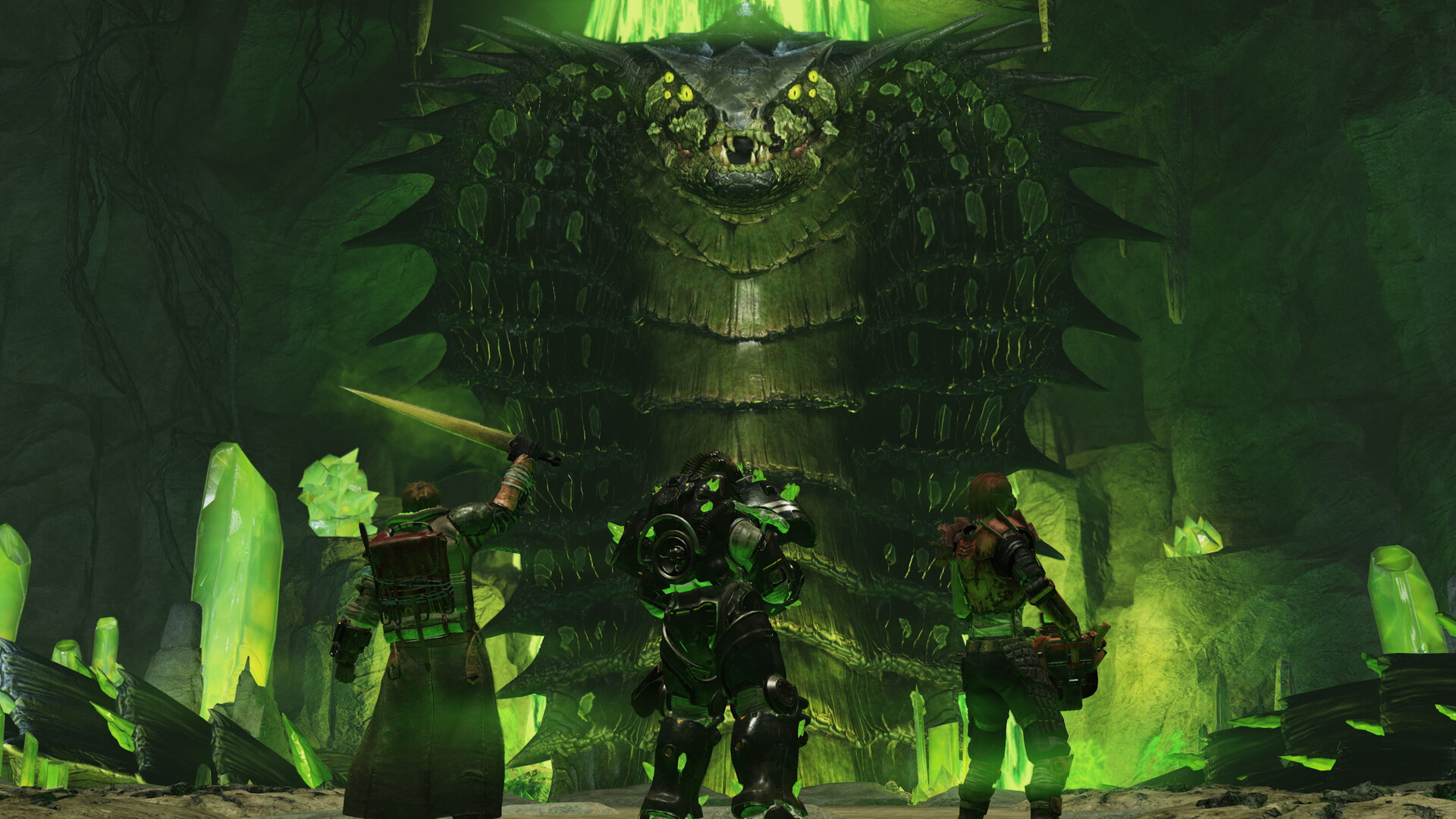
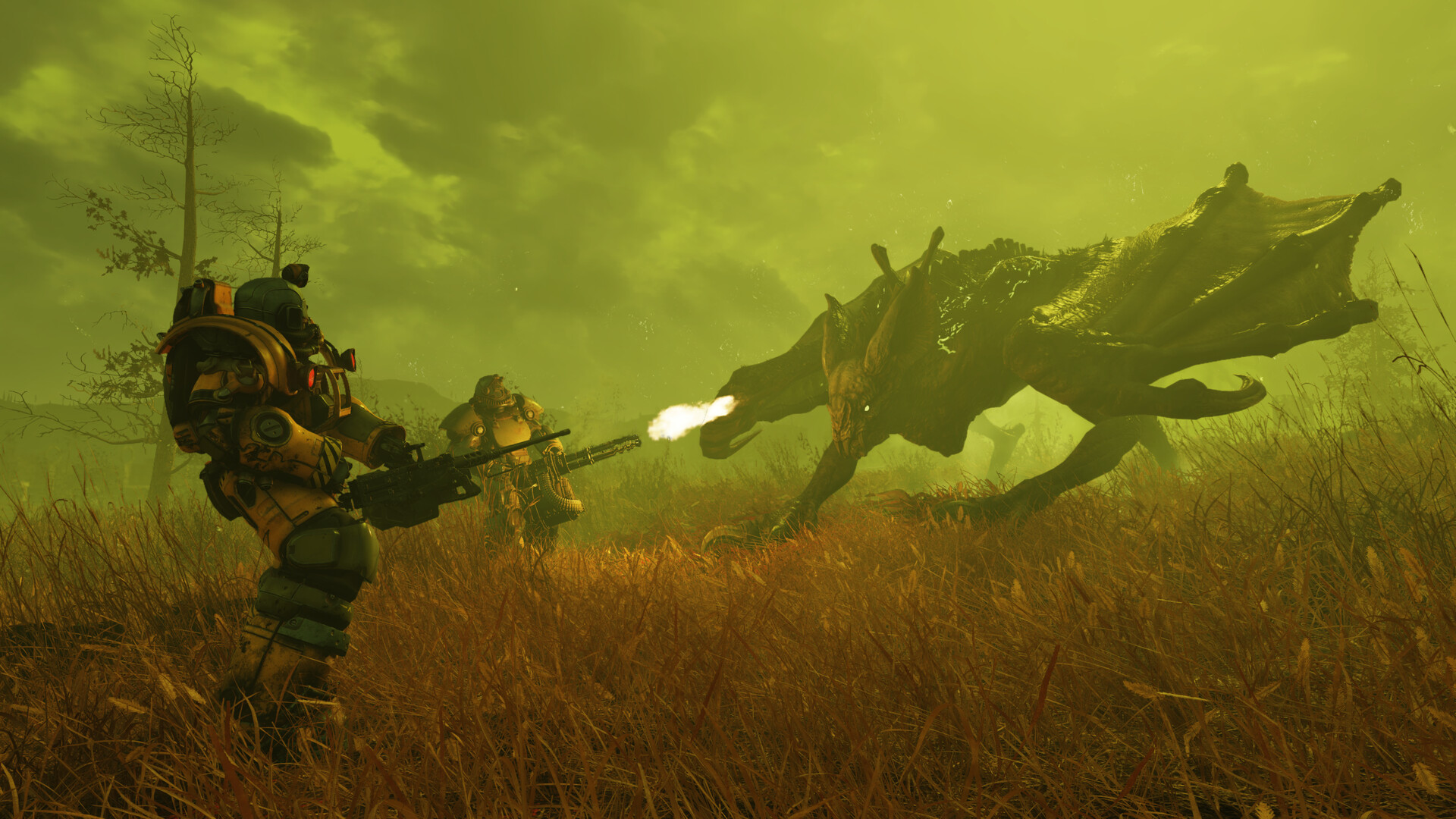
The Public Teams system puts that purpose in the Social Menu and on the map. Read it before joining. A few seconds spent checking the goal can save the confusion of arriving for an event while everyone else has another idea. The official PC images on this page show Appalachia and its encounters.
Start with the Public Teams tab
Bethesda Support directs players to the Public Teams tab at the top of the Social Menu. It lists groups in the current world, with room for up to four people on each team. An open place lets you join directly.
You can also inspect teams through the map. Team leaders have icons showing the selected goal, and the details give you a chance to understand the group before joining.
Use that information as the first filter. If you want a particular activity, look for a matching purpose. If the world has no suitable group, decide whether to start your own rather than assuming the first open slot is an invitation to an entirely different sort of session.
A goal is a useful expectation to share
The team leader chooses a goal, and Bethesda describes the associated buff as themed to that goal. The leader can change the goal through the Social Menu, so it is worth checking again when the group’s plans change.
Our suggestion is to treat the label as a small agreement about the evening. If you joined because the group was interested in events, pay attention to whether that is still what it is doing. A matching icon helps people find one another, but players still have to decide how they want to spend their time.
When playing with friends, say what you intend to do before switching the team’s purpose. A quick message gives friends a chance to follow the change. It gives everybody a chance to decide whether the new plan still fits their available time.
Bonds build the team’s buff over time
The support page explains that teammates form Bonds over time, and bonded teammates add stacks to the selected Team Goal buff. It is a reason to distinguish joining a team from already having its fully built group benefit.
For an unfamiliar player, the useful habit is to look at the game’s displayed team status and bonus rather than assuming an old guide’s numbers describe the current session.
You can make the social choice first: do these people want the kind of activity you want? Then inspect the benefit the current game shows. A bonus is easier to use when it supports a plan you were interested in following anyway.

A Public Team does not grant building permission
Bethesda’s FAQ draws an important distinction: Public Teammates cannot build in one another’s C.A.M.P.s. It identifies a normal private team as the arrangement for that kind of cooperation.
If you are inviting a friend to help with a build, decide on the appropriate team arrangement before starting. A player appearing beside your name on a Public Team is not the same as the game granting every cooperative permission.
Locked doors and containers are another boundary. The FAQ warns that opening a Public Teammate’s locked player-built objects can still make you Wanted. Treat the lock as a lock, even when the owner is currently sharing a team icon with you. Appalachia has enough complications without turning a visit into a lockpicking misunderstanding.
Creating a team gives you a clearer invitation
To create a Public Team, use Create New Team in the Public Teams tab and select the goal. The support page says the world receives a notification, with blocking rules respected. More than one team can use the same goal.
That lets you make an invitation that fits your own plan rather than waiting for an exact group to appear. Choose the purpose you mean, then let other players decide whether it suits them.
Teams formed through the main menu or a direct invitation begin as private teams, according to the FAQ. A private team can later be converted to public through the Social Menu. Keep that starting state in mind when you intend to open the group to others.

Check the actual game and copy before the session
Fallout 76 is an online game requiring a persistent broadband connection. Console online-play requirements and the current platform terms should be checked for the system you use. A physical disc is not a promise of an included subscription or optional paid content.
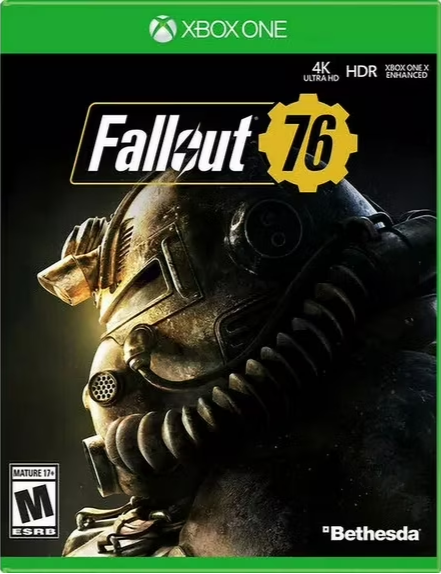
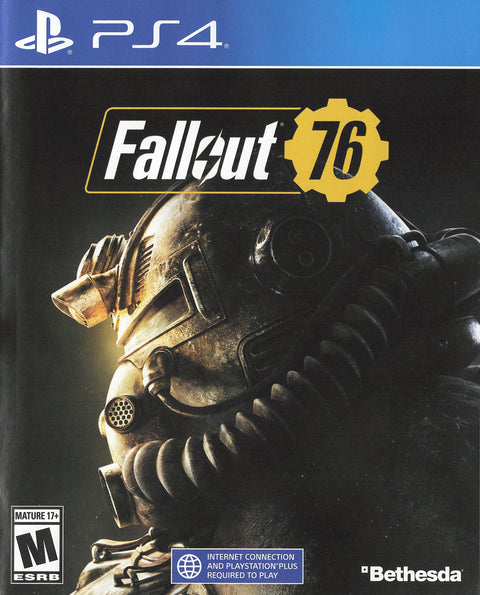
Zypher has verified standard listings for Xbox One and PlayStation 4. Match the copy to your platform and inspect the selected condition and stated contents. These PC gallery images are illustrations of the game, not photographs of the copy for sale.
For the next session, start with the activity you want, use the goal to find the group and inspect the team’s displayed status once you join. That leaves the team system doing something useful: helping people arrive for the same adventure.
Find your next game at Zypher
Browse Zypher’s game selection and check the platform, edition and listed contents before choosing a copy. Making room on your shelf? Visit our trading and selling page to see how selling to Zypher works.