
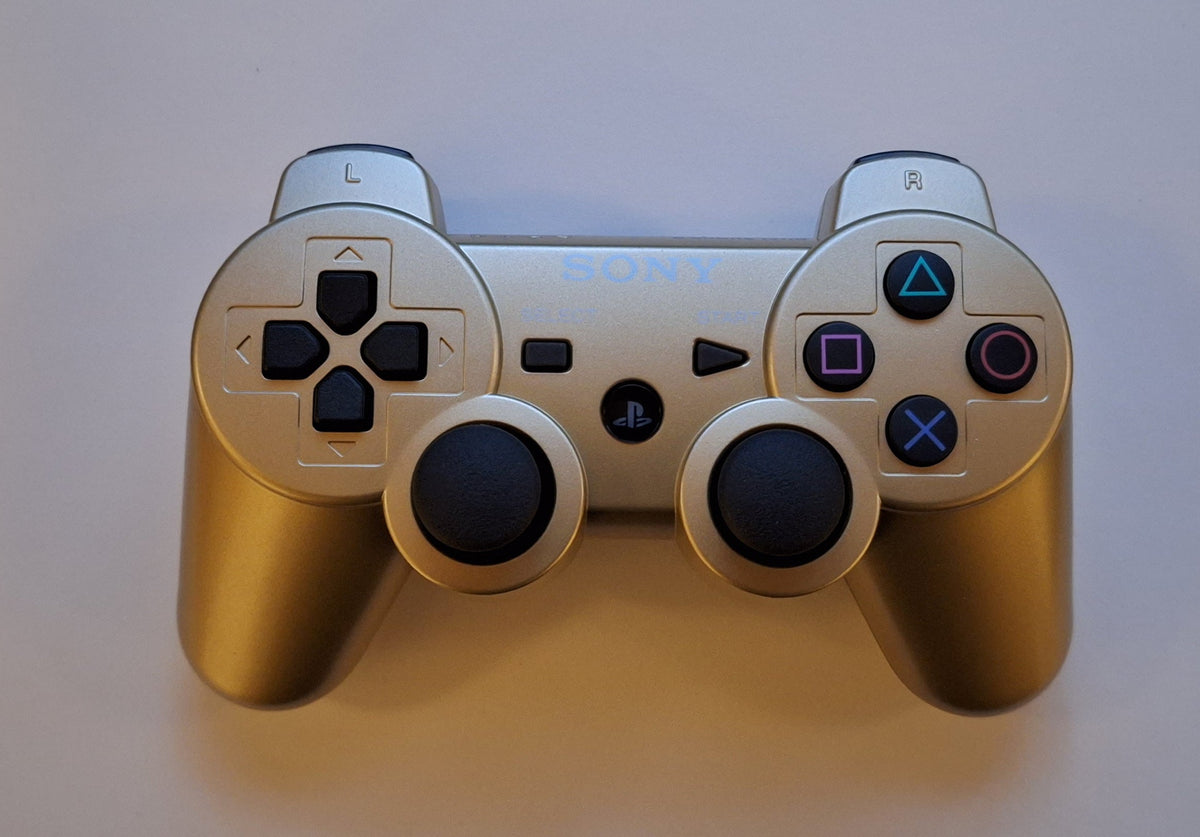
A DualShock 3 that will not cooperate does not immediately need a screwdriver. First separate three jobs: pairing it to the PS3, putting charge in its battery and giving it the controller number the game expects. Those are different questions. Mashing the PS button harder is not a fourth troubleshooting category.
This guide concerns Sony's original DualShock 3 on PS3, not a promise about every look-alike pad, third-party adapter or newer PlayStation controller. Work through the ordinary setup before deciding that old hardware has finally retired without telling you.
Featured photograph: Tillion_23, CC0; uncropped; hosted JPEG compressed. This archival illustration is not a tested Zypher stock item.
Pair it to the console you actually want to use
Sony's PS3 manual gives the basic pairing procedure: with the system on, connect the controller to it using the appropriate USB cable, then press the PS button. Pair additional controllers separately.
The older CECHK01 quick reference also explains why a familiar controller may need this again: pairing it with another PS3 clears its pairing with the original system. Returning the pad to its old home is not the same as returning it to an unchanged connection.

Charge first, then check wireless use
For Sony's documented charging arrangement, leave the controller connected by USB while the PS3 is turned on. Hold the PS button for at least one second to view the battery level. Once it has charge, disconnect the cable to use it wirelessly.
Do not treat a moment of successful menu navigation as proof of an entire evening's battery life. Make a note of whether the pad responds while connected, whether the battery display changes and whether it remains usable after disconnection. Those observations give you something more useful than “it sometimes works.” They do not, by themselves, identify the faulty component.
Connected, but not controlling the right player?
Check the assignment before repeating the pairing procedure. Sony's wireless controller settings guide says the PS button lets you check current assignments. During gameplay, press it and select Controller Settings to adjust the controller port or number when the software requires a particular one.
Keep that separate from the game's own supported modes. A connected spare controller is not evidence that an extra player can join. Check the specific game's instructions before turning a controller-setting question into a search for a multiplayer option that may not exist.
No vibration does not automatically mean a broken motor
The same settings guide documents an on/off vibration setting for supported controllers. Turning it off there prevents vibration even when the game has vibration enabled. Check both levels before diagnosing a hardware fault, and check whether the particular game uses the feature in the situation being tested.
If ordinary pairing and charging still fail, stop changing several things at once. Record the console, controller and cable used, plus the behavior at each stage, before seeking qualified help. This is a setup guide, not an instruction to open the controller, replace its battery or improvise a charging supply.
For the broader console inspection, use our used PS3 test guide. For exterior care, see safe controller cleaning. Get the connection, charge and assignment sorted first. The dramatic diagnosis can wait its turn.
Primary instructions and exact photo permissions checked October 19, 2026. Research-based guidance; no firsthand testing or battery-runtime claim.


.jpg)
