A controller is one of the most handled parts of a game setup, but it is also an electronic device with seams, ports, switches and, on many models, an internal battery. The safest way to clean one is not to copy a universal solvent recipe. It is to start with the least aggressive method and follow the instructions for the exact controller in your hands.
That distinction is not theoretical. Nintendo currently allows a lightly dampened cloth for routine Switch and Joy-Con cleaning and about 70% alcohol on the cloth for disinfecting. Sony's DualSense manual takes a narrower approach: use a soft, dry cloth and avoid solvents, chemicals and chemically treated cleaning cloths. When manufacturers differ, the exact manual wins.
Build a low-risk cleaning kit
For routine exterior care, you need less than most internet tutorials suggest:
- Two clean, soft, lint-free microfiber cloths
- A soft, dry brush reserved for electronics
- Bright light so you can see seams and openings
- The official manual or support page for the controller model
Do not begin with a spray bottle, household cleaner, abrasive pad, metal pick or canned-air blast. More tools create more ways to force debris or liquid into a controller.

An eight-minute exterior-cleaning sequence
- Power down first. Turn off the console and controller, disconnect cables and charging accessories, and follow the manual before removing any user-removable batteries.
- Inspect before wiping. Look for cracks, swelling, corrosion, sticky residue, damaged cables or signs that liquid entered the shell. Those are repair questions, not normal cleaning.
- Make the first pass dry. Use a clean microfiber cloth over the grips, face, back, triggers and cable. Rotate the cloth so lifted grime is not rubbed back onto the plastic.
- Brush outward. With the controller angled so debris can fall away, lightly brush around buttons, stick gates and seams. Do not pack debris farther into an opening.
- Follow the model-specific wet-cleaning rule. If the manufacturer permits a dampened cloth, apply liquid to the cloth, never to the controller. The cloth should not drip.
- Let it dry completely. Do not reconnect power, batteries or a charging cable while moisture remains.
- Test inputs once. Check every button, trigger, stick and directional input in a system menu or familiar game. Stop if the controller behaves abnormally.
This sequence is for exterior care. It does not authorize disassembly, internal solvent use or scraping around electrical contacts.
Nintendo Switch and Joy-Con: water for cleaning, alcohol for disinfecting
Nintendo's current Switch guidance says to power the console off and unplug accessories first. For ordinary cleaning, dampen a soft cloth with water, wring out the excess and wipe gently. For disinfecting, Nintendo permits a consumer-grade disinfectant containing about 70% alcohol, lightly applied to the cloth.
Nintendo also says not to pour liquid directly on the product, not to submerge it and to make sure it is completely dry before use. That guidance applies to the Switch family and Joy-Con products named on the support page. It should not be copied automatically to an older or third-party controller.

PlayStation DualSense: keep routine care dry
Sony's DualSense instruction manual says to wipe the controller with a soft, dry cloth. It also says not to use solvents, other chemicals or chemically treated cleaning cloths. Dust or foreign objects on connectors should be removed with a dry cloth before connecting the controller.
The practical lesson is simple: do not assume that a cleaning method allowed for Joy-Con is approved for DualSense. Use the dry method Sony specifies unless a newer manual for your exact hardware says otherwise.
Older and third-party controllers need their own rulebook
Wired pads, removable-battery controllers, arcade sticks, rhythm-game peripherals and third-party gamepads can use different plastics, coatings and connector designs. A safe general baseline is a dry exterior wipe, followed by the exact manufacturer's directions.

For Xbox hardware, use Microsoft's current clean and care guidance and match it to the controller you own. For any licensed third-party pad, use the accessory maker's documentation rather than treating the Xbox, Nintendo or PlayStation rule as universal.
When cleaning should stop
Exterior cleaning is not a cure for every controller problem. Stop and seek repair guidance if you find any of the following:
- Liquid inside the shell, battery compartment or charging port
- A swollen internal battery, heat, unusual odor or discoloration
- Green or white corrosion on contacts
- A frayed cable or cracked plug
- Buttons that remain sticky after the exterior is clean
- Stick drift, dropped inputs or unwanted movement
Stick drift can come from wear or internal contamination, and wiping the outside does not prove the mechanism is repaired. Do not keep flooding a stick gate with cleaner because an input test still fails.
Store the controller like an electronic device
Sony advises keeping DualSense away from high temperatures, high humidity, direct sunlight, dust, smoke and steam. It also recommends fully charging the controller at least once a year during extended non-use to help maintain functionality.
For long-term storage, remove user-replaceable batteries when the manufacturer permits it, keep cables loosely coiled, and avoid stacking heavy objects on sticks or triggers. Our broader retro game storage guide covers heat, moisture and sunlight across a full collection.
Zypher shop recommendations: game-night picks
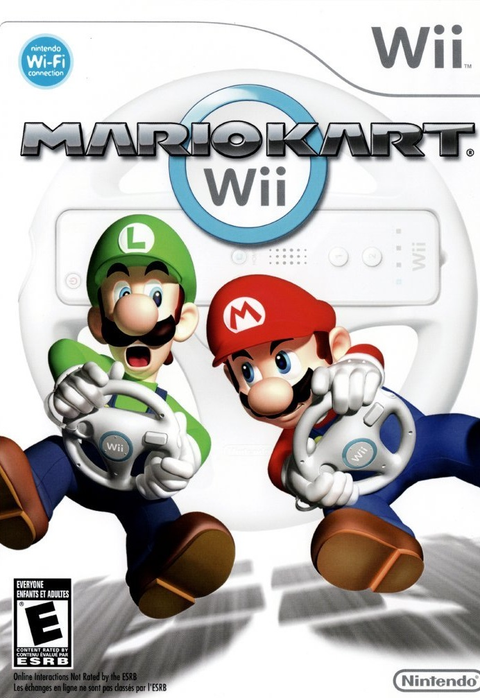
- Mario Kart Wii: four-player local racing makes it a reliable test of remotes, buttons and steering inputs.
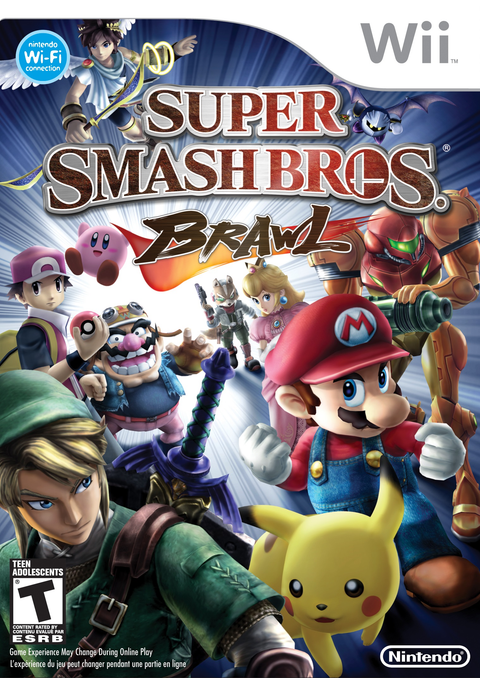
- Super Smash Bros. Brawl: a fast local-multiplayer pick where responsive sticks and face buttons matter.
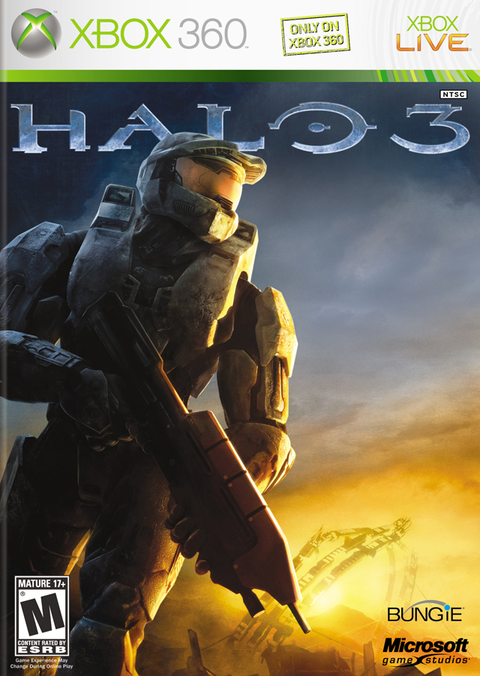
- Halo 3 for Xbox 360: a strong controller test for both analog sticks, triggers and bumpers.
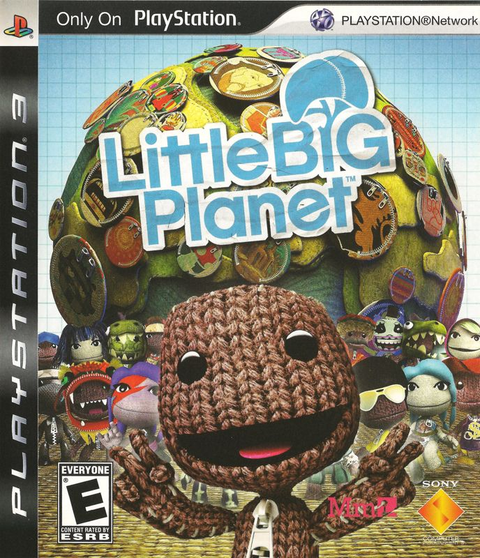
- LittleBigPlanet for PS3: local platforming puts directional movement and face-button response to work.
Availability and condition options can change, so the linked product pages are the current source of truth. For more local-play ideas, see our four-player Wii guide.
Sources and image permissions
- Nintendo Support: Cleaning and Disinfecting Nintendo Switch, Joy-Con controller, and Accessories
- Sony Interactive Entertainment: DualSense Wireless Controller Instruction Manual
- Xbox Support: Clean and care for your Xbox console and accessories
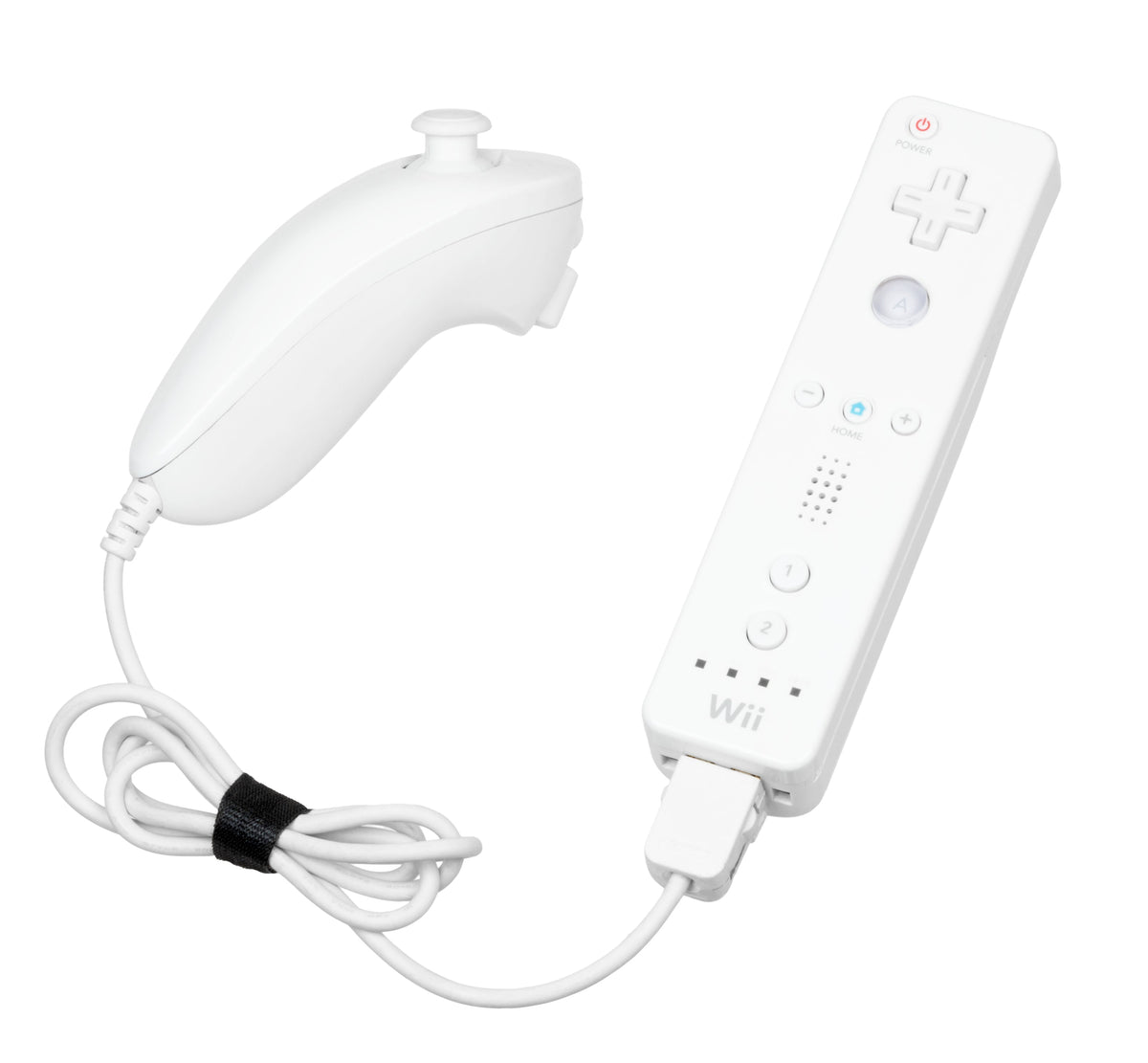
- Featured image: Wii Remote and Nunchuk, photo by Evan-Amos, public domain, via Wikimedia Commons.
- Inline controller photos: Evan-Amos, public domain, through the exact Wikimedia Commons file pages linked in each caption.
Zypher XP checked the manufacturer guidance, current product listings and per-asset permission pages on October 6, 2026. Public-domain images may be reused commercially without attribution requirements; credits are retained for transparency. No controller was disassembled for this research-based guide.