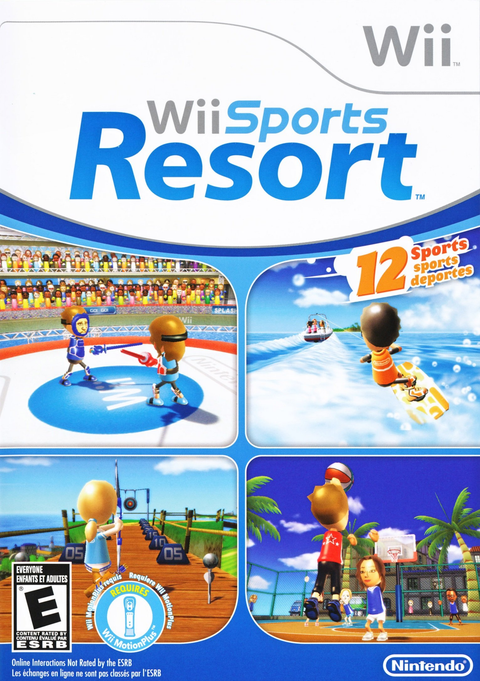
A Swordplay duel and a round of Archery ask different things from your controller drawer. Wii Sports Resort for Nintendo Wii needs MotionPlus functionality, but choosing the correct remote is only the first part of preparing a session. The sport and its specific mode determine what else belongs in your hands.
This guide concerns the original Wii game. Use its instructions when planning the equipment for it, rather than transferring controller advice from a different Nintendo sports release. The useful question is specific: what do you need for the event you want to play?
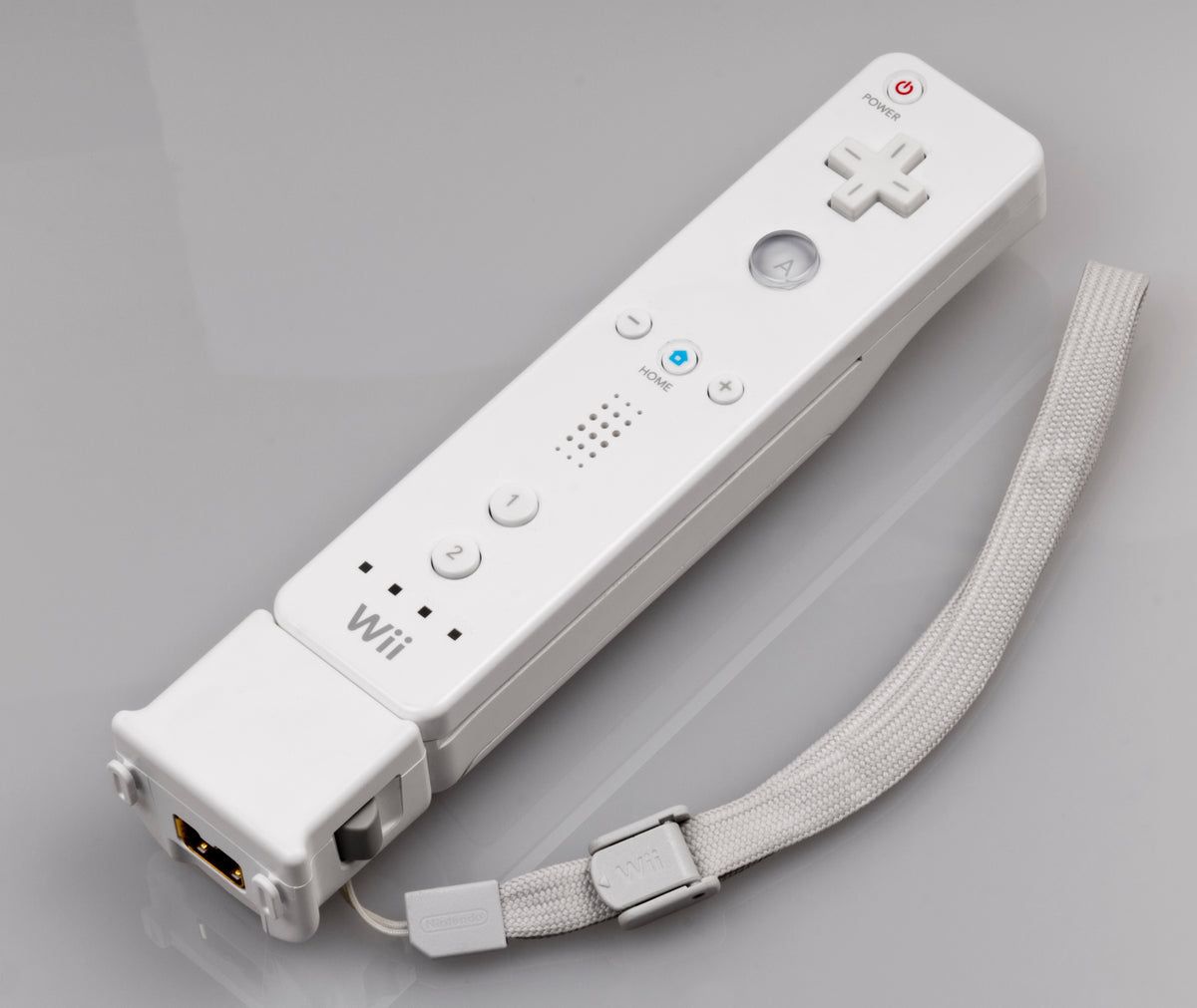
Featured photograph: an original Wii Remote with the separate MotionPlus attachment fitted. Photo: Evan-Amos, public domain. Hardware reference, not a complete play setup; follow the game and accessory instructions for the jacket and wrist strap.
Choose either route to MotionPlus functionality
Nintendo's Wii Sports Resort overview distinguishes the separate Wii MotionPlus attachment from the Wii Remote Plus, which incorporates that motion-sensing functionality. Those are two hardware arrangements to understand before buying another accessory.
For identification, Nintendo Support specifies RVL-003 for the original Wii Remote and RVL-036 for the Wii Remote Plus. The latter has the words Wii MotionPlus INSIDE below the Wii logo. Check the actual controller rather than trying to read a specification from its color.
Our buying advice is to inspect what you already own before choosing a listing. Someone with a Remote Plus and someone with an original remote are checking different gaps in the equipment drawer. Write down the model and the accessories present, then compare that with the purchase you are considering.

Choose the mode before counting complete sets
Nintendo's original US instruction booklet gives different arrangements for different events. The following examples show why the mode matters. Every remote used here still needs MotionPlus functionality.
| Event or mode | Players | Controller arrangement |
|---|---|---|
| Swordplay: Duel | 1–2 | A remote for each player. |
| Archery | 1–4 | Remote and Nunchuk; one set can be shared, or each player can use a set. |
| Cycling: Road Race | 1–2 | Remote and Nunchuk for each player. |
| Power Cruising: Slalom Course | 1–4 | Remote and Nunchuk; one set can be shared, or each player can use a set. |
| Power Cruising: VS | 2 | Remote and Nunchuk for each player. |
These are selected examples, not a complete twelve-sport equipment chart. Consult the booklet and on-screen instructions for the exact activity you intend to play.
Record the mode name when you make your equipment list. “Power Cruising” is a less useful note than the particular competition you chose. Our suggestion is to leave that list beside the controllers so a later change of plan prompts another check.
Our recommendation is to make the invitation concrete. Choose the activity first, check its sharing arrangement, then decide whether everyone will take turns or needs their own set. That makes it easier to buy the missing piece instead of another remote that leaves the original problem untouched.
Keep the Nunchuk decision separate from MotionPlus
For your own checklist, give the Nunchuk a separate line. That makes it harder to overlook while comparing two otherwise appealing controller listings.
Lay out complete sets for the mode you chose. Put the remote and any required extension together so the missing part is obvious. This is our organization suggestion, not a requirement to buy every accessory shown in somebody else's collection photograph.
When buying a game, read what the listing actually includes. The original retail package and the selected used copy are different pieces of evidence. A photograph of an accessory in an article does not put that accessory into your order.
Give the game its calibration step
The booklet describes calibration after choosing the player count and provides a calibration option in the pause menu. Follow the game's on-screen prompts and its stable-surface instructions. Leave clear space around each player before play.
Our advice is to complete setup before treating an unusual response as a scoring dispute. Check that the intended controller is assigned, follow the displayed preparation, and try the activity's own instructions. Get that out of the way before the first rematch turns into a debate about whose controller deserves the blame.
If the question is whether a used controller has a hardware fault, our used-controller checklist is a separate inspection job. This guide is about assembling the right equipment for Wii Sports Resort.
Build the Wii game shelf with Zypher
Buy Wii Sports Resort from Zypher Trading Video Games. Check the Wii Sports Resort listing for the selected copy's condition and included contents. Expect controllers or attachments only when that listing explicitly includes them.
You can also compare our original Wii Sports listing, a separate game. Shop Zypher's games, or sell your old games to Zypher. Manufacturer instructions, image permissions and product records checked November 4, 2026. Session-planning suggestions are Zypher editorial advice.