A blueprint in Factorio can put an entire production line on the ground without delivering a single working machine. Those translucent outlines are the plan. Getting them built is a separate job, and repeatedly pasting the same plan is unlikely to convince the factory to provide its own materials.
This guide covers the basic blueprint-to-construction workflow on PC. It is for the moment when you have a layout ready but the machinery has not appeared. It does not promise that an imported design is suitable for your save, mods or available technology.
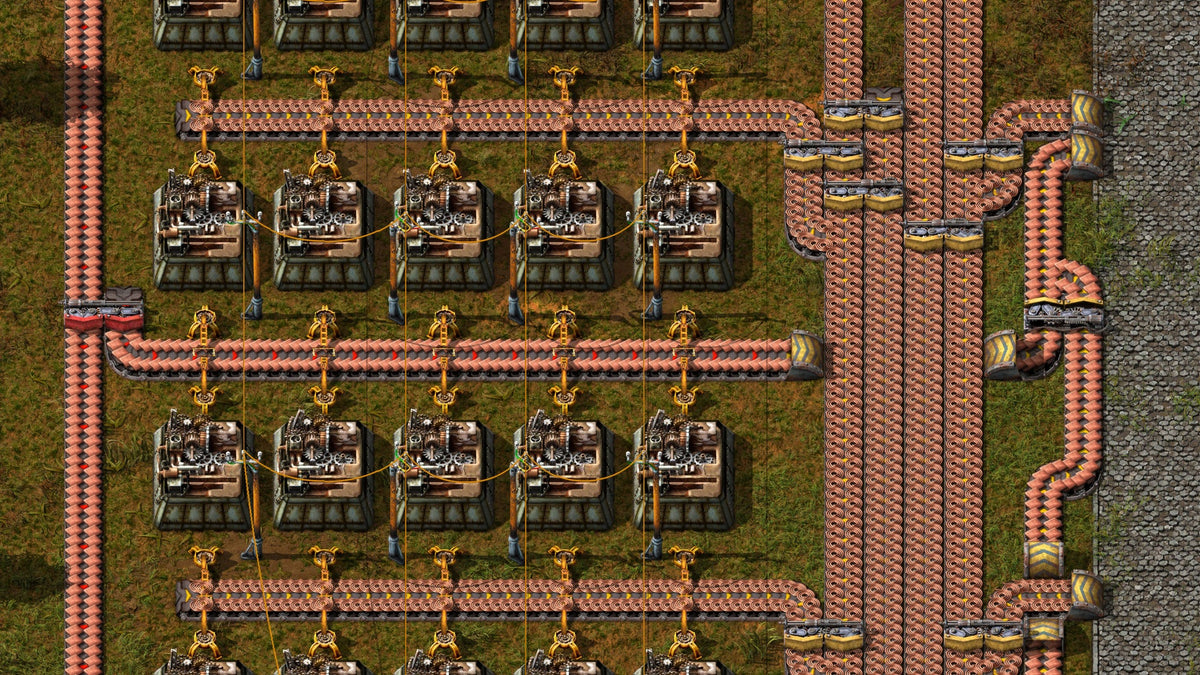
Featured image: repeated processing machines, belts and inserters in an official PC base-game press screenshot. Reference imagery of a built installation, not a demonstration of blueprint ghosts. Capture version unspecified. © Wube Software.
First, decide whether you are looking at a plan or a building
The officially hosted Factorio Wiki's blueprint reference explains that placing a blueprint creates ghost entities. You can use that arrangement as a guide for manual construction, or have construction robots complete it when the necessary conditions are met.
That distinction is the first useful diagnostic. If the outlines appeared, the placement step did something. Your next question is how those outlines will become physical machines. Before investigating the production rate, establish that the production line has actually been constructed.
For a small project, our recommendation is to start with a layout you understand. Identify its input, output and the connection between them. A compact arrangement gives you fewer places to inspect when a building is missing. An enormous imported factory gives you an enormous imported investigation.
Check the construction system serving that location
The blueprint reference distinguishes construction within a roboport's construction area from construction within the reach of a personal roboport. The latter uses materials from the player's inventory; network construction draws on items available through the network.
Our suggested check is to identify which of those systems is supposed to serve the particular ghost you are inspecting. Do not jump between the two explanations halfway through troubleshooting. Pick one unfinished machine and follow its situation from placement through supply.
Check the robot type as well. The construction-robot reference distinguishes these builders from logistic robots and explains that they use electricity from roboports or a personal roboport. Inspect the construction robots and their supporting setup rather than treating any flying robot as proof that building is covered.

Check the actual building items, not just a reassuring pile of resources
Wube's own overview describes blueprint construction as defining the build, supplying its material and letting construction drones carry it out. The wiki identifies active provider, passive provider, buffer and storage chests as network sources for the required items.
The practical lesson is to check the named component rather than glance at a busy factory and assume supply is settled. Open the blueprint and inspect its component list. Choose one missing building and confirm the exact item you need for that part of the plan.
Pay particular attention to requester chests: the construction-robot reference says builders will not take items from them to fulfill construction orders. Having the right machine in a chest is therefore only half the check. It must be in a source the construction system can use.
This is also where copying a design can conceal a mismatch. Treat a shared blueprint as somebody else's specification. Read what it asks for before treating it as a promise that your current factory can supply everything in it.
Construction finished? Now check whether the layout does its job
A completed building is the start of the next investigation. Wube's overview describes production as several connected systems: mining, processing, assembling and transport. The presence of machines is therefore a different question from whether the whole arrangement is useful.
Walk through your intended result in order. Where should the input arrive? Which operation should happen next? Where should the output leave? Compare that explanation with what you can see, rather than judging the build by how closely it resembles a screenshot.
Keep any experiment reversible where possible. Try one repeat of a production unit before committing a large area to it. That is our planning advice, not a claim that every blueprint needs a special test procedure. A layout earns repetition by doing the job you wanted.

Save a design you can explain
Blueprint books and the blueprint library provide ways to organize saved layouts. Use a descriptive name for your own reference: what the design does, what it expects and anything you still need to check. That is more useful during the next session than another mysteriously named masterpiece.
For the wider game, our Factorio design feature covers production and defensive consequences. This guide addresses a narrower problem: separating a placed plan, a supplied construction job and a working process.
Put your next physical game on the Zypher shelf
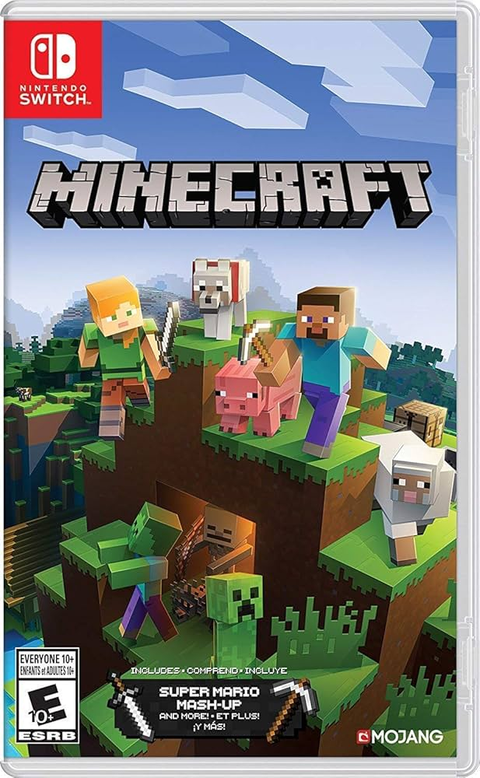
Buy your next physical game from Zypher Trading Video Games. If you also enjoy building in a different kind of sandbox, check Minecraft for Nintendo Switch. It is a separate game with different systems, not a physical edition of Factorio. Read the listing's selected condition and included contents.
Shop Zypher's games, or sell your old games to Zypher. Visit Wube's official Factorio site for the game itself. Sources and listings checked November 4, 2026. Troubleshooting recommendations are Zypher editorial advice. All images are unaltered Wube-supplied PC press screenshots used under its website asset permission.