Xbox 360 System Link can turn a pile of consoles into a proper local multiplayer setup without asking an online matchmaking service to organize the room. The network part is simple. The planning part is where game night usually discovers a boss battle.
Every station needs the right game, compatible software, working controllers, a display and a place on the same local network. Check those pieces before people arrive and System Link feels wonderfully direct. Skip the check and six adults can spend an hour watching one console insist that nobody else exists.
This is a setup and troubleshooting guide based on Microsoft's current Xbox support pages and original Xbox 360 game manuals. It is not a claim that every multiplayer game supports System Link. That feature belongs to the individual game.
What System Link actually does
System Link lets supported games find other consoles on a local network. Microsoft's support page describes two Xbox 360 consoles connected by cable, or as many as 16 consoles connected through a network. That is the console limit for the network arrangement, not a promise that every game supports 16 machines or 16 players.
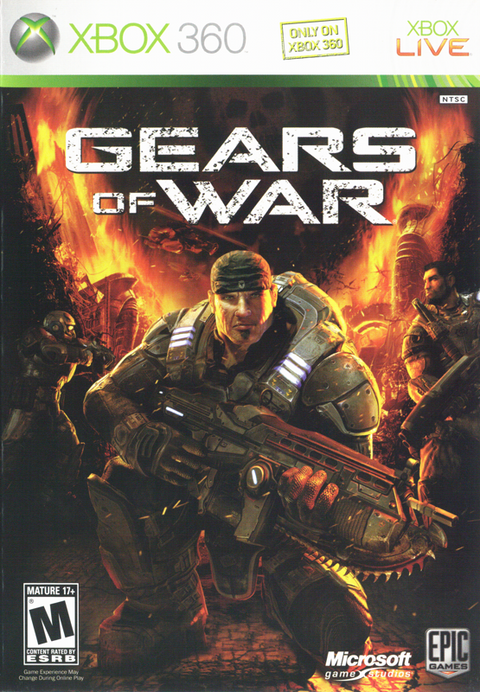
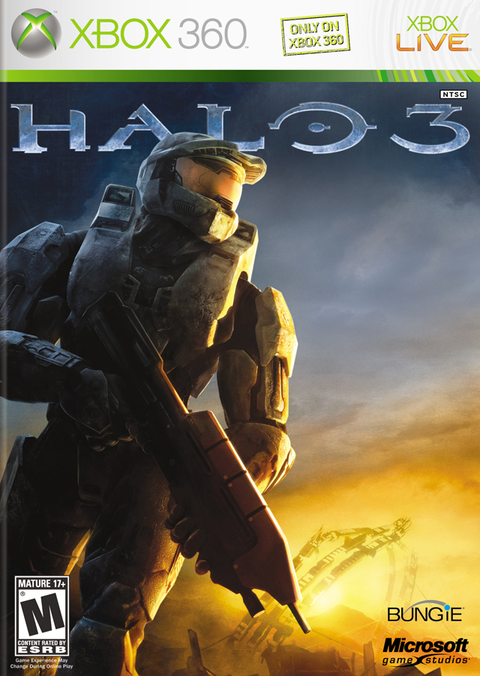
The game decides the useful limits. Halo 3 for Xbox 360, for example, puts Xbox Live, System Link and Local in its Network menu. The original Gears of War manual lists System Link as a local-area-network option with an eight-player maximum. Read the manual or in-game network menu for the exact title instead of treating the word “multiplayer” on a case as a wiring diagram.

Build the simplest reliable network
For more than two consoles, connect every Xbox 360 to the same router or Ethernet switch. Wired Ethernet removes wireless signal strength from the mystery and makes it easier to see which cable belongs to which station. A router does not need an active internet connection for the consoles to share its local network, although downloading updates or missing content obviously does.
For two consoles, Microsoft's instructions also allow a direct cable connection. If you are unsure which cable a particular console pair requires, use Microsoft's model-specific guidance. A router or switch with ordinary Ethernet cables is the cleaner group setup.
| Check | What each station needs |
|---|---|
| Software | The same supported game, edition when relevant, and compatible update state |
| Hardware | Console, display, controller, power and video connections |
| Network | A working Ethernet path to the same local router or switch |
| Players | Enough local profiles and controllers for the game's per-console limit |
| Content | The same required maps or add-ons on every participating console |
Prepare the consoles before the room fills up
- Confirm System Link support. Open the game's manual or network menu on one console. Do not assume online multiplayer, split-screen and System Link are interchangeable.
- Launch every copy once. Install any required content and verify that each disc reads. A scratched disc is a terrible network technician.
- Match the software state. If one console has a title update or map required by the session, make sure the others can use the same version and content before disconnecting from the internet.
- Connect the LAN. Plug every console into the same router or switch, then confirm the wired network appears in Xbox 360 Network Settings.
- Start one host. In the game, choose System Link and create a lobby. On the other consoles, choose System Link and look for that local game.
- Run a short match. Join, move, finish the round and return to the lobby. A lobby that appears is good; a complete test is better.

When the lobby refuses to appear
Change one variable at a time. First, make sure every console is actually on the same local network. Then confirm the game copies can reach the same System Link menu and are using compatible updates. Remove optional downloaded maps from the test if only some consoles have them. Restart the game after changing network or content settings.
If that still fails, reduce the setup to two consoles, one known-good cable per console and the router or switch. Prove that pair, then add stations one at a time. This is slower than pressing every button on every controller, but it has the unfair advantage of producing evidence.

Can newer Xbox consoles join?
Sometimes, but do not turn that into a blanket promise. Xbox currently says supported original Xbox games can use System Link across original Xbox, Xbox 360, Xbox One and Xbox Series consoles when the game supports the feature. That statement is specifically about original Xbox titles running through backward compatibility.
For an Xbox 360 game, verify that exact title's backward compatibility and local-network behavior before mixing generations. A game appearing in a newer console's library does not automatically prove that every legacy network mode works with every hardware combination.
The ten-minute rehearsal that saves game night
Set up the host and one client the day before. Start the exact mode you plan to use. Check the player count, map access, controller assignments and whether each screen returns to the lobby after a match. Then label the game discs, controllers and Ethernet cables by station.
System Link is appealing because the room owns the important pieces: the consoles, the network and the copies of the game. It still rewards preparation. The old dashboard will not care that everyone brought snacks.