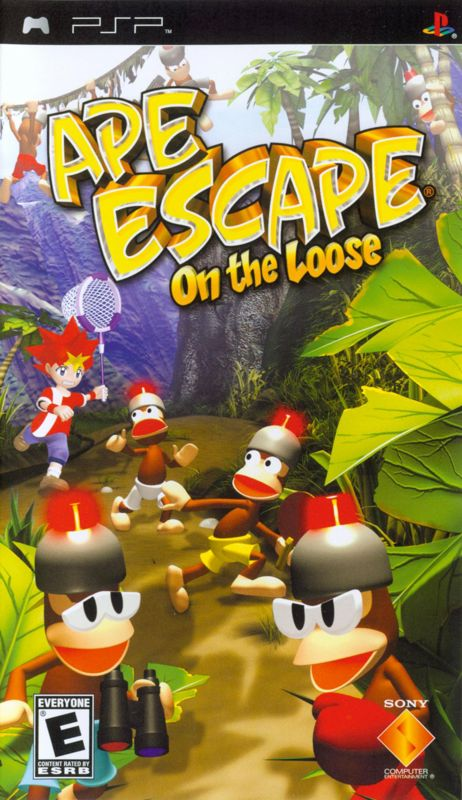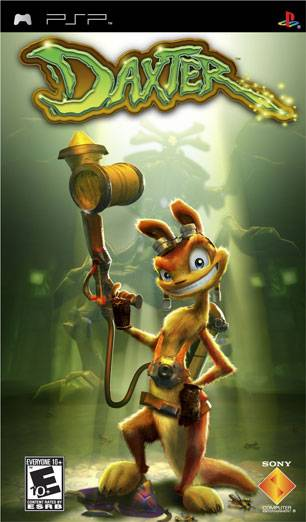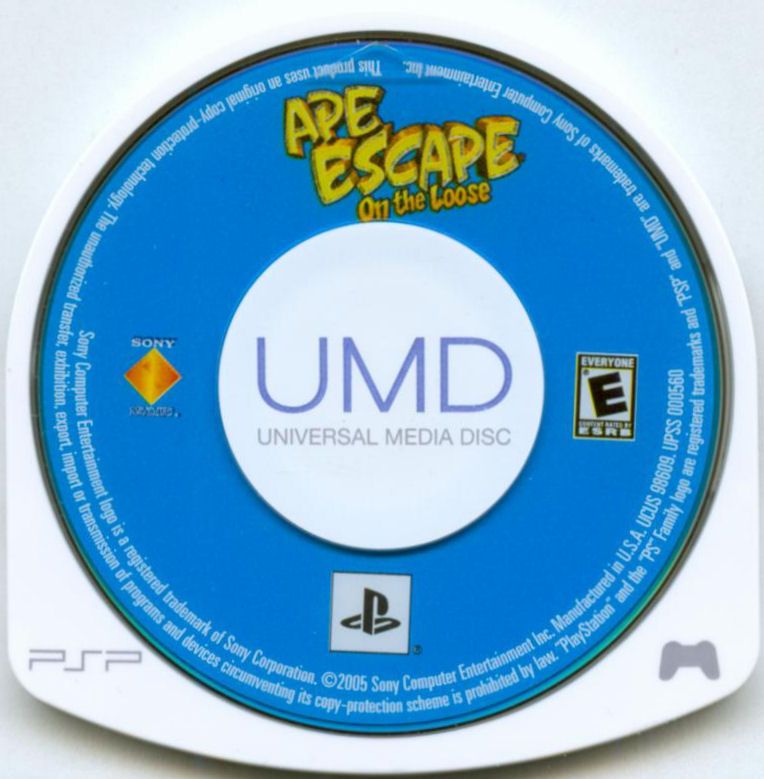
PSP games look like someone put a tiny optical disc inside a plastic suit of armor, then left one window open just to keep collectors nervous. That odd little package is Sony's Universal Media Disc, or UMD, and it gave the PlayStation Portable a physical format that was unmistakably its own.
The shell handles everyday contact, not every bad decision. A clean case can still hide a cracked cartridge, a warped disc, or dirt on the exposed recorded surface. If you are buying, storing, or rescuing PSP games, the shell deserves the same inspection as the disc inside it.
Why PSP needed its own disc format
PlayStation's official history says the PSP's smaller size required a new game format, which became UMD. Sony also used UMD for video and music releases, so the format was designed as portable media rather than a shrunken copy of a home-console disc.
The protective shell is part of what makes UMD instantly recognizable. It covers most of the disc while leaving an opening so the PSP drive can read the recorded surface. That design reduces casual contact with the disc, but the opening means fingerprints, dust, and grit still have a direct route to the part that matters. The plastic does plenty of work, but it never gets to clock out.

What to inspect before buying a used UMD
Start with the shell
Look for cracks around the edges, separation between the shell halves, missing pieces, and obvious warping. Sony's own PSP manual says not to use a UMD that is cracked, warped, or repaired because it can break inside the system and cause a malfunction. This is not the moment for a heroic tape job.
Hold the cartridge gently and listen for unusual loose movement. A little visual wear on the outside is not the same as structural damage, but a shell that is opening or distorted should be treated as a problem, not a charming sign of age.
Check the exposed surface
Use the rear opening to inspect the recorded surface under ordinary light. Do not touch it. Sony specifically warns against putting fingers on that opening and against allowing dust, sand, or other dirt onto the disc. Fingerprints are not a bonus feature, even if they are technically one-of-a-kind.
Light surface marks and a shell failure are different issues. The important buying question is whether the copy is accurately described and playable, not whether every used game looks like it just escaped a factory time capsule.
Know what the listing includes
A UMD-only listing means the game cartridge itself. It does not promise the original retail case, manual, inserts, or bonus codes. A complete-looking package can matter to a collector, while someone who wants to play may prefer a lower-cost loose copy. Read the exact condition and included-items notes instead of letting a stock photo make decisions for you.

How to clean and store PSP games
For ordinary dirt, Sony recommends gently wiping the UMD's exterior and recorded surface with a soft cloth. The manual says not to use solvents or other chemicals. Skip the mystery cleaner under the sink. A PSP game should not smell like a freshly detailed dashboard.
Keep each UMD in a case when it is not in the system. The original retail case is ideal for presentation, but a clean replacement case still protects the cartridge from loose debris and pressure. Store the case upright or flat in a cool, dry place, away from direct sun, high humidity, and the sort of heavy object that turns “minor shelf wear” into modern art.
If a cold UMD is brought into a warm room, moisture can condense on the disc or inside the PSP. Sony says to remove the UMD, turn off and unplug the system, and wait until the moisture evaporates before trying again. That can take several hours. Patience is cheaper than using a disc drive as a dehumidifier.
Do not repair a damaged shell and test your luck
Replacement-shell videos make the job look neat, but Sony's published guidance is blunt: do not use a UMD that has been repaired. A damaged shell can fail while spinning inside the drive. If a copy is cracked, warped, separating, or already patched together, retire it from normal use and replace it with a sound copy.
That distinction matters for collectors too. A rare label does not cancel a mechanical hazard. Preserve the damaged artifact if it has personal value, but do not confuse “worth keeping” with “safe to run.”

A practical PSP buying checklist
- Confirm the exact game and edition. Similar cover art can hide regional or packaging differences.
- Inspect the UMD shell. Reject cracks, warping, separation, or previous repairs for normal play.
- Check the rear opening. Look for dirt and damage without touching the recorded surface.
- Read the included-items list. UMD-only does not mean case, manual, or inserts.
- Store it covered. Keep loose cartridges out of pockets, bins, and the legendary junk drawer where accessories go to disappear.
- Let condensation clear. Moving from cold to warm conditions can require several hours before safe use.
Build a PSP shelf without buying surprises
UMD gave the PSP a physical identity that digital downloads never quite replaced. The format is compact, collectible, and wonderfully specific to Sony's handheld. It is also an optical disc with a permanently exposed window, so condition descriptions matter.
Browse Zypher's current PSP games, including available copies of Ape Escape: On the Loose, Daxter, and Crazy Taxi: Fare Wars. Inventory can change, because good handheld games have a habit of leaving the shelf. If your own collection needs thinning, check the Zypher Buy List before selling your old games to Zypher.
Official sources
- PlayStation history: PSP and the UMD format
- PlayStation PSP-3004 Safety and Support manual
- PlayStation PSP-E1002/E1003 instruction manual
Sources and product availability checked October 23, 2026. Product images are shown for editorial identification and link to the matching Zypher listings.