Skip to product information
1 of 2

Wireless Receiver for WaveBird® Controllers | Nintendo GameCube | Adapter

Wireless Receiver for WaveBird® Controllers | Nintendo GameCube | Adapter

Regular price $28.96
Regular price Sale price $28.96
Sold out
Shipping calculated at checkout.

Availability: Low stock: 3 left

View full product details

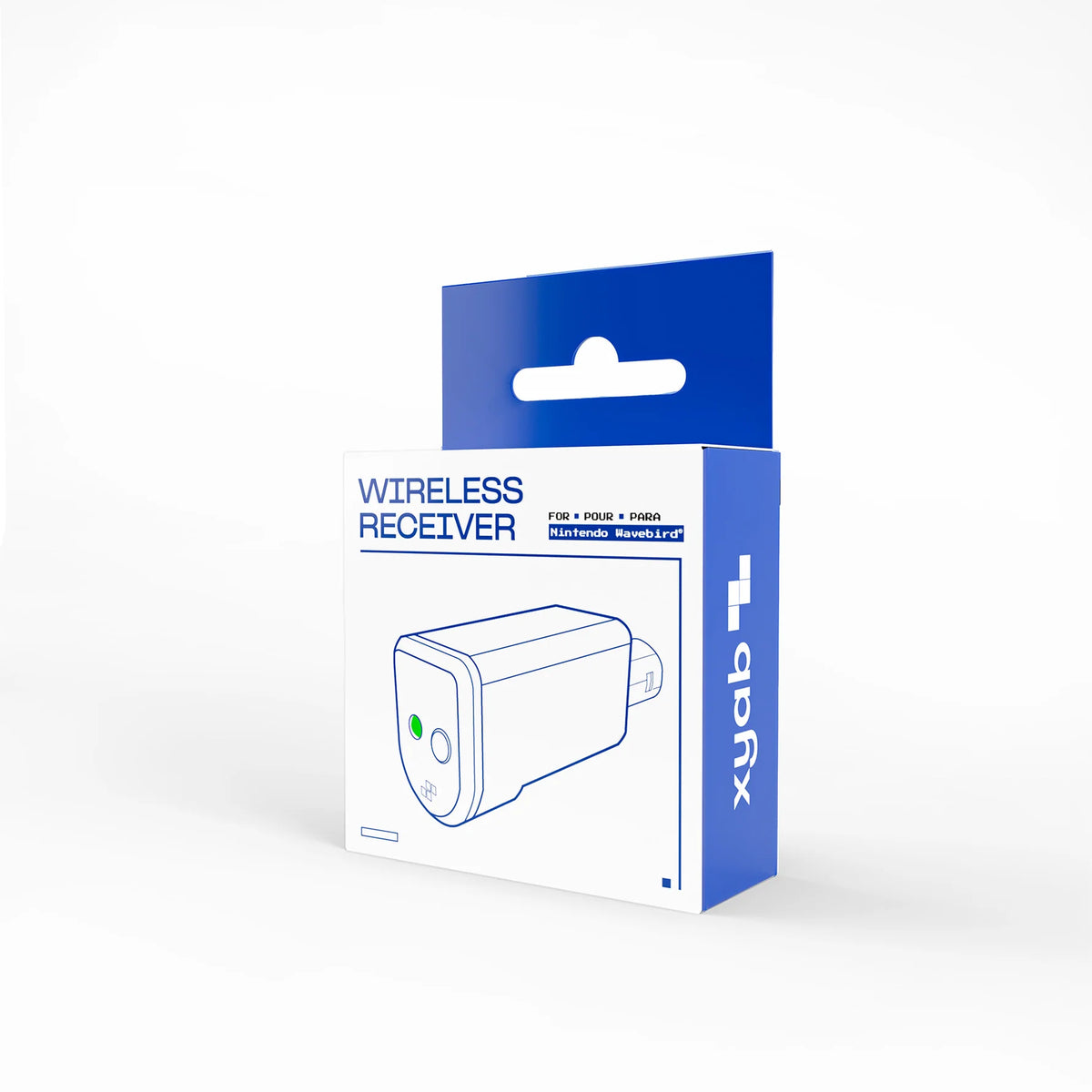
Wireless receiver for Game Cube WaveBird® controllers based on the Wave Phoenix open source project. We extend our deepest thanks to loopj, the developer, whose tireless efforts made this receiver possible.

This wireless receiver uses "virtual pairing" instead of the original WaveBird’s channel wheel. To initiate pairing, press the receiver’s pairing button. The onboard LED will start blinking to indicate the receiver is now in pairing mode. Press and hold X + Y on the WaveBird controller to pair a WaveBird to a receiver. Once pairing is successful, the LED will stop blinking and remain solid.

🎮 Condition & Testing

Pre-owned consoles and accessories are inspected, cleaned, and tested for functionality.

Included components are listed in the product title or description. Cosmetic wear can vary by item.

📦 Free & Speedy Shipping

Free U.S. shipping applies to eligible orders over $99 after product discounts, before tax and shipping, when the shipping rate is $50.99 or less.

Most items ship within 1–2 business days. Shipping cost is calculated at checkout.

🎖️ Returns & Warranty

Buy with confidence. Eligible pre-owned gaming products are inspected and tested before sale.

We offer 14-day returns and a 90-day warranty on eligible pre-owned gaming products for functional issues under normal use.

View Warranty & Return Policy

💵 Sell Your Games & Gear

Turn games, consoles, systems, and accessories into cash or Zypher store credit.

Build your quote →

✓ Tested & PreparedEligible pre-owned gaming gear is inspected, cleaned, tested, and prepared by Zypher.
🛡 90-Day Zypher WarrantyEligible pre-owned gaming products are backed by our 90-day functional warranty.
🎮 Built for Your SetupShop consoles, controllers, accessories, and more from one trusted gaming source.

Wireless receiver for Game Cube WaveBird® controllers based on the Wave Phoenix open source project. We extend our deepest thanks to loopj, the developer, whose tireless efforts made this receiver possible.

This wireless receiver uses "virtual pairing" instead of the original WaveBird’s channel wheel. To initiate pairing, press the receiver’s pairing button. The onboard LED will start blinking to indicate the receiver is now in pairing mode. Press and hold X + Y on the WaveBird controller to pair a WaveBird to a receiver. Once pairing is successful, the LED will stop blinking and remain solid.