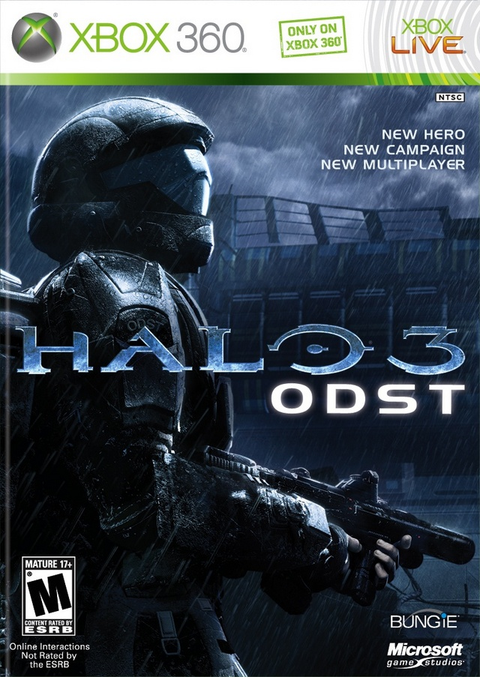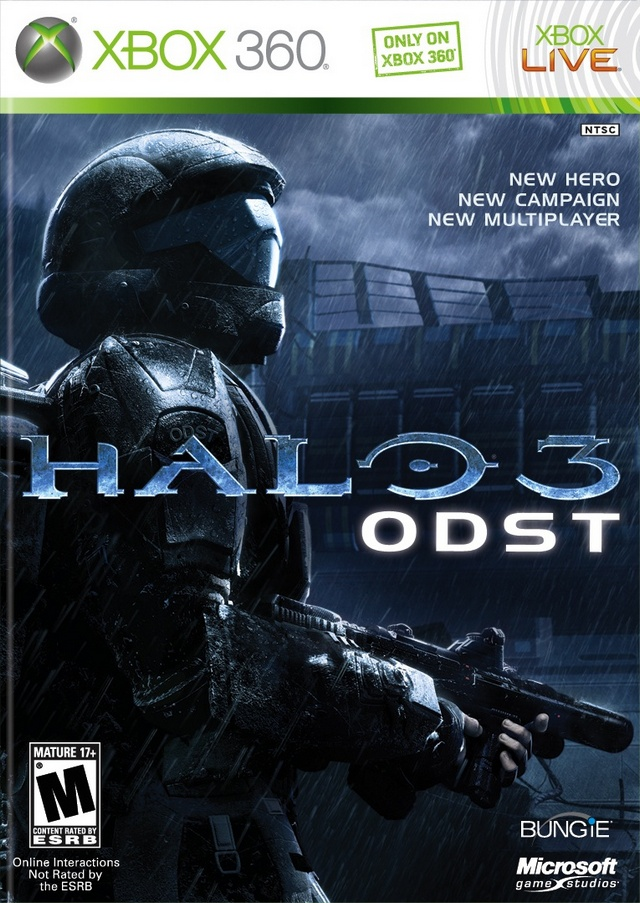
A request for Halo 3: ODST for Xbox 360 “for multiplayer” leaves an important question open. Do you want Firefight with a team, or the Halo 3 competitive maps supplied on the original retail package's separate disc? The digital Campaign Edition includes the former and leaves out the latter. One word in a store title can conceal quite a shopping detour.
Then there is the digital Campaign Edition, and ODST inside Halo: The Master Chief Collection. Those names overlap. Their contents and ownership requirements deserve separate checks. Here is how to sort them before comparing prices or condition.
Featured image: complete Halo 3: ODST Xbox 360 front cover, shown to identify the physical edition. The pictured packaging is a reference, not a photograph of every supplied copy. Used with permission from Microsoft.
The second disc is a different menu, not the next chapter
The original Microsoft-hosted manual explicitly describes a second disc containing Halo 3 multiplayer: the original maps, downloadable maps and Forge. That is a different purpose from continuing ODST's campaign on another disc.
For a used purchase, establish which disc or discs the selected option supplies. A listing title identifies the game; the included contents establish what will arrive. A case with the right artwork is useful for identification, but it cannot compensate for a missing disc. The Rookie has enough to investigate without you launching a separate investigation into the parcel.
If your goal is the ODST story or Firefight, verify that the ODST game disc is present. If your goal is the original retail package's Halo 3 multiplayer component, verify the separate multiplayer disc too. Neither question is answered by the word “Halo” alone.
Firefight is not the multiplayer disc's other name
The manual describes Firefight as fighting successive Covenant waves with a team. It documents up to four players through Xbox Live or System Link, or two players sharing one local Xbox 360. Those are the original arrangements, rather than a promise that every historical online feature remains available today.
That distinction matters when somebody says they want ODST “for multiplayer.” Do they mean cooperative survival against enemies, or Halo 3's competitive modes? Both involve more than one player, but they send you looking for different parts of the package.
Decide the mode before assembling the equipment. Two people using a shared screen and several people bringing networked consoles are different plans. The useful shopping question is specific: which software, connection and number of local seats does this evening need?
Campaign Edition removes one source of confusion
Microsoft's Halo 3: ODST Campaign Edition listing says the Games on Demand version contains Campaign and Firefight, without Halo 3 competitive multiplayer functionality or maps. Despite the shortened name, Firefight is included in that documented digital package.
Use that description for that edition. It does not prove the contents of a used physical listing, and a physical listing should not be treated as proof of a separate digital entitlement on your account. A familiar cover can identify the adventure while still leaving an ownership question unanswered.
Do not turn a missing competitive menu into a repair project before checking the edition. When the product description deliberately excludes that component, reinstalling the same product is not a plan for adding it.
The old Xbox Live logo needs a current service note
Halo Support's legacy-service notice records the January 13, 2022 shutdown of Halo Xbox 360 game servers and the loss of services such as challenges and file sharing. For ODST, it lists Campaign, Firefight, split-screen and LAN among the features that continue to be available.
The notice also says backward-compatible Xbox 360 software on newer consoles is affected by the same legacy-service changes. A newer machine does not restore a retired service merely by running the old game.
For a collector, surviving local modes are a reason to consider the original release. They are not a reason to describe the entire launch-era service package as intact. Read the current notice against the mode you actually intend to use. This guide reports the publisher's position; it does not claim a fresh connection test.
The Master Chief Collection has its own entitlement check
Halo: The Master Chief Collection for Xbox One is a separate product. Halo Support says its modernized services were not affected by that Xbox 360 shutdown. It also explains why owning MCC can still leave ODST unavailable.

Its breakdown lists ODST Campaign and Firefight as a separate purchase for Xbox One, while its PC breakdown lists that content as included with Halo: MCC. Check the exact PC package you own before applying that inclusion statement. Keep those platform distinctions attached to the advice. A PC inclusion statement should not quietly become a promise about a used Xbox One disc.
If you already own MCC, check your ODST entitlement before buying the collection again. If you are buying a physical Xbox One copy, check the listing and account requirements rather than assuming every later addition is supplied by the box. No unused download code or add-on is promised here.
Buy the ODST package that matches the plan
Buy your next Halo from Zypher. Check our Halo 3: ODST Xbox 360 listing for the original release, or the separate Master Chief Collection Xbox One listing for that collection. Read the selected condition and included contents before ordering, especially when comparing loose-disc and packaged options.
Browse Zypher's games, or sell your old games to Zypher when the next drop needs shelf space.
Primary sources and store listings checked October 30, 2026. Manual descriptions are historical specifications; current service and entitlement notes are linked separately. This is researched buying guidance, not a new hardware or server test. Complete Microsoft box shots identify editions and are used under Microsoft's box-shot permission, without alteration or implied sponsorship. Used with permission from Microsoft.