A second-hand Wii Balance Board is easy to recognise. Working out what comes with it can be less obvious. A listing for Wii Fit on Wii, a loose board and a copy of Wii Fit U are three different purchases. Put them in the same shopping basket without checking the details and you may acquire a very organised pile of almost-ready-to-play.
The useful starting point is that the board's name does not tie it to just the first Wii Fit. The game, console and other controllers still need to match. Here is how to check that combination before buying, and how to avoid calling a working board broken because it has not been paired in the right software.
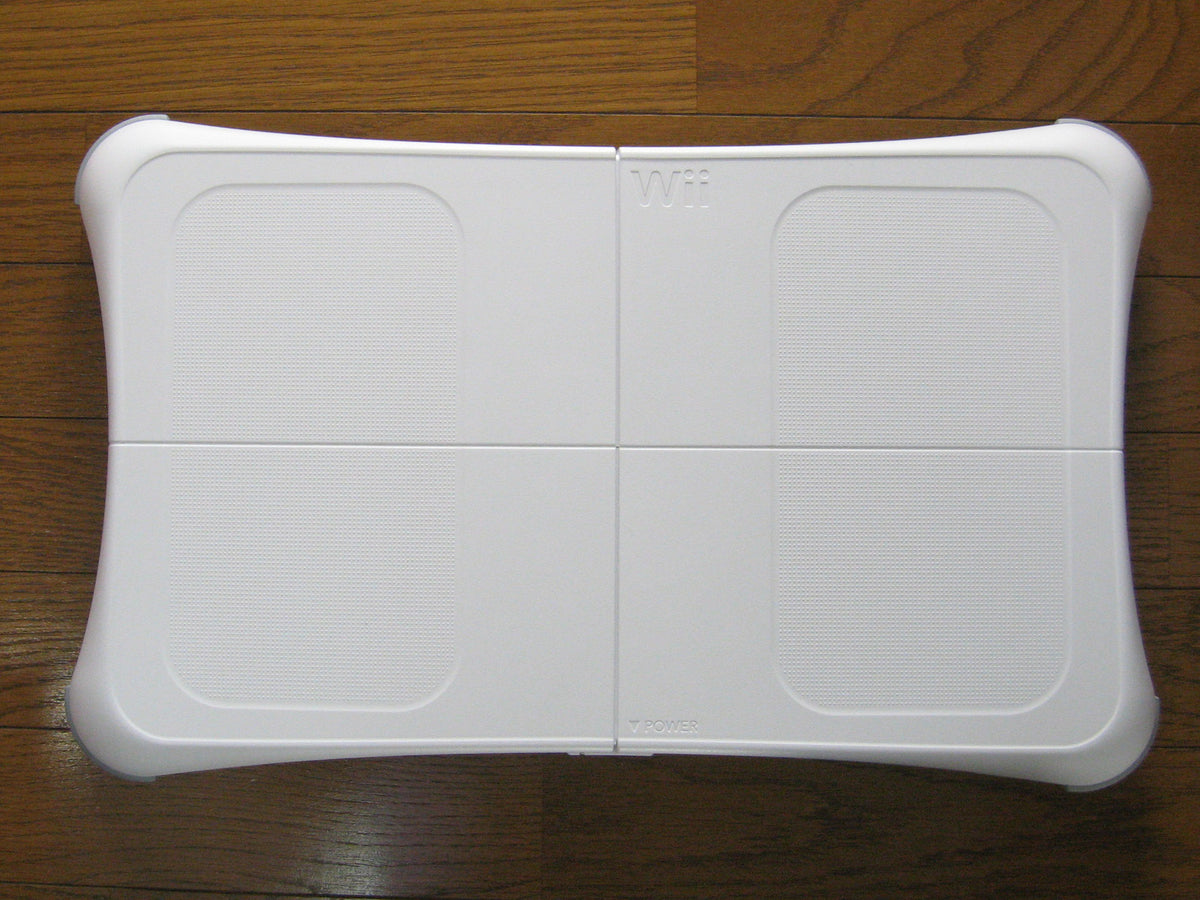
Featured photo: Wii Balance Board by Dddeco, CC BY 2.5; unmodified. This historical hardware photograph does not show a Zypher sale package.
The board carries over; the game still has a platform
Nintendo's Japanese Wii Fit U package reference explicitly identifies its Balance Board as the same board supplied with Wii Fit and Wii Fit Plus. You do not need to treat the words “Wii Fit U” as proof of a separate U-only board.
That is a statement about the accessory. It does not turn a Wii U game into Wii software. Use the exact platform printed on the game and in the listing, then check the instructions for that edition. The extra letter is doing an actual job here.
| Game | Software platform | What to establish before checkout |
|---|---|---|
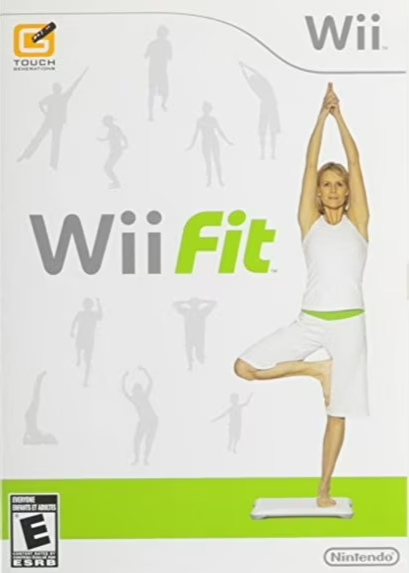
| Wii Fit | Wii | Whether the listing includes the Balance Board or only the game |
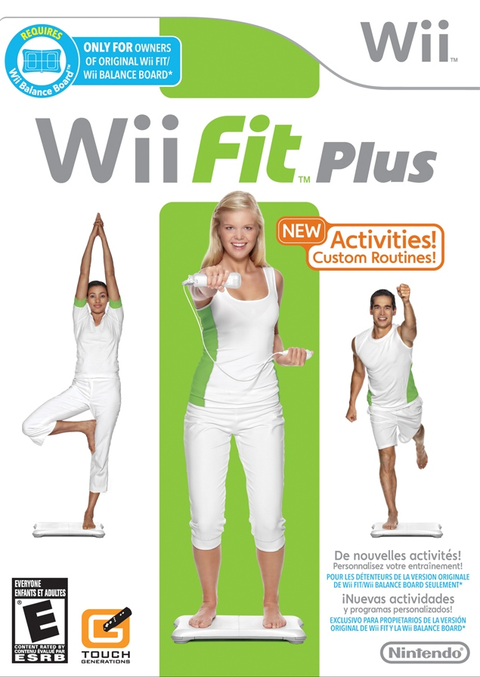
| Wii Fit Plus | Wii | Whether you are buying a software-only copy or a package with the board |
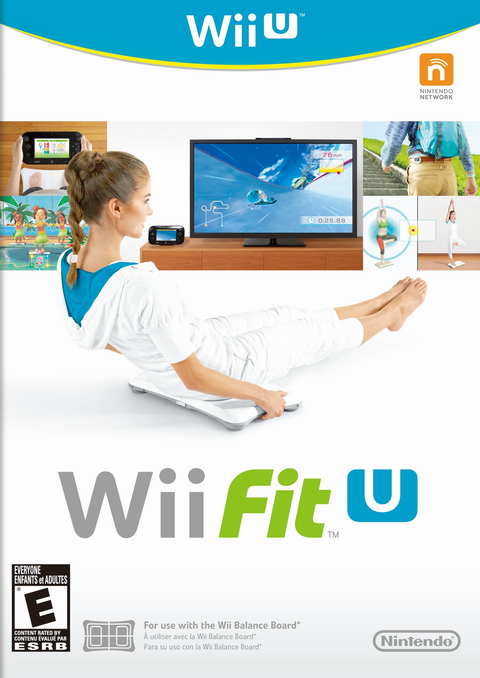
| Wii Fit U | Wii U | The game, board and controllers required for your intended activities |
Nintendo's original Japanese Wii Fit Plus page offered both software by itself and a board bundle. It also says the board is required. Those historical package options are a useful explanation for why the game and accessory turn up separately. They are not a contents list for a used copy being sold today.
A disc-only listing does not contain a hidden board
Read a game's condition and included contents as carefully as its title. “Disc Only” describes software media. A product photograph showing the original retail package does not add missing hardware to that condition option. If you need the board, establish that it is included in the specific offer you are choosing.
Do the same with the controllers. Nintendo's Wii Fit U electronic manual lists Wii U GamePad, Balance Board and Wii Remote configurations, and says two Wii Remotes or Wii Remote Plus controllers are needed for two-player activities. Check the activity you actually intend to use rather than assuming one accessory covers the entire game.
For a used board, ask for a clear view of the underside, battery compartment and battery cover, as well as a demonstration with compatible software. Confirm those details on the unit you will receive, especially when the listing uses a stock photograph.

On Wii, start a compatible game before pairing
Nintendo's Wii pairing instructions say a compatible game disc must be running before synchronisation. Look for the Balance Board icon on the packaging. Start the game through the Disc Channel with the Wii Remote, then follow the documented pairing procedure using the console's SYNC button and the board's button beneath the battery cover.
A solid blue light indicates successful pairing in that procedure. Trying only from the ordinary console menu skips a condition Nintendo specifically calls out. Check the setup sequence before treating a blinking light as a diagnosis.
If pairing still fails, Nintendo recommends good-quality alkaline batteries and checking for wireless interference. Follow its linked troubleshooting steps for your system. That is a better next move than opening the board or buying an unverified charging accessory on a guess.
On Wii U, follow the Wii Fit U instructions
The Wii Fit U manual starts its board-pairing procedure by launching Wii Fit U and pressing SYNC on the Wii U console. It then directs you to the SYNC button under the board's battery cover and to replace the cover afterward. Keep the console-specific instructions with the console you are using.
Nintendo's Wii accessory compatibility page includes the Balance Board among supported Wii U control inputs, while warning that accessory compatibility does not mean every game supports every accessory. For another game, check that game's manual. The board does not become a universal controller just because the console recognises it.
Buy the missing piece, not the same piece twice
If you already own a working board, confirm the game edition and remaining controller requirements before ordering another bundle. If you only own the game, confirm the hardware you still need. Keep those two situations separate and the purchase becomes much easier to judge.
Build your next Wii session with Zypher Trading Video Games. Browse Wii Fit for Wii, Wii Fit Plus for Wii and Wii Fit U for Wii U. Choose the correct platform and condition, and read the included contents. These game links do not promise a Balance Board, Fit Meter or other peripheral.
Clearing space for the next setup? Sell your old games to Zypher, or browse our games for your next session.