
Overcooked! 2 gives you a button for throwing ingredients. It does not give the person on the other side of the kitchen an extra pair of hands. Sending food across a gap can save a journey, but sending it into somebody's already crowded workspace mostly changes who owns the mess.
The useful upgrade is learning to move ingredients through a kitchen without making every chef walk the entire recipe. This guide focuses on the sequel's throwing mechanic, work areas and changing layouts.
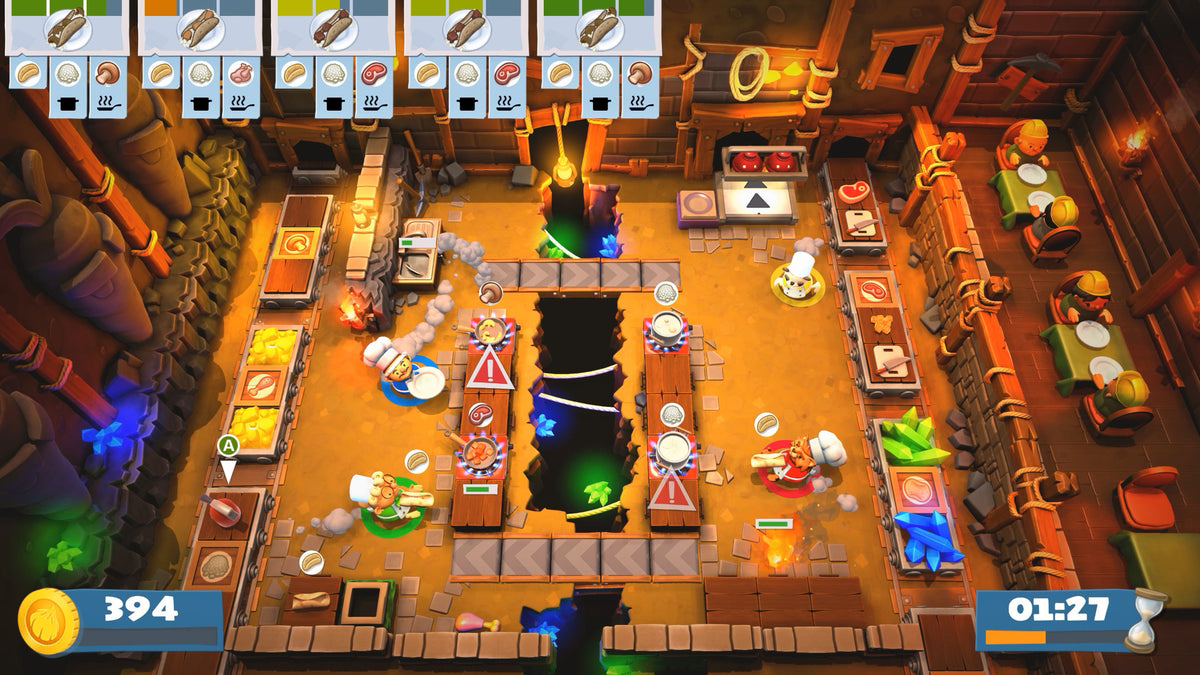
Featured image: an Overcooked! 2 kitchen divided by a chasm, with cooking stations on both sides. Official in-game promotional screenshot, © Team17 Digital Ltd and Ghost Town Games Ltd. Images are unmodified; capture builds unspecified.
Throw the ingredient, not the entire job
In his 2018 account of the sequel's development, Ghost Town Games co-founder Phil Duncan specifically describes throwing raw ingredients between chefs or into pans. Keep that scope clear. Do not assume a mechanic demonstrated with a vegetable is a universal solution for moving every piece of kitchen equipment.
Before a throw, decide where the ingredient needs to go next. A receiving chef, a useful work area and a pan are different destinations. Choose the destination that advances the order, rather than simply aiming at the busiest-looking person.
Our suggestion is to start with one repeated handoff. Have one chef supply an ingredient and another handle its next step. Once that exchange is reliable, add the rest of the recipe. Practising an entire avalanche at once makes it difficult to tell which handoff was supposed to work.
Find the slow step before adding more food
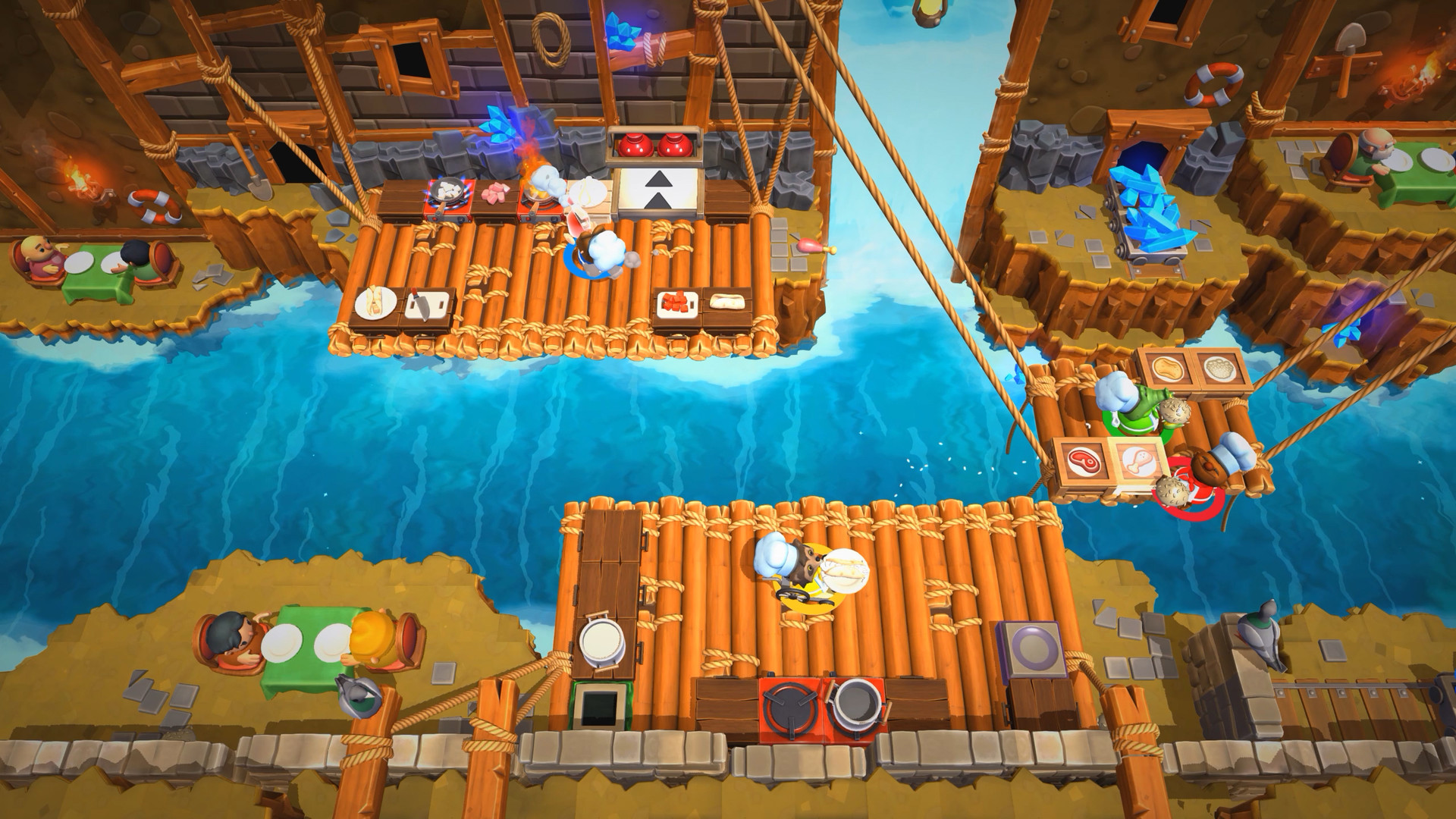
Team17's A–Z feature explains that later kitchens separate chefs and make throwing an important skill. That changes the question from how fast everybody can run to which tasks can stay on each side of the room.
Look at the ingredient supply, preparation surfaces, cooking stations and delivery point. Trace one order through those locations. Where does it wait? If preparation is already backed up, another delivery of raw food may not help. If the prepared ingredient is waiting for someone to move it, a chef collecting more supplies may be solving yesterday's problem.
Try changing one assignment between attempts. Keep somebody near the station that is falling behind, or reduce the number of chefs competing for the same small area. Judge the change by whether more of the recipe reaches its next step. Everybody being busy is not the same as dinner leaving the kitchen.
Let the kitchen change your assignments
The publisher's FAQ defines dynamic kitchens as environments and layouts that can change while you cook. Duncan's developer account also names moving platforms, rafts, travelators and fire barriers among the sequel's obstacles.
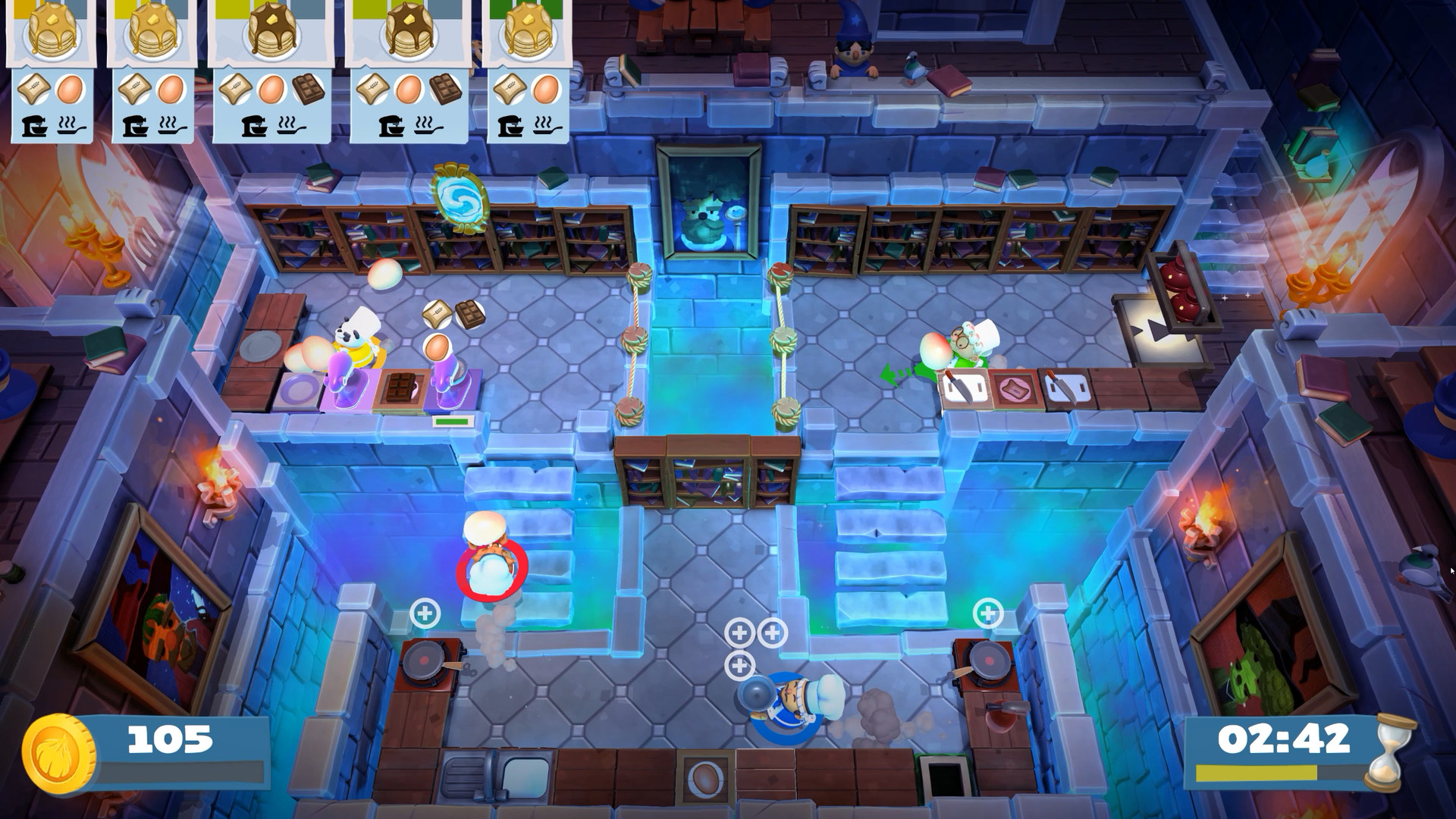
Our recommendation is to give jobs a location as well as a name. Supplying ingredients from one side of a gap is more precise than declaring yourself the permanent ingredient person. When the route changes, reconsider who can reach the next useful station with the least disruption.
Do not cling to an assignment simply because it worked at the start. If the kitchen has rearranged the route, the plan needs another look. That is part of the challenge: a division of labour is useful only while it matches the room.
Use practice for one question at a time
Team17 documents Practice mode as offering unlimited time and orders. That makes it a useful place to investigate a handoff without treating every dropped ingredient as a crisis. Use it to answer something specific, such as where a throw should land or which chef should finish a delivery.
Then return to a scored attempt and check whether the answer survives normal pressure. A successful throw in isolation and a useful throw during an order are different achievements. The second needs the rest of the kitchen to be ready for it.
Keep the session and purchase specific
The FAQ supports up to four players locally or online in Overcooked! 2. This article concerns that title, rather than treating the original game, sequel and All You Can Eat as interchangeable purchases. Check the exact edition and platform when arranging a session or shopping for a copy.
Buy your next physical game from Zypher Trading Video Games. Browse our games and read each listing's platform, condition and included contents.
Ready to make room for something different? Sell your old games to Zypher and put that shelf space to work.


