
Vampire Survivors has both couch co-op and native online co-op. The useful question is which setup your group can actually use. A shared television, two different consoles and two different PC storefronts are not interchangeable plans, even when everybody has bought a game with the same name.
Start with the mode and the platform, then decide whether anyone needs another purchase. Get that sorted before asking friends to buy another copy or borrow another pad.
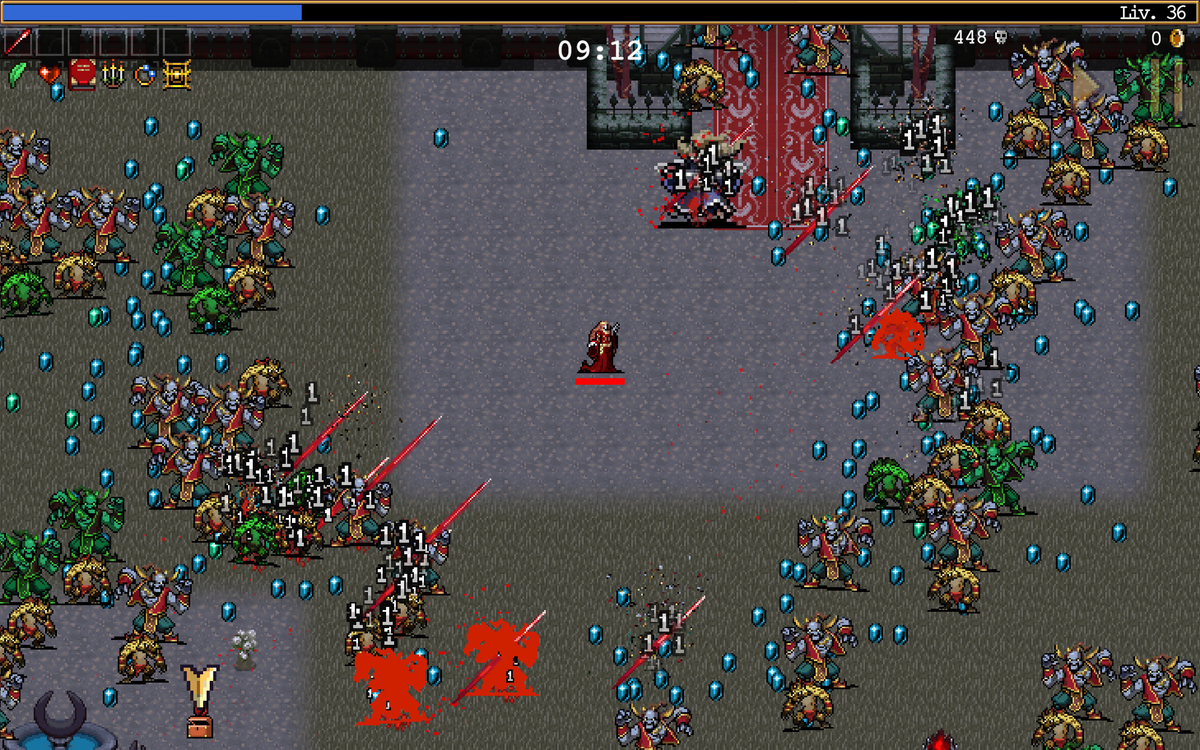
Featured image: single-player gameplay from Vampire Survivors: Legacy of the Bloodmoon, supplied in poncle's publisher-distributed press kit. This optional expansion is not required for co-op. Images here illustrate the game and DLC, not multiplayer setup screens. © poncle.
Choose one shared screen or separate devices
Poncle's current online FAQ distinguishes two modes, each supporting up to four players. Couch co-op uses a shared screen. Native online play lets participants move independently on their own devices. You cannot combine couch and online players in the same session.
| Plan | Check first |
|---|---|
| Everyone together | Local controls and the shared display |
| Separate locations | Compatible platforms, individual devices and game copies |
Check the mode before buying a second controller specifically for an online group. Describe the whole arrangement when comparing features: who is sitting where, which machine each person will use, and which version they own. A player count alone does not answer those questions.
For couch play, account for every input
The developer's local co-op FAQ requires a separate input device for each player on PC. For a keyboard-and-controller pair, it documents disabling “Assign Controller to Player 1” so the controller goes to Player 2. Check that option if the pad keeps controlling the wrong survivor.
The same FAQ documents character outlines and colour options. Use them when a player loses track of their character. Try that before spending a run following somebody else's sprite through the crowd.
For PlayStation, the current platform listing identifies PS4 and PS5 versions and one-to-four-player couch play. It also lists PS Plus as required for online play. Keep that subscription requirement with the online plan rather than assuming the couch player count promises an internet session.
Online compatibility depends on the ecosystem
The online FAQ specifically pairs Xbox Series X|S with PC through Microsoft Store/Game Pass, and PS4 with PS5. It does not promise cross-play between different ecosystems, such as Xbox and PlayStation or consoles and Steam. It also says online play is unavailable on mobile at launch.
Our buying advice is to compare the storefront as carefully as the device. “I have it on PC” leaves a significant detail unanswered. Check your actual installation against the developer's supported pairing before somebody buys another copy to solve a problem that was never a controller problem.
Shared-screen movement needs a shared direction
In poncle's original developer explanation on Xbox Wire, couch co-op keeps everyone on one screen and rotates level-ups between players through a shared experience bar. That makes the group's movement part of the practical challenge, alongside each person's upgrades.
Our suggestion is to agree on the next destination before committing to it. Pick somewhere to move together, then reassess when the crowd changes. One person deciding to explore while another tries to hold a position is a disagreement about the plan, not necessarily a fault in the controls.
The developer also describes fallen local players becoming coffins while waiting to revive, and the Friendship Amulet offering random weapon upgrades across the group. Those details give you reasons to pay attention to your partners' situation instead of treating their characters as extra decoration.
Agree on DLC before choosing a stage
Online co-op requires no DLC. For an expansion session, poncle requires every player to own the relevant pack.
Legacy of the Bloodmoon is one example of optional paid content. Poncle's August 28, 2026 publisher press release describes its additional characters, weapons, stage and adventure. That is the expansion pictured here, not a co-op admission ticket.

Make a short list of the content everyone actually owns. Choose from that shared list for the first session. It is a simple way to keep an invitation from becoming an unexpected shopping list, and it still leaves room to compare expansions later.
Keep the physical game shelf moving with Zypher
Buy your next physical game from Zypher Trading Video Games. For another classic to put on the shelf, check Contra for NES or Castlevania: Symphony of the Night for PlayStation. These are their named console games, not Vampire Survivors copies or DLC codes. Read each listing's condition and included contents.
Shop Zypher's games, or sell your old games to Zypher when you are making room. Sources, image provenance and store links checked October 31, 2026. Practical session-planning advice is Zypher editorial judgment.
Online availability follows poncle's dedicated online FAQ; the older local FAQ has outdated availability wording. Screenshots are unmodified publisher-supplied gameplay; neither is a Zypher capture or proof of a multiplayer feature.


