There was a time when a console menu barely qualified as a destination. Put in the game, turn on the machine, and get out of the hardware's way. Then consoles started asking players to manage memory cards, set clocks, copy files, choose display options, build profiles and connect to networks. The menu stopped being a hallway. It became part of the house.
That change says a lot about how console gaming grew. A modern system is a library manager, account hub, storage cabinet and storefront before it launches a single game. The interesting part is that this did not happen all at once. You can watch the dashboard being invented one practical problem at a time.
The game used to be the whole interface
Early cartridge consoles did not need a sprawling front end. The cartridge identified the software, the controller handled the game, and the television did the displaying. A console might show a warning or a basic setup screen, but the main ritual was physical: insert the game and switch on the hardware.
Disc systems complicated that tidy arrangement. The console needed to recognize different media, expose save storage and give players somewhere to manage data when no game was running. Sony's original PlayStation made removable memory cards a routine part of ownership. Its official history describes an era before console hard drives and cloud saves, when progress depended on an external card.

PlayStation 2 turned the browser into a maintenance room
The PlayStation 2 put its Browser on the path between hardware and software. Sony's user guide documents using it to inspect memory cards, copy or delete game data and start supported discs. The same system also separated original PlayStation saves from PS2 saves: the older card stored 15 blocks, while the PS2 card offered 8 MB for PS2-format software.
That distinction gave the menu real responsibility. It was where a player learned which card held which save, whether there was enough room and what could be copied. Sony's manual warns against removing cards while copying or deleting. Suddenly, the screen outside the game could protect months of progress or help erase it with impressive efficiency. Menus had consequences now.
The interface also made the console feel like a machine with its own identity. Startup sound, abstract background and floating data icons were not attached to one game. They belonged to the platform. Booting the console without a disc stopped feeling like an error and started feeling like a place.
GameCube made utility feel playful
Nintendo's GameCube manual describes a main menu with game play, memory-card management, calendar and system options. Those jobs are practical, but the presentation kept them inside the console's personality. The interface rotated, clicked and chimed like a toy built by people who refused to let a settings screen become office software.

The memory-card screen could move, copy and erase files between slots. Nintendo also warned players not to remove a card while the system was moving, copying, erasing or formatting data. This was not glamorous work, but it taught players that the console owned more than the current disc. It owned a little filing cabinet full of adventures.
The filing cabinet could be surprisingly tight. Nintendo's official accessory page explains that the original Memory Card 59 stored 59 blocks and that individual games could use one block or several. The larger Memory Card 251 offered more than four times that capacity. Packaging and manuals mattered because the system could not magically make a full card less full.

Internal storage made the dashboard unavoidable
Once consoles adopted built-in storage, profiles and online features, the menu had more to do before and after every game. Xbox 360 support still documents storage management across hard drives, USB flash drives and the original console's memory units. That is a very different relationship from checking one removable card in Slot A.
The dashboard became the place where players moved profiles, cleared space and decided which content stayed installed. Network services added friends, downloads and updates. The console was now running a small operating environment around the game library, even if nobody used that phrase while waiting for an update bar.
Sony's PlayStation 3 shows the transition especially clearly. Its documentation lets players create internal virtual memory cards for older PlayStation saves, assign virtual slots and use a separate adapter to import data from physical cards. The old object did not disappear from the interface. It became a software metaphor.
The menu became part of preservation
This evolution matters to collectors because old games are only one layer of the experience. System menus hold save tools, display settings, profile data and compatibility controls. A working disc drive is essential, but so is a console that can still reach the screen needed to manage the rest.
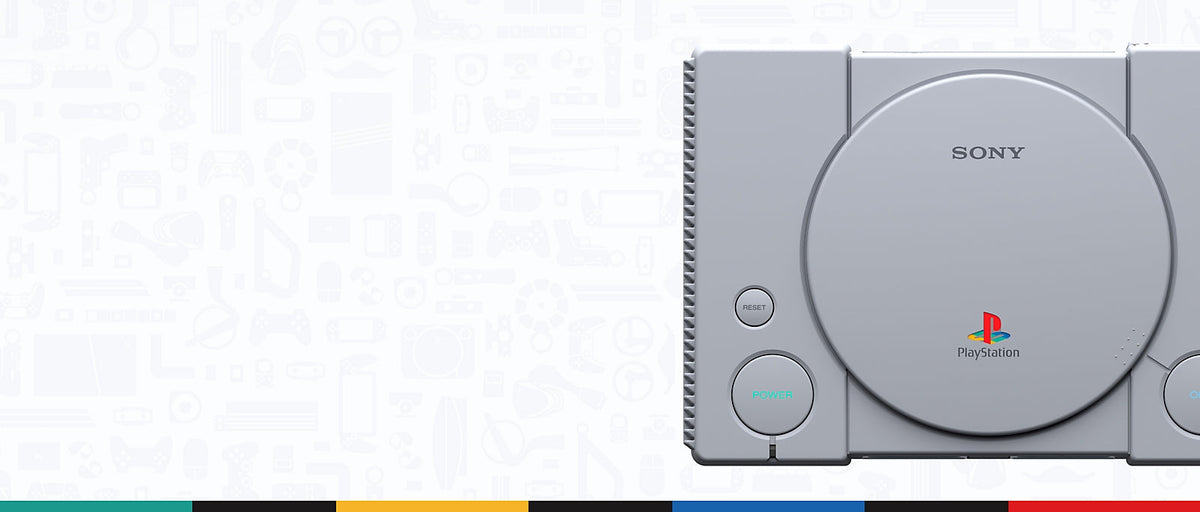
The PlayStation Classic makes the point neatly. Sony's manual describes virtual memory cards managed from the home screen. The accessory is gone, yet the card model remains because players understand it. A save slot became a visual language that outlived the plastic.
Menus also preserve platform personality. The PS2 Browser, GameCube main menu and later Xbox dashboards solve practical jobs with very different moods. Those sounds, shapes and transitions are part of how a generation remembers its hardware. Nobody bought a console specifically to admire file management, but nostalgia has never waited for sensible paperwork.
Buying the games is only half the setup
When you buy older software, check the platform's save requirements along with the disc or cartridge. A PlayStation game may need an original PlayStation memory card even when played on a PS2. A GameCube title needs enough free blocks on a compatible card. A PS2 game uses PS2-format storage. The console menu will tell you a lot, but it cannot negotiate with the wrong accessory.
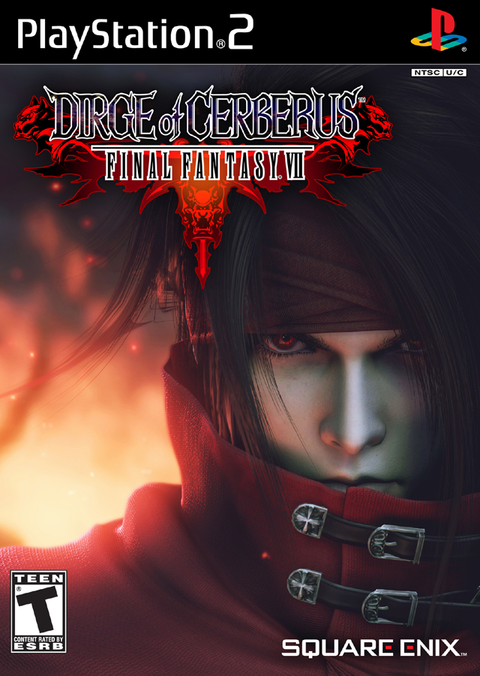
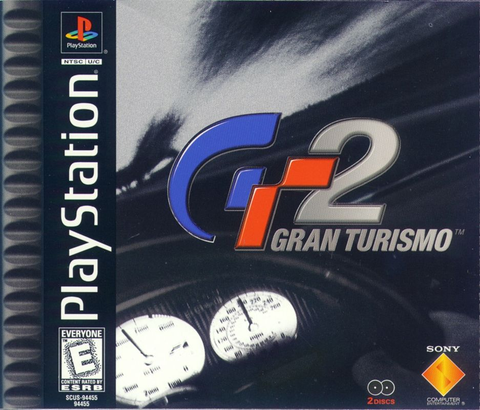
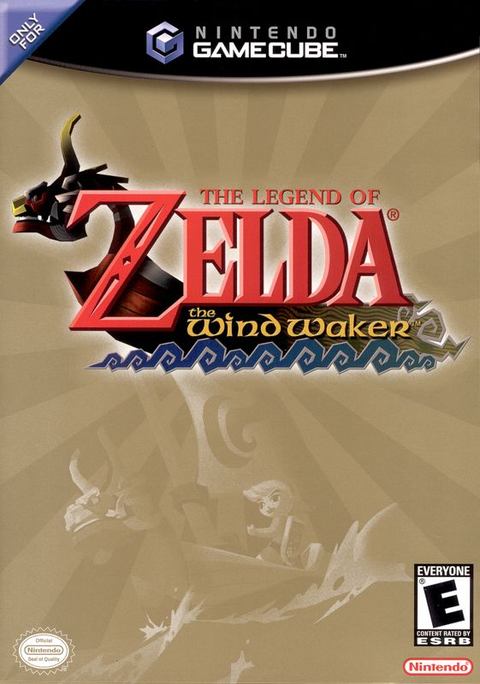
Zypher currently has in-stock listings for Gran Turismo 2 on PlayStation, The Wind Waker on GameCube and Dirge of Cerberus: Final Fantasy VII on PS2. Read each live product page for the exact condition and included pieces. Need to clear shelf space for another generation? Sell your old games to Zypher.
Sources
- PlayStation history: 1994 PlayStation, checked October 24, 2026.
- PlayStation 2 user guide, checked October 24, 2026.
- Nintendo GameCube instruction booklet, checked October 24, 2026.
- Nintendo GameCube accessories history, checked October 24, 2026.
- PlayStation 3 quick reference, checked October 24, 2026.
- Xbox 360 storage support, checked October 24, 2026.
- PlayStation Classic instruction manual, checked October 24, 2026.