A Nintendo DS Lite can have two dirty screens and only one Touch Screen. That matters before you start wiping, poking or borrowing a cleaning trick meant for another DS. The upper display is not a second place to test the stylus, and a stubborn speck is not an invitation to increase the pressure.
This guide covers gentle screen care and handling for the DS Lite. The goal is to preserve a usable handheld, not promise a cosmetic reset. A clean display and a repaired display are different results. Keep that distinction when buying, selling or deciding whether to keep working on your own system.
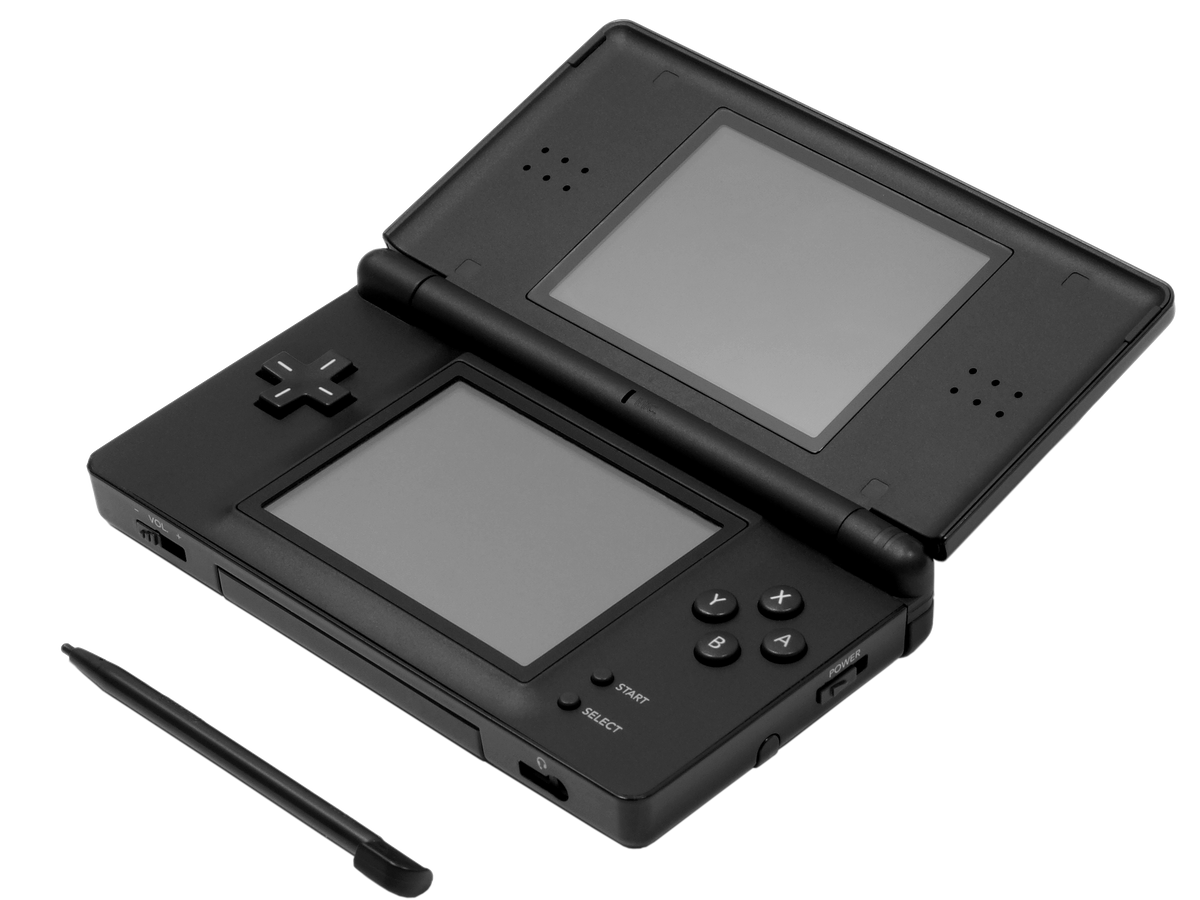
Featured photograph: Nintendo DS Lite with its stylus. Photo by Evan-Amos, public domain, via Wikimedia Commons. Reference hardware, not a before-and-after cleaning demonstration.
Check the model before borrowing a method
Nintendo's general handheld care page includes a method for debris caught between an original Nintendo DS housing and its Touch Screen. It explicitly excludes DS Lite, DSi and DSi XL from that method. Do not transfer the toothbrush instruction to a DS Lite because the two systems share most of a name.
For this model's screens, Nintendo's DS Lite-specific support page recommends gentle wiping with a soft microfibre cloth. It also says to avoid cleaning agents and liquid exposure. That is the conservative method used here. Put the household cleaning products aside rather than trying to reconcile every broad electronics tip on the internet.
Our suggestion: write the model on your care notes before starting. If you are looking after several handhelds, keep each one's instructions with that record. The fastest way to muddle a collection is to remember that a procedure was for “one of the Nintendos” and confidently fill in the rest.
Prepare for a small job
Save your game first, then power the system off and unplug accessories. Nintendo's general care guidance calls for power-off and disconnection before cleaning. Use a soft, clean lens cloth or microfibre cloth on a clear working surface.
Look at the screens before touching them. Identify what you can actually see: fingerprints, a mark that stays in one place, material along an edge, or damage. This is an observation step, not a diagnosis. A photograph taken in consistent light can help you compare the result without relying on memory.
Start with one ordinary smudge, not the most dramatic mark on the handheld. That keeps the task easy to assess. If the cloth itself looks dirty, change it before continuing. Keeping the tool clean is a more sensible next move than treating extra force as an upgrade.
Wipe gently, then decide whether to stop
Wipe the accessible screen surface gently with the soft cloth, following the model-specific guidance above. Do not add a cleaning agent. This routine does not include working a brush under the border, opening the shell or trying to reach material beneath the screen.
After a gentle pass, look again. If the ordinary smudge has cleared, there is no prize for doing another ten passes. If the mark remains, stop and record it rather than escalating to a solvent, abrasive or scraping tool. A visible flaw is easier to describe honestly than a cleaning attempt that has added another one.

The stylus belongs on the lower screen
The DS Lite instruction booklet, printed page 9, identifies the lower LCD as the touch-sensitive display. It directs light contact with a Nintendo-licensed stylus, warns against excessive pressure and says not to use a broken stylus. Return the stylus to its holder when it is not in use.
That makes stylus condition part of screen care. Before playing again, inspect the one you intend to use. Do not substitute whatever pointed object happens to be nearby. If touch input seems wrong, pressing harder is not a useful substitute for identifying the problem.
The same booklet describes a lightly water-dampened cloth followed by drying as its historical screen-cleaning procedure. The current model-specific support page linked above says not to expose the system to liquid. This guide stays with gentle dry wiping; it does not turn an older instruction into permission to wet the handheld.
Keep the condition record useful
After care, separate appearance from function in your notes. “Fingerprints removed” describes cleaning. “A mark remains near the screen edge” describes condition. “Touch input still misses the intended point” describes a symptom. None of those statements, by itself, establishes which component needs repair.
If a fault remains, take that description to a qualified repairer. For buying or selling, retain the actual photographs and disclose the remaining issue. A bright listing photo should not have to perform a magic trick when the buyer switches the system on.
Put the handheld back to work with Zypher
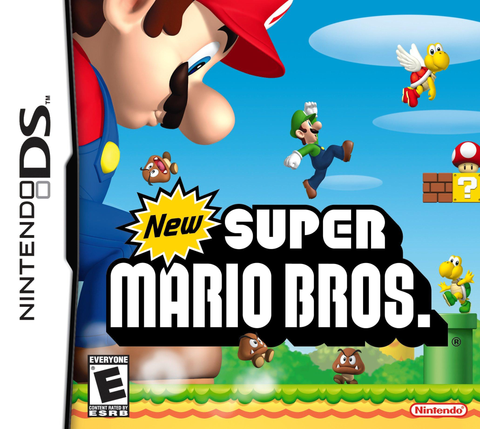
Ready for another DS cartridge? Check New Super Mario Bros. for Nintendo DS at Zypher. Read the selected copy's condition and included contents. A game listing does not include a handheld, stylus or charger unless the listing explicitly says so.
Buy your next game from Zypher Trading Video Games. Browse our games, or sell your old games to Zypher when it is time to make room. For platform questions, use our separate DS and 3DS compatibility guide before choosing a cartridge.