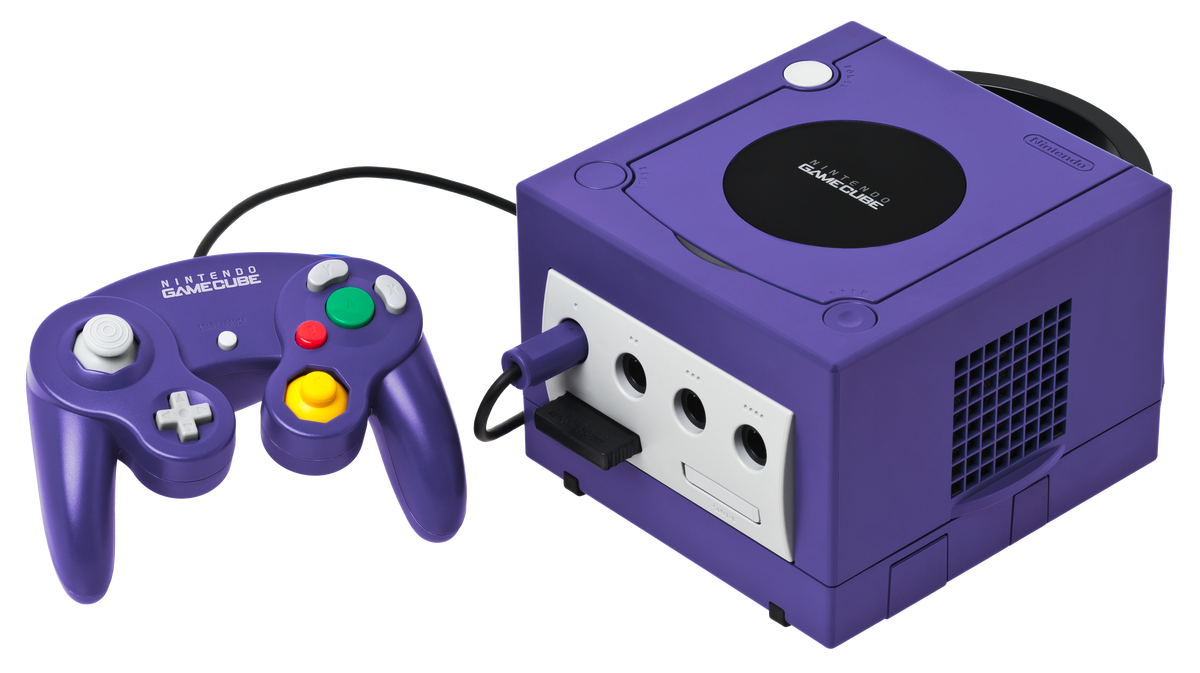
A Nintendo GameCube game can boot, run and still refuse to save because the memory card is missing, full or quietly planning a terrible surprise. The console does not store ordinary game saves internally. For most of the library, the card in the front slot is where your progress lives.
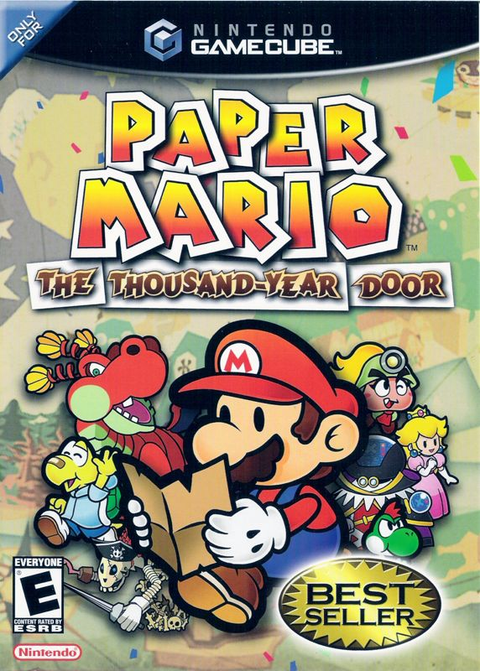
That makes a memory card part of the setup, not a decorative bonus. Before starting a long game such as Paper Mario: The Thousand-Year Door, confirm that the console recognizes the card, check its free blocks and read the game's storage requirement. Discovering the problem after an hour is the retro equivalent of reading the instructions after the smoke appears.
Know what 59 and 251 actually mean
Nintendo's official accessory archive identifies the Memory Card 59 as a 59-block card and the Memory Card 251 as a 251-block card. Those numbers describe storage capacity. They do not promise that every game uses the same amount of space. Nintendo tells players to check each game's packaging or manual because one title may need a single block while another wants more.


A bigger card is convenient, but capacity does not excuse a mystery card with a damaged shell or unreadable label. When buying used, ask to see the card recognized by a GameCube or a compatible Wii. Check whether old files remain and how many blocks are free. Somebody else's racing ghosts are charming for about thirty seconds. Then you still need room for your own saves.
Open the GameCube memory card screen before playing
Nintendo's GameCube manual gives three ways to reach the main menu: power on with the disc cover open, start without a disc loaded, or hold the A Button while turning on the system. From the main menu, move down to the Memory Card screen and press A. The console displays inserted cards, stored files and available space.
The GameCube has Slot A and Slot B. Use the slot named by the game or its manual. Slot B is useful for a second card and for transfers, but two physical slots do not guarantee that every game will save wherever you prefer. The game gets the final vote because apparently even tiny purple cubes need bureaucracy.
Copy first when the save allows it
With two cards inserted, the GameCube menu can move or copy supported files. Copying leaves the original on the source card, which makes it the safer first choice when the option is available. Moving transfers the file away. After either operation, check both cards and launch the game from the destination copy before treating the backup as finished.
Nintendo lists several limits. The destination needs enough free space. The same file cannot already exist there. Some saves do not permit copying or moving. Cards with enough capacity can still run into a 127-file ceiling, and Nintendo notes that earlier cards may have a lower limit. A menu operation completing is encouraging. The game finding the save is the useful proof.

Never pull a card during a write
Nintendo's manual warns against removing or inserting a memory card while moving, copying, erasing or formatting data. Interrupting one of those jobs can damage the card or console data. Apply the same caution while a game is saving. Wait for the save indicator to finish, return to a stable menu when possible and power down before cleaning contacts or swapping cards.
Keep the card dry, avoid bending the shell and do not scrape its contacts with tools. If the console does not recognize it, turn the system off, remove the card and inspect the connector for debris or damage. A dry, clean card is the goal. Mystery liquids and retro electronics should remain in separate hobbies.
Formatting is the last step
The GameCube can offer to format a card when it detects a problem. Formatting erases the card. Do not accept the prompt while button-mashing toward the game menu. Read the screen, confirm which card is selected and assume the files will be gone unless a working copy already exists elsewhere.
Ordinary file deletion is permanent too. If you only need space, remove the exact file you no longer want instead of formatting the whole card. The system menu gives you a scalpel. Reaching for the flamethrower is efficient only if the objective is regret.
A Wii can manage saves, but check the model
Nintendo documents GameCube memory-card management on the original Wii model with GameCube ports. In Wii Data Management, choose Save Data, Nintendo GameCube and then Slot A or Slot B. The Wii menu can move, copy and delete supported GameCube files under the same kinds of space and duplication limits.
Look at the hardware before planning the transfer. Nintendo says the later RVL-101 revision removed the GameCube controller sockets and memory-card slots, and Wii mini hardware also lacks them. A GameCube memory card stores GameCube save data and does not replace an SD card. The two accessories have different jobs even though both are small enough to disappear exactly when needed.
The seven-step used-card checklist
- Confirm the console recognizes the card before starting a long game.
- Check the game's required blocks on its packaging or manual.
- Verify which slot the game expects.
- Use a second card for copies when the save permits copying.
- Never remove a card during saving, moving, copying, deleting or formatting.
- Treat a format prompt as permanent data loss.
- For Wii-side management, confirm the console has GameCube ports.

Build the GameCube shelf at Zypher
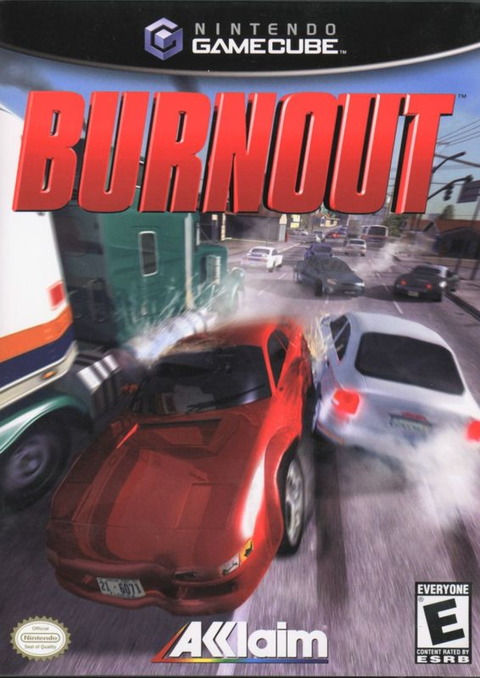
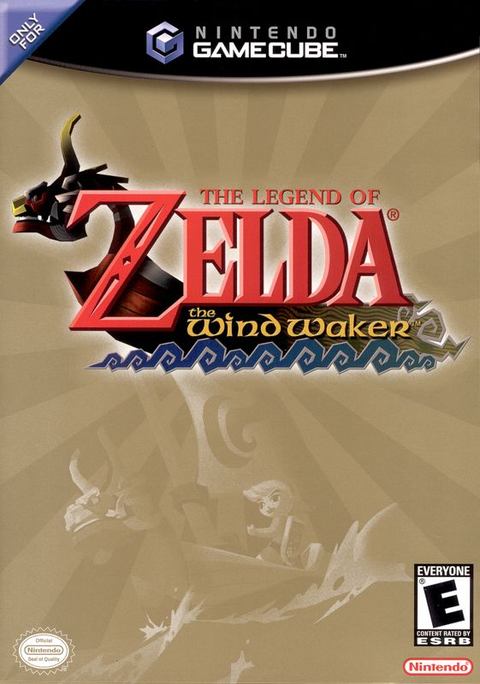
Zypher currently has active listings for Paper Mario: The Thousand-Year Door, Burnout and The Legend of Zelda: The Wind Waker. Inventory and condition choices can change, so read the live listing before ordering. A game listing does not include a memory card unless the page specifically says so.
Shop Zypher's current GameCube games, or use the Buy List to sell your old games to Zypher. Bring the disc, check the save card and give that tiny gray filing cabinet the attention it deserves.
Sources
- Nintendo GameCube Instruction Booklet, checked October 25, 2026.
- Nintendo: GameCube Accessories, Memory Card 59 and 251, checked October 25, 2026.
- Nintendo: Wii Operations Manual, Data Management, checked October 25, 2026.
- Nintendo Support: Differences Between Wii Console Models, checked October 25, 2026.
- Wikimedia Commons: GameCube Console Set by Evan-Amos, public-domain featured image, checked October 25, 2026.