
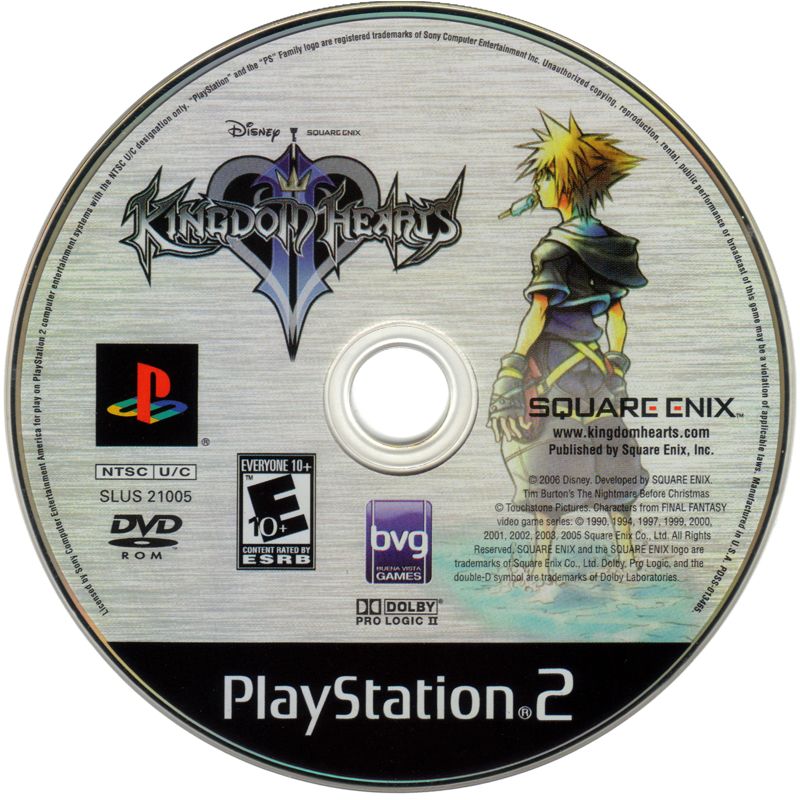
A dirty video game disc does not always need resurfacing. Fingerprints, dust, light residue, and ordinary handling grime can often be removed with careful cleaning. The goal is to remove contamination without adding new scratches.
Start with the least aggressive method
Use a clean, soft microfiber cloth. Wipe gently from the center of the disc outward toward the edge in straight lines. Avoid polishing in circles around the disc. If a particle is trapped under the cloth, circular rubbing can drag it across a larger portion of the data surface.
For fingerprints or oily residue
Lightly dampen the microfiber cloth with clean water rather than soaking the disc. Wipe center-to-edge, then dry with another clean microfiber cloth. Do not put the disc away wet.
What should you avoid?
Avoid abrasive household cleaners, paper towels, rough fabrics, aggressive polishing compounds, and anything that can leave a film. Do not assume a random scratch-removal trick from social media is safe for collectible games.
Cleaning and resurfacing are different
Cleaning removes material sitting on the surface. Resurfacing removes an extremely thin layer of the disc's damaged surface to reduce scratches and restore a more uniform read path. A disc should not be resurfaced just because it has fingerprints.
When might resurfacing help?
If a disc is clean but has scratches that cause read errors, professional resurfacing may help depending on the type and depth of damage. Cracks, disc rot, top-layer damage, warping, or severe structural damage are different problems and may not be repairable.
Read our full guide to how disc resurfacing works, or learn about Zypher's disc resurfacing service.
Cleaning, testing and replacement options
See Zypher's cleaning and testing standards, learn how to distinguish scratches from disc rot, or browse physical game inventory when a damaged disc needs replacing.


