A Wii Remote button that reluctantly crawls back up after a press is making a fairly clear complaint. Before buying another controller, check whether the cover is holding it down, then use Nintendo's specific button-cleaning procedure. The important ingredient is patience, especially during drying. The remote does not need a bath to qualify as clean.
This guide covers Nintendo's external Wii Remote button-cleaning method. Its purpose is a clean, responsive control, not a promise to make an old shell look new. For a secondhand controller, keep appearance and function as separate entries in your notes.
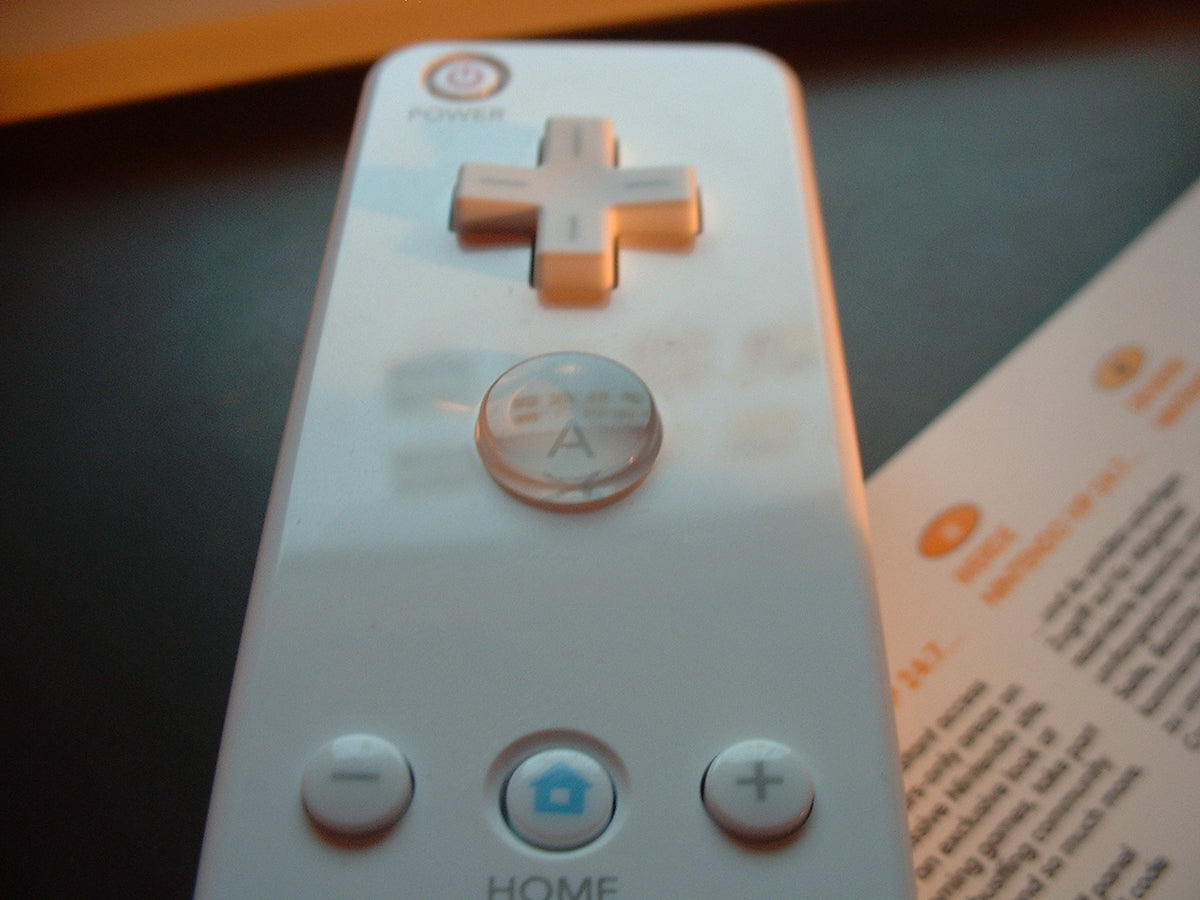
Featured photograph: Wii Remote button detail by Antoine Turmel, CC BY 2.0. Unaltered reference photograph, not a repair demonstration.
Check what is pressing the button
Nintendo's sticky-button guidance starts with a simple check: make sure a controller cover or another item is not holding a button down. Look at the fit before deciding that dirt inside the controller must be the explanation.
Our practical suggestion is to record the exact symptom first. Which button feels wrong? Does it stay down, return slowly or feel normal but fail to register in a particular situation? A useful note is specific enough that you can repeat the same check later.
For example, write that the A button physically remains depressed after release, rather than simply writing that the remote is broken. That description gives you something to compare after cleaning. It also makes a much clearer conversation with a seller than an argument about whether the controller technically turned on.

Follow Nintendo's brush method
The following paraphrases Nintendo's button-cleaning instructions. Have a clean, dry toothbrush and a paper towel ready.
- Take the batteries out of the Wii Remote.
- Use warm water to make the toothbrush bristles only slightly moist. They must not drip.
- Carefully work the bristles around the buttons' edges.
- Use the paper towel to dry the remote afterward.
- Leave it to air-dry with its buttons downward for at least a couple of hours.
- Test its response with the system afterward. Nintendo allows repeating the process if needed.
Nintendo expressly says not to pour liquid onto the remote or immerse it. Follow the stated amount of moisture and the drying interval; this procedure does not call for a cleaning solution, a solvent mixture or opening the controller.
Make the after-cleaning check useful
Once the drying period is complete, revisit your original note. Compare the same button and the same kind of press before branching into unrelated tests. The goal is to learn whether the symptom changed, rather than to collect a new set of impressions every time you pick the controller up.
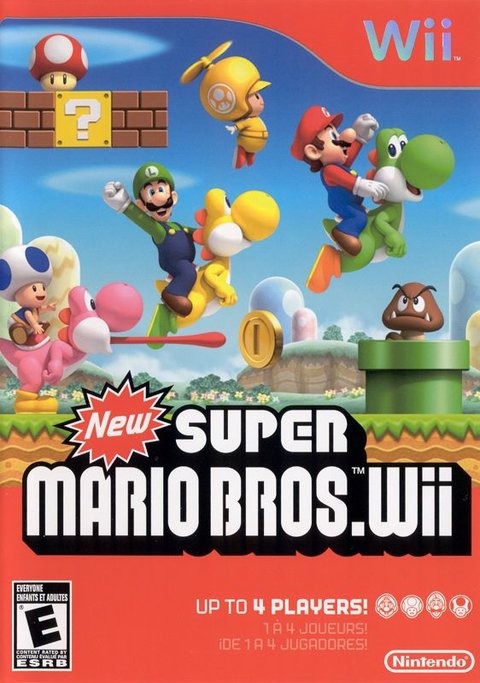
For a game check, choose something whose controls you know, such as New Super Mario Bros. Wii, and consult its instructions for the action you are testing. Use a place where you can recognize the expected response. A random moment in an unfamiliar game is an excellent way to become suspicious of a perfectly ordinary menu.
As a record-keeping suggestion, note the button, the test situation and the result. Keep a successful button test separate from questions about pointing, motion or an attached accessory. If the complaint is a missing pointer rather than a sticky button, our Sensor Bar guide addresses that different symptom.

Know when this particular job is finished
Nintendo's unresolved sticky-button guidance says the remote needs replacement if the buttons remain sticky after cleaning. That is a defined stopping point for this method. Repeating it is not a reason to gradually add more water or invent a stronger recipe.
For a collector, keep a record of any remaining fault beside the model and condition. Nintendo's identification page distinguishes the original RVL-003 from the RVL-036 Wii Remote Plus, which carries the Wii MotionPlus INSIDE marking. Identification helps you describe what you own accurately.
A controller being offered for sale should have an equally clear description. Record what was cleaned, what was tested and what still happens. A clean exterior and a responsive button are both useful qualities, but one should not be allowed to impersonate the other in a listing.
Get the next Wii game from Zypher
Shop Nintendo Wii games at Zypher Trading Video Games. Browse our New Super Mario Bros. Wii listing and check the selected condition and included contents. A game listing includes a controller only when its description explicitly says so. For a broader hardware inspection, read our used Wii Remote checklist. You can also shop Zypher's games or sell your old games to Zypher.
Manufacturer instructions, image permissions and product listing checked November 5, 2026. Testing and record-keeping suggestions are Zypher editorial advice, not claimed firsthand repair results.