Short answer: most Nintendo Switch game cards are not region locked, but that does not make every part of an import purchase interchangeable. The cartridge, the Nintendo Account, downloadable content, download codes and warranty support each follow their own rules. A physical import can launch normally while an add-on bought from the wrong regional eShop never appears in the game.
This guide separates those layers so collectors can check an import before buying, opening or adding DLC.
The three region checks that matter
Nintendo's current regional compatibility guidance says that, except for consoles and game cards distributed in the Chinese region, Nintendo Switch game cards are not region locked. Nintendo also notes that software sold outside a system's region is not guaranteed to work in every situation and recommends matching regions when possible.
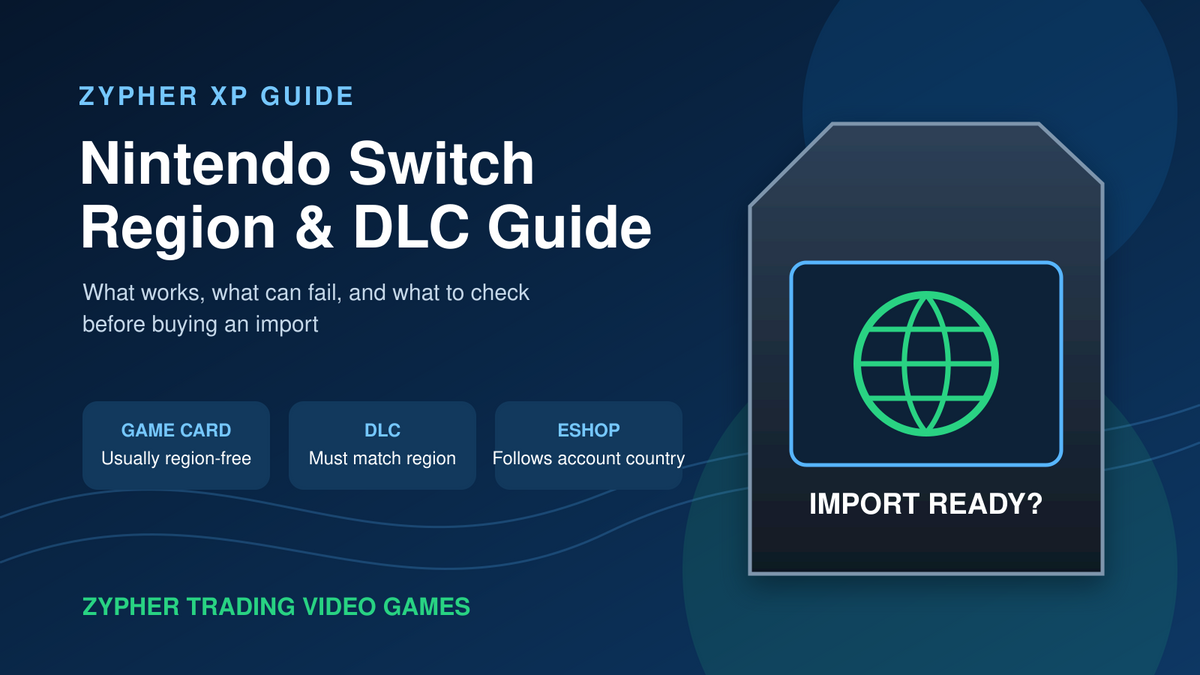
That leaves three practical questions:
- Will the game card start? In most cases, a non-Chinese-region Switch card can be played on a Switch from another region.
- Will the DLC connect to that copy? Nintendo says downloadable content works only with games released for the same region.
- Can the code or eShop purchase be redeemed? The eShop country follows the Nintendo Account's country setting, and download codes must match that eShop region.

Original Zypher XP diagram, created October 5, 2026. © Zypher Trading Video Games.
Why a cartridge can work while DLC does not
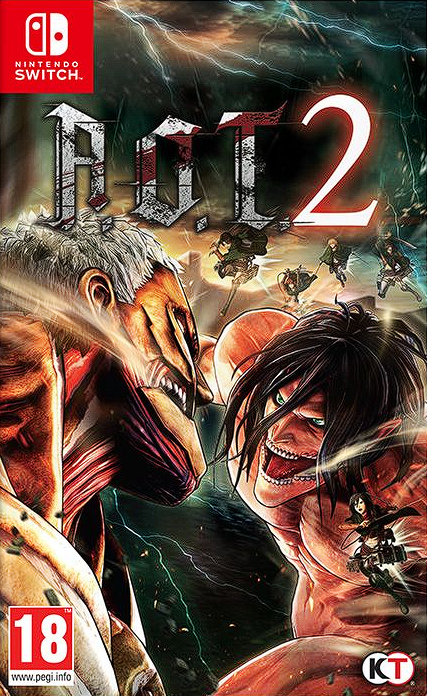
“Region-free” describes the game card, not every service attached to it. A clearly labeled import such as Attack on Titan 2 for Nintendo Switch, PAL version is a useful example. The card itself may boot on a North American Switch, but any DLC still needs to match the region of that particular release.
This matters most with games that have expansion passes, bonus download codes or substantial add-on catalogs. Before purchasing DLC, identify the region of the software already on your system. Nintendo's support instructions say to highlight the game's icon on the HOME Menu, press the + or - Button, select Software Information, then choose Support Information. The support page shown there identifies the region associated with the software.
If the game and DLC do not match, Nintendo says the DLC will not work with that copy. A second HOME Menu icon after a download can also be a warning sign that the add-on and the installed game belong to different regional releases.
How Nintendo Account country affects the eShop
The Nintendo eShop displayed on a Switch is tied to the country or region selected for the Nintendo Account using it. That setting controls which eShop the account opens. It also affects which prepaid cards and download codes can be redeemed.
Nintendo says eShop cards are intended only for the country or region where they were sold, and download codes must be redeemed through an eShop set to the same region. A code from a different region will not be accepted. The company also warns that an eShop balance does not carry over when the Nintendo Account country is changed, so changing regions should not be treated as a casual fix for a mismatched purchase.
For a boxed import that includes a code, read the packaging closely before breaking the seal. The cartridge and the included digital item can be governed by different checks.

Original Zypher XP checklist, created October 5, 2026. © Zypher Trading Video Games.
A five-step import checklist
- Confirm the exact edition. Check the region mark, publisher, language information and whether the package includes a code.
- Check the game region on the console. Use Software Information and Support Information from the HOME Menu.
- Match DLC to the game's region. Do this before buying an expansion pass, character pack or other add-on.
- Match codes to the account's eShop. A foreign-region code cannot simply be redeemed in a different regional storefront.
- Consider support and warranty. Nintendo says service and warranty support may be limited to the country where the system was intended to be sold.
The China-region exception
Nintendo calls out one major exception to the usual cartridge rule. Systems and software distributed in the Chinese region are not compatible with Nintendo Switch systems and software distributed in the Americas. That is more restrictive than the general import situation and should be checked explicitly when shopping across regions.
Accessories can also carry regional service limitations even when their basic connection appears familiar. Nintendo advises using licensed accessories intended for the same country as the system.
What region-free does not promise
A card being able to start does not guarantee an English language option, compatible bonus code, local customer support or matching DLC. Those details belong to the specific release, not to the Switch platform as a whole. Check the package and the publisher's documentation for the exact edition instead of relying on the title alone.
The same caution applies to secondhand copies. A used import may no longer include a one-time code, and a case swapped from another region can create confusion. Verify the card label and the software's Support Information screen when possible.
Zypher shop recommendations
These current Zypher listings are useful starting points for Switch collectors. The product page remains the source of truth for available conditions and editions.
- Attack on Titan 2, PAL version: a plainly labeled import that makes the region check easy to understand.
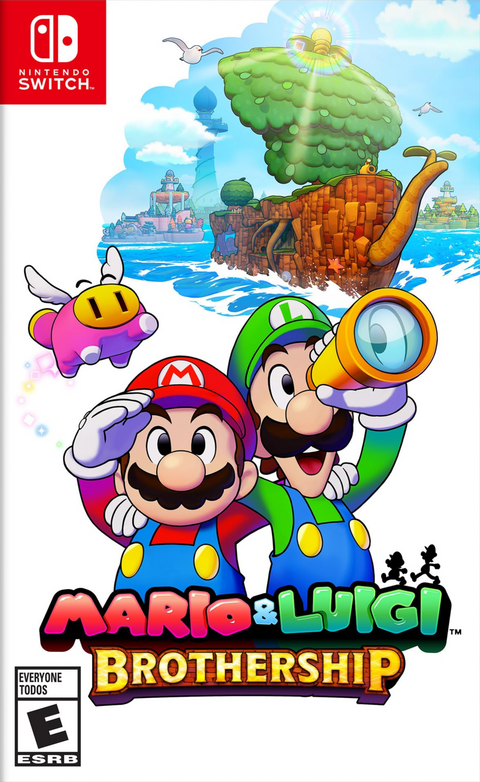
- Mario & Luigi: Brothership: a physical Switch RPG worth comparing by edition and packaging details.
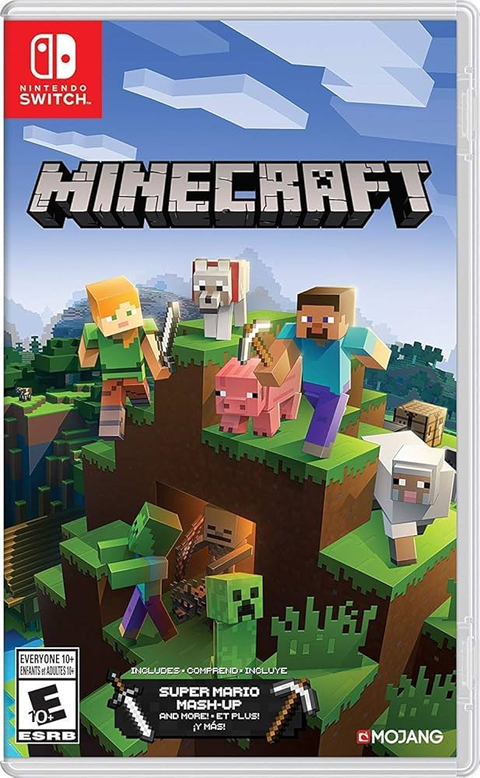
- Minecraft for Nintendo Switch: a familiar physical release that shows why the exact listing and condition still matter.
Making room on the shelf? Sell your old games to Zypher.
Keep exploring Zypher XP
- Physical vs Digital Video Games: Pros, Cons and What You Actually Own
- Complete in Box vs Game & Case vs Disc Only
- How to Spot a Fake Retro Game Cartridge
The bottom line
Nintendo Switch imports are often straightforward when the purchase is only a game card. The risk rises when digital content enters the picture. Treat the card region, the account country and the DLC region as three separate checks. That small habit prevents most of the frustrating cases where a game starts but its code or add-on does not.
Official Nintendo sources
- Nintendo Switch Regional Compatibility FAQ
- Digital content is missing or unable to download
- Nintendo Switch download code region guidance
Source and media permissions checked October 5, 2026. Article text is original Zypher XP reporting and guidance based on the linked Nintendo support documentation.