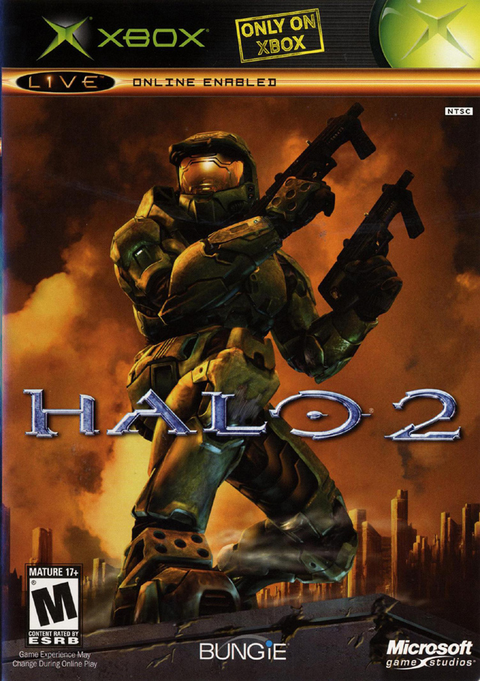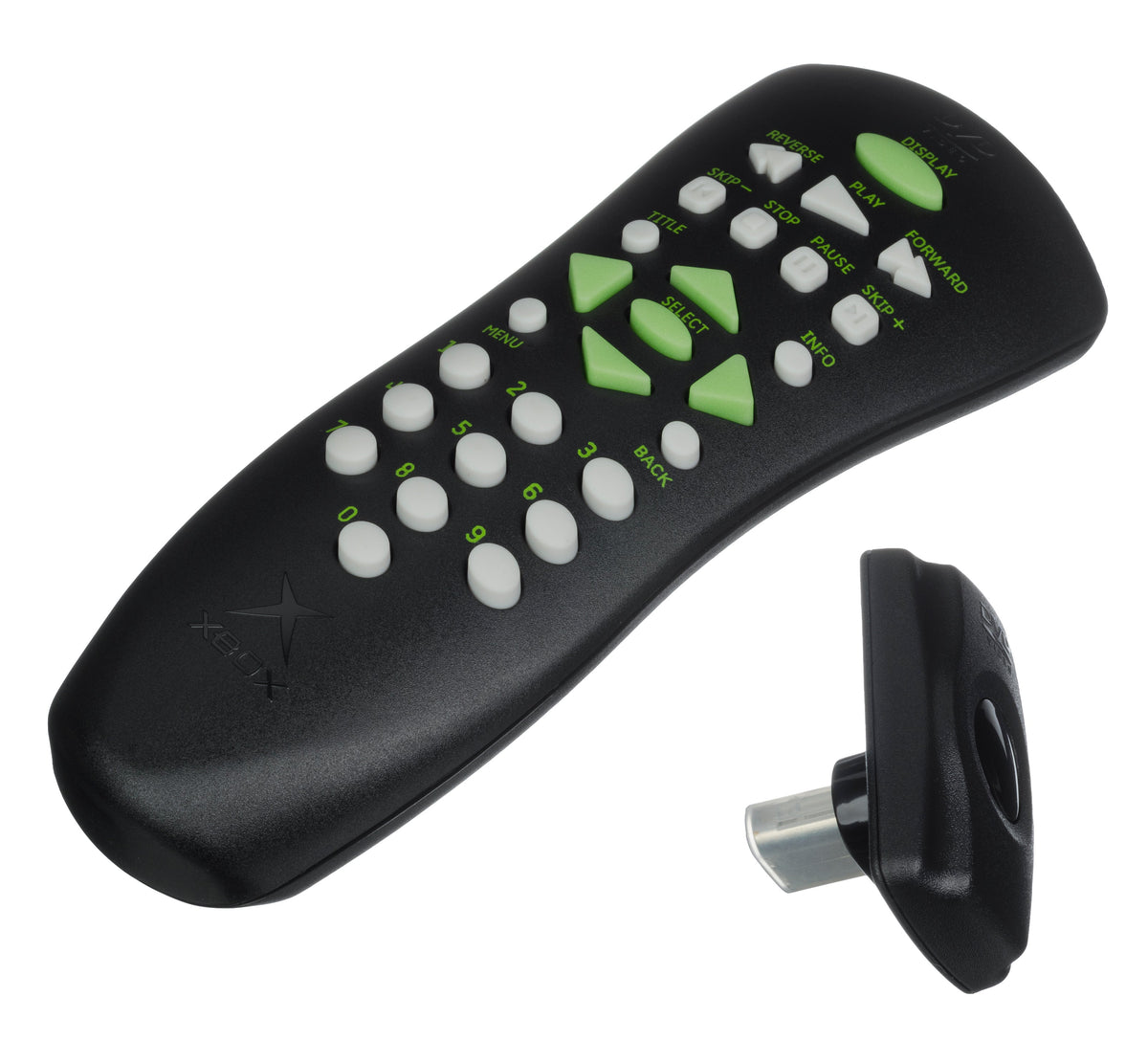
An original Xbox bought for Halo: Combat Evolved for Xbox can become part of a movie-night setup, too. Before adding a DVD remote to the cart, check what is actually included. Microsoft's original DVD Movie Playback Kit pairs a remote with an infrared receiver. Check for the receiver before buying the remote, even if the buttons and Xbox logo look exactly right.
This guide covers the original Microsoft kit and the console's standard DVD setup. It does not describe modified dashboards or promise that an unidentified third-party accessory behaves the same way.
Check the receiver before admiring the remote
Microsoft's historical documentation identifies the kit as the accessory needed to enable DVD movie playback. The receiver connects to a controller port; the remote operates the movie controls. When shopping, ask for a photograph showing both pieces together and a clear view of the receiver's identification.
Read the included-items field as carefully as the title. A boxed example, a loose working set and a remote missing its receiver are different purchases. If a seller shows several accessories in one photograph, get the contents confirmed in writing. Do the same with the battery cover. You want to discover the missing piece before the parcel arrives, when the solution still involves a question instead of another order.
Decide whether you want a display piece or a working movie setup. For display, you may accept a disclosed fault. For use, ask for a demonstration of the actual pair being sold. A clean shell is pleasant; it does not answer the working-condition question.
Region is a buying check, not an afterthought
Microsoft Knowledge Base article 817041, last modified April 25, 2007 and preserved by BetaArchive, says the kit sets the console's DVD region permanently. It also says trying another region's kit later does not switch it. Treat an unknown receiver as something to identify before connecting, rather than something to try at random.
The archived article lists US and Canadian Region 1 receivers as X08-25387. It specifically warns that its part numbers identify the receiver, not the remote or booklet. Ask for the label on that piece. The manual scan linked below is a Region 3 edition, which is another reason not to apply one booklet's regional wording to every kit.
For a used console, ask what movie region has actually been demonstrated on it. An answer about the game collection is not a substitute for a DVD playback demonstration. If the seller cannot establish the setup you need, leave that uncertainty in the buying decision instead of quietly converting it into a compatibility promise.
Connect it using Microsoft's sequence
The manual says to turn the Xbox off before attaching the receiver to a front controller port. The remote takes two AAA batteries. Once connected, turn the console on, use eject to open the tray, insert the DVD label-up and close it with eject. Use the kit's remote for playback.

For a buying demonstration, bring or specify a movie appropriate to the verified region. Ask to see the menu, playback and a response to the remote. Those are separate observations worth recording. A still photograph of a movie on a television does not show which receiver was attached or whether the remote in the listing controlled it.
Care starts with the battery compartment
Microsoft says not to mix battery ages or types and to remove old, weak or exhausted cells promptly. Follow the battery maker's instructions. Before buying, request a clear battery-compartment photograph as well as the glamorous front view.
If the compartment has residue or damaged contacts, get the condition and any repair work explained before purchase. Ask whether the repaired unit was tested, then decide whether that particular example suits your plans. A mystery white crust is not a bonus accessory.
The manual also says not to move the powered console with a disc inside, or leave a disc in it for extended unused periods. Take a moment to put the movie away when packing the setup.
Ask for evidence, not a diagnosis by photograph
The manual notes that DVD features vary by disc and directs sound or picture problems toward the AV connection and its instructions. A missing feature is not automatically proof of a broken remote. Equally, a successful game demonstration is not the movie test you asked for.
Our buying recommendation is to write down what was demonstrated: the console, receiver identification, movie region and remote response. Keep the seller's condition description with that record. It is a much stronger starting point for a conversation about a problem than trying to remember whether “tested” referred to the console, the remote or the entire pile.
Keep the Xbox game shelf moving with Zypher
For the games side of the setup, check Zypher's listings for Halo: Combat Evolved for original Xbox and Halo 2 for original Xbox. Read the condition and included items on each product page. These are game listings; a DVD kit or console is not implied.
Have games you no longer play? Sell your old games to Zypher and check current Buy List eligibility and condition requirements. Build a setup around the games and movies you want to use, with the small accessories accounted for before checkout.
Sources and image credits
- Microsoft DVD Movie Playback Kit instruction manual, preserved by ManualsLib: setup and batteries, playback and disc handling, features and troubleshooting. This scan is the Region 3 edition.
- Microsoft KB 817041, preserved by BetaArchive: historical region and receiver identification guidance. Its old repair-service instructions are not a claim of service availability today.
Sources and Zypher listings checked October 30, 2026. Featured image: Xbox remote and receiver by Evan-Amos, public domain, unaltered. Inline photo has its own credit link.