A PS3 game can have installed data and saved progress on the same console. When you need room, knowing the game's name is only half the job. Read the complete menu name before selecting Delete: Game Data Utility and Saved Data Utility (PS3) serve different purposes.
This guide is about reviewing installed PS3 game data while protecting progress. Identify the category, identify the title, then decide whether you actually want to remove that particular entry. A finished campaign deserves a little more consideration than an installation you are willing to repeat.
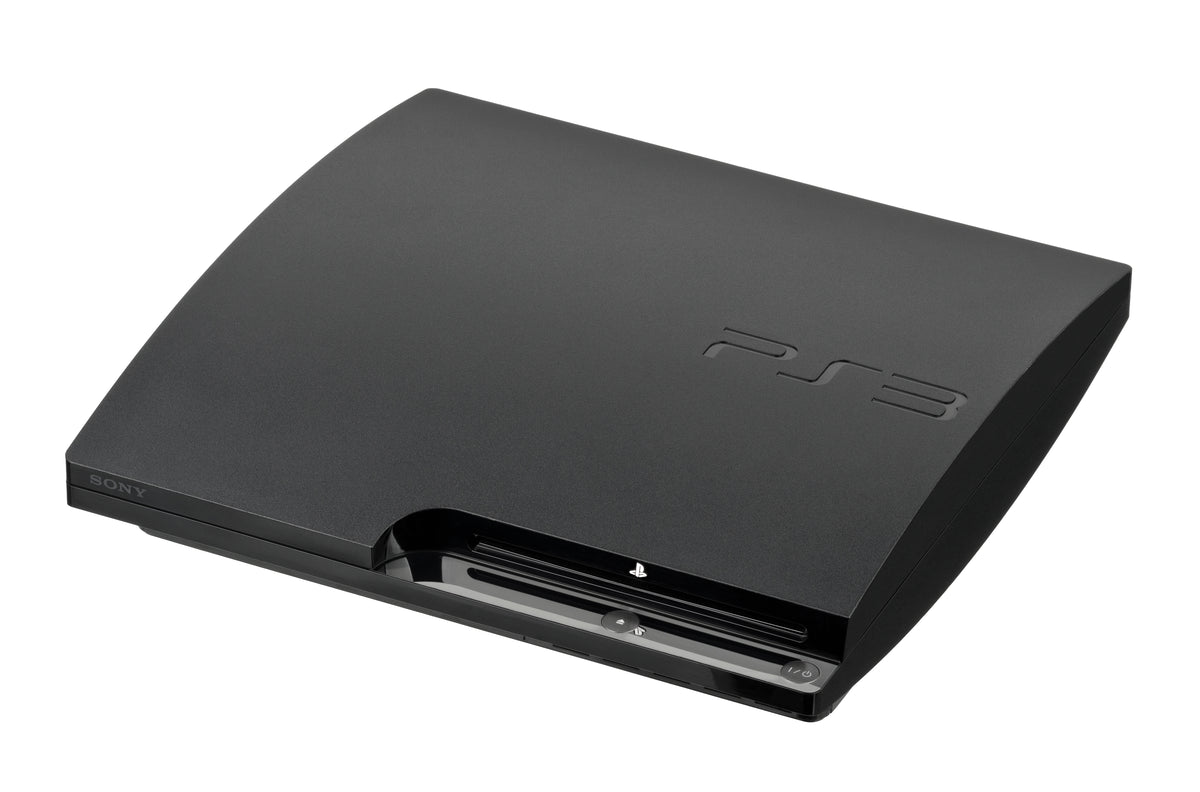
Featured photograph: a PS3 Slim viewed from the front-left. Hardware photograph by Evan-Amos, public domain. It illustrates the console, not an on-screen menu or a tested storage configuration.
Read the category before the game name
Sony's CECH-2501B instruction manual, page 47, describes deleting installed PS3 game data through Game > Game Data Utility and reinstalling the software as a troubleshooting step. It explicitly warns against deleting the game's saved data.
The PS3 online guide places PS3-format saved progress in system storage under Saved Data Utility (PS3). These names are worth reading in full. Seeing the right game title is not enough if you arrived in the wrong utility.
| Where you are | What the distinction means |
|---|---|
| Game Data Utility | The installed-game-data category named in Sony's removal and reinstall instructions. |
| Saved Data Utility (PS3) | The saved-progress category. Do not use it as a substitute for removing an installation. |
| System Information | A place to inspect remaining storage, rather than delete an individual game's files. |
Measure the problem before cleaning anything up
Open Settings > System Settings > System Information. Sony's description of that screen includes remaining system storage capacity. Write down the figure, then decide what you need room for. A number gives the job an endpoint; aimless deletion does not.
The same guide explains why the displayed capacity can be lower than the advertised drive capacity: the calculation differs, and part of the storage is reserved for system use. A smaller displayed figure alone does not establish that files have vanished or that the drive is defective. Do not turn a capacity-label difference into a repair project.
Choose an installation you can afford to remove
Our recommendation is to begin with a title you are setting aside, rather than the game you intend to play tonight. Before removing its installed data, identify how you would reinstall the software and what you still need for that process. Keep the relevant physical copy, account information and your notes together.
This is a planning check, not a guarantee that a disc contains every component a particular release has ever used. This guide does not establish current availability of an individual game's downloads, updates or online services. If you cannot explain how a particular installation would return, leave that entry alone until you have checked the game's own requirements.
Protect progress without mistaking this for a backup guide
Sony says saved data is managed separately for each local User. If more than one person uses the console, the saves displayed depend on who is logged in. Check the intended User before deciding which progress needs protecting.
The official copying instructions recommend backing up important saved data through the selected save's Triangle menu and Copy option, while warning that some saves cannot be copied. For the fuller procedure and its limitations, use our existing PS3 save-backup guide. An installation cleanup is not itself a backup.
Make one deliberate change, then check the result
- Record the remaining capacity in System Information.
- Identify the software you would remove and how you would reinstall it.
- Protect important progress separately, accounting for the correct local User.
- Return to Game and read Game Data Utility in full.
- Select the intended installed-game-data entry and inspect the options before confirming anything.
- After the operation finishes, revisit System Information and compare the remaining capacity.
- Keep a note of what you removed so the next visit does not begin with a surprise reinstall.
That is our suggested workflow, built around Sony's distinction between the two data categories. It avoids treating every file carrying a game's name as disposable. If your real problem is a freeze, Sony's cited troubleshooting step includes reinstalling the software afterward; removing data alone is not the complete instruction or a guaranteed diagnosis.
Put the next PS3 game on the shelf
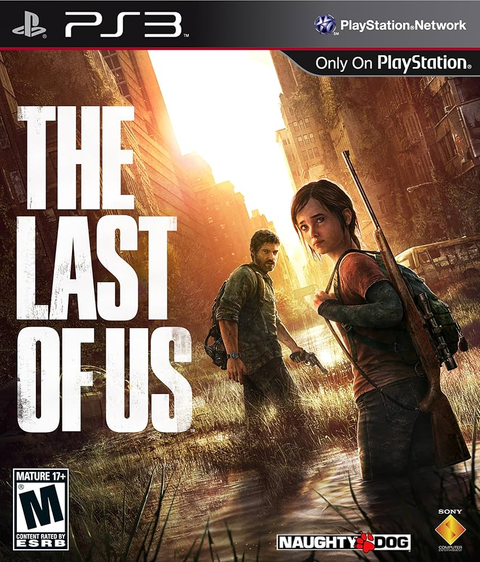
Buy your next physical game from Zypher Trading Video Games. Browse Uncharted 2: Among Thieves for PS3 or The Last of Us for PS3, and check each listing's condition and included contents. These links identify PS3 editions, not storage requirements or included downloadable extras.
Shop Zypher's games, or sell your old games to Zypher.
Sony documentation, photograph permissions, archive comparisons and native Zypher listings checked November 4, 2026. The removal/reinstall reference is the CECH-2501B manual; menu presentation can vary with system software. Workflow recommendations are Zypher editorial guidance, not firsthand testing or a repair guarantee.