
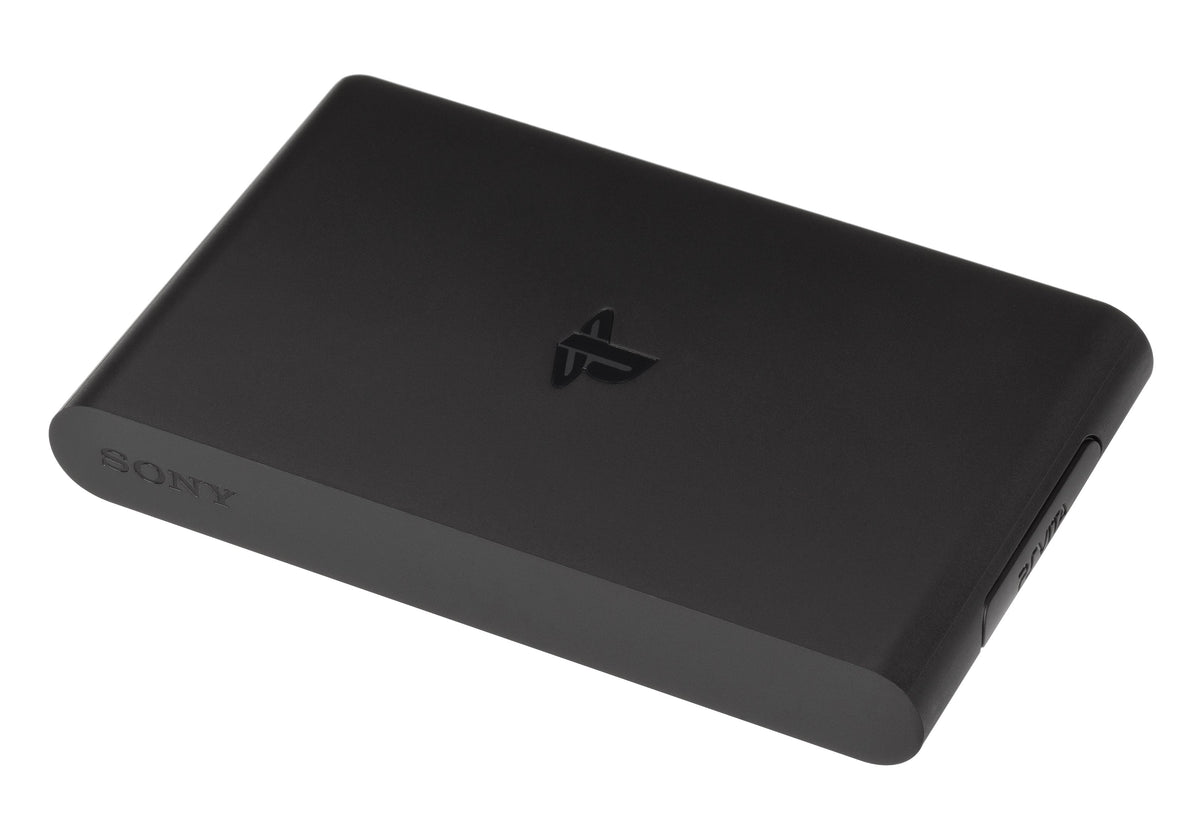
A PS Vita game card fits a PlayStation TV. That never guaranteed the game would run. Sony's own PS TV manual explicitly warns that some Vita software is incompatible, a small qualification with a big effect on the appeal of putting a handheld library on a television.
PlayStation TV offered several routes into PlayStation games, but each route depended on something different. Following those conditions explains both its awkward proposition and the value a working unit can still have for a collector with a particular game in mind.
One box, three different ways to play
Sony's October 2014 launch FAQ put the US standalone price at $99.99, with North American release on October 14. The standalone package included the console, HDMI cable and power supply; the $139.99 bundle added a DualShock 3, an 8GB memory card and a game voucher. Those are historical launch packages.
The same announcement described three jobs. They could share a controller and television while depending on very different equipment:
| Original use | Where the game ran | Essential distinction |
|---|---|---|
| Compatible Vita, PSP and PS One Classics software | On PS TV | Only supported titles and formats |
| PS4 Remote Play | On your PS4 | PS TV received the stream and sent your inputs |
| PlayStation Now | On Sony's servers | The PS3 library depended on the cloud service |

A controller could imitate touch, within limits
Moving Vita software to a television meant translating a handheld's inputs. Sony's launch FAQ confirmed that PS TV had no built-in camera or microphone. Its controller support and touch-pointer feature offered ways to operate supported software, rather than a promise that the whole Vita library would follow.
The touch-pointer instructions show the compromise clearly: enable the feature through the quick menu, then press L3 for a screen pointer or R3 for a rear-touch-pad pointer. The manual specifically limits this to supported games. A menu option for touch input was useful, but the compatibility check still came first.

The PSP connection also needs precision. Sony's PSP software guide describes downloadable games and warns that some titles are incompatible. The card-media guide rules out UMDs entirely. A stack of physical PSP games was not a ready-made PS TV collection.
Sony's sales forecast stopped adding up
The commercial disappointment has evidence beyond clearance-sale memories. Sony's quarterly securities report filed in February 2017 records an earlier ¥11.2 billion write-down of PS Vita and PS TV components for the financial year ended March 31, 2015. Sony attributed it to a PS TV unit-sales forecast that fell below its original forecast. The figure covers components for both products.
On February 29, 2016, Sony told GameSpot that shipments in the Americas and Europe had ended at the close of 2015. The representative said shipments were still continuing in Asia at that time. The regions matter: this was not one simultaneous worldwide switch-off.
Zypher's reading is that each attractive use arrived with homework. A Vita player needed a compatible library, a PS4 owner needed the host console and a suitable connection, and a cloud customer needed continuing service support. Those constraints made the proposition harder to recommend broadly. The documented forecast shortfall establishes the business problem; the sources do not measure how much each constraint contributed.
The streamed PS3 library disappeared separately
On February 15, 2017, Sony announced the end of PlayStation Now on PS TV for August 15 that year. It said it was concentrating the service's resources on PS4 and Windows PC. One of PS TV's original selling points had a definite expiry date.
PS4 Remote Play is a separate connection to an owner's console. Sony's home-network instructions describe pairing the two systems and using the same account; its limitations page warns that some games may not display fully. If that is your reason for buying a PS TV, ask for a demonstration with the actual PS4, network and game you intend to use.
Check the game, the storage and the save
For a used unit, begin with a compatible game you want to play, then verify loading, controls and saving. Sony's game-card manual distinguishes games that save on their Vita card from those that save on a memory card. A successful boot is only the first part of that demonstration.

Sony's internal-memory instructions explain another wrinkle: the built-in memory is unavailable while a Vita memory card is inserted, and data is then saved to the inserted card. Keep track of where your existing data lives before changing cards or deciding that a collection needs to be downloaded again.
Handle the memory card deliberately. Sony's card-media guide says to insert or remove it only with the power off, including avoiding removal during standby. It also explains that an account-linked card can be used only with systems linked to that account. Check account access and preserve your data before reorganizing a working setup.
Be careful with an innocent-looking cleanup, too. Deleting a game's home-screen icon also deletes its associated game data, according to the game-card manual. Check the game's save location and backup options before removing anything. Sony's Japanese support notice records the end of Vita TV repair intake on March 31, 2021, following depleted parts stocks. That regional repair history adds another reason to assess the actual hardware's condition.
A working PS TV makes most sense as a carefully chosen route to particular games. Its reason to stay plugged in is specific: a game you want, controls that suit it and a setup that demonstrably works. The small box was appealing. The details decided how useful it would be.
Keep exploring with our physical and digital ownership guide and Stadia retrospective, which follows a platform built entirely around streamed game access.
Research and support notices checked October 12, 2026. Featured photograph: PlayStation TV VTE-1001 by Evan-Amos, public domain, unchanged.


