
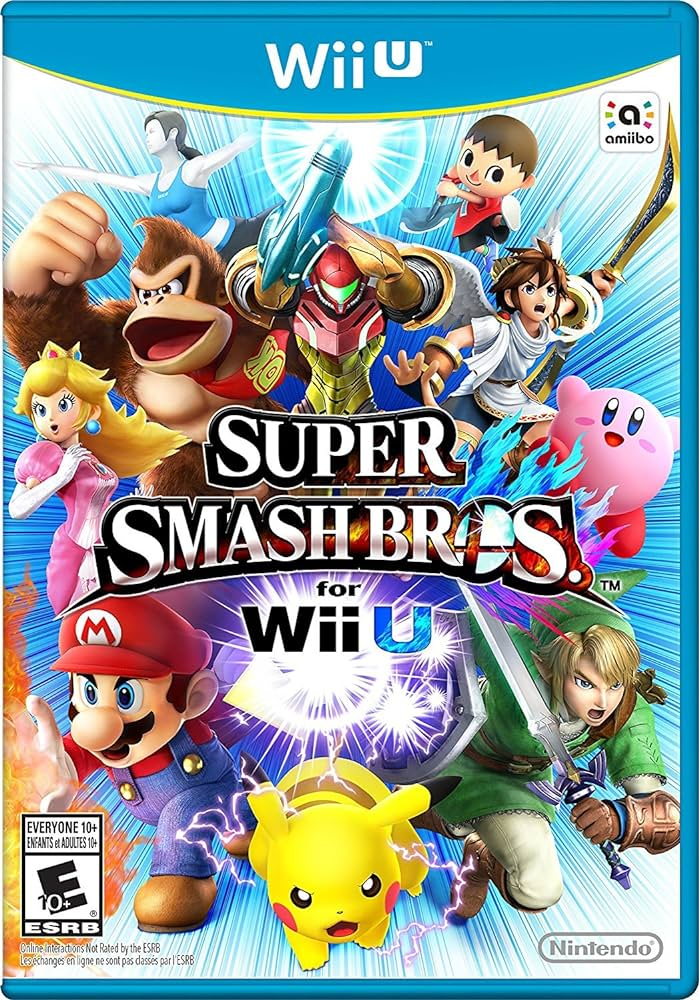
The Wii U GameCube Controller Adapter is easy to misunderstand. It lets GameCube controllers work with supported Wii U software, but it does not add GameCube disc backward compatibility to the Wii U.
What does the GameCube Controller Adapter do?
The adapter connects GameCube controllers to Wii U for software that explicitly supports them. On Wii U, Nintendo supports it for Super Smash Bros. for Wii U.
Does the adapter let Wii U play GameCube discs?
No. Controller compatibility and disc compatibility are separate. Nintendo states that Wii U supports Wii U and Wii game discs, while GameCube game discs are not supported.
Can I use the adapter with every Wii U game?
No. On Wii U, its supported game is Super Smash Bros. for Wii U. The adapter does not control the Wii U system menu or work in Wii Mode. These limits apply to Nintendo’s official adapter and standard Wii U software.
Which controllers and USB plugs should I check?
Nintendo lists standard GameCube controllers, WaveBird controllers and licensed GameCube controllers as supported. Specialty accessories such as racing wheels and DK Bongos are not supported.
Connect both USB plugs when possible. The black plug handles controller operation; the gray plug supplies rumble power. Using only the black plug means no rumble. See Nintendo’s official adapter FAQ for the Wii U compatibility and connection details.
Why is this different from the original Wii?
The original RVL-001 Wii has dedicated GameCube controller ports, memory card slots, and support for GameCube game discs. Wii U removed GameCube disc support and uses the USB adapter only for compatible controller input.
What should I use for original GameCube discs?
For physical GameCube discs, use a Nintendo GameCube or a compatible original Wii model. Read our Wii GameCube compatibility guide for model details.
Shop GameCube and Wii U games
Browse GameCube games and Wii U games at Zypher Trading.


